As winners of the SAP Industry Solution Excellence Award 2014, our latest 9.1 PL06 and PL07 releases illustrate our continuous commitment to our industry verticals with a number of enhanced features and functions.
Yield Planning and Analysis
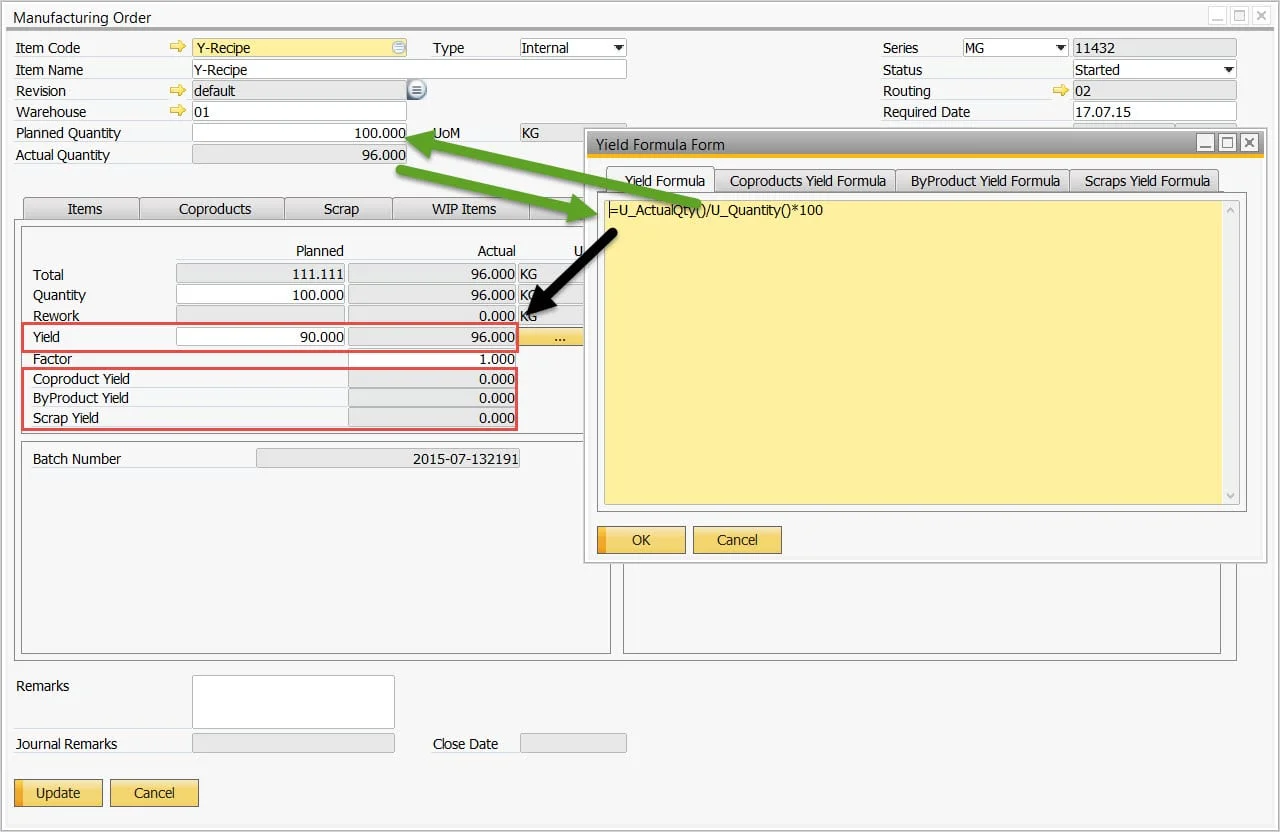
Yield is a common process manufacturing requirement, but how it’s managed in a business can vary greatly depending on the type of product being produced and the raw materials used. Yield is quite a complex topic: some enterprises plan for yield, while others do not and only analyze yield. What happens when you also produce coproducts and byproducts? How do you then analyze yield? Or what if you want to compare the actual quantity of a specific raw material within the recipe to the quantity produced?
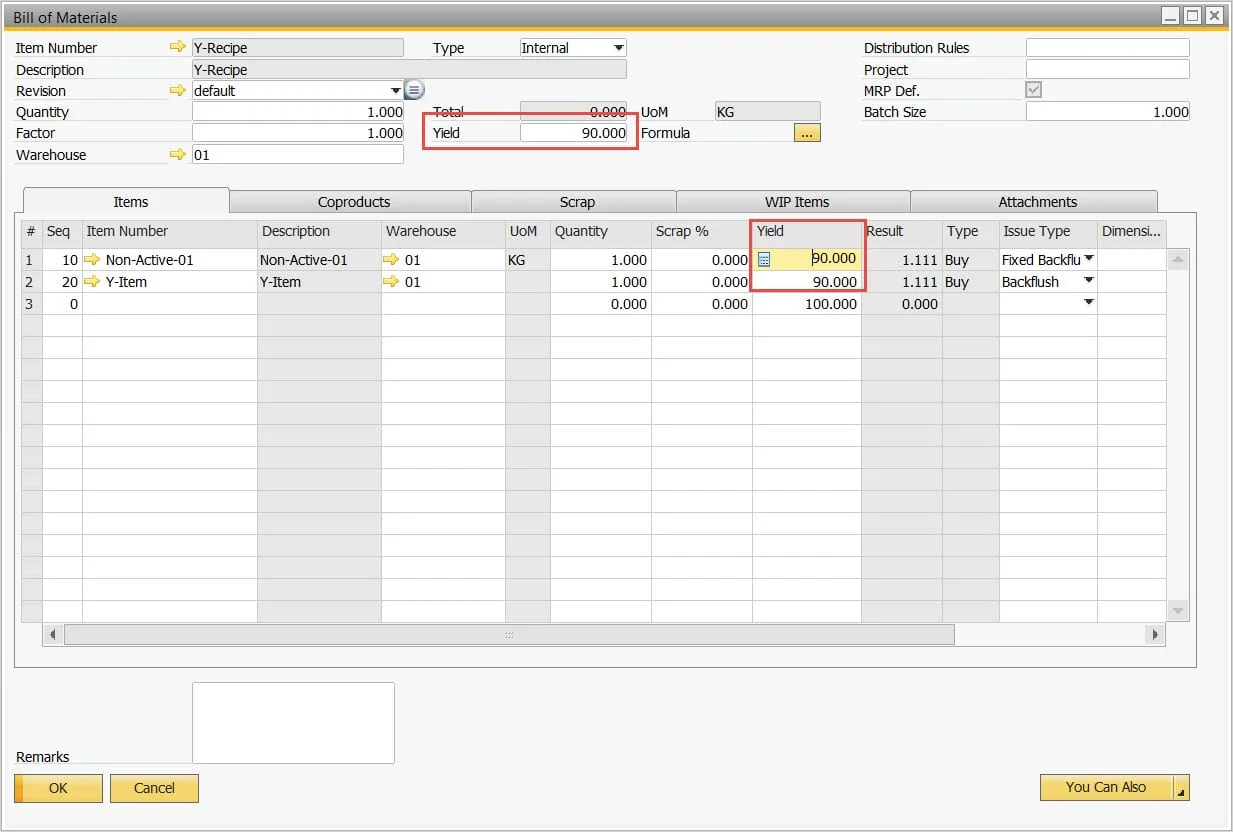
To manage this, CompuTec ProcessForce has introduced a yield formula concept, which supports yield planning for material quantity and resource time uplifts, and yield analysis to manage finished product, coproduct, byproduct, and scrap yield %.
Yield Planning
Yield Analysis
Revision-Based Picking
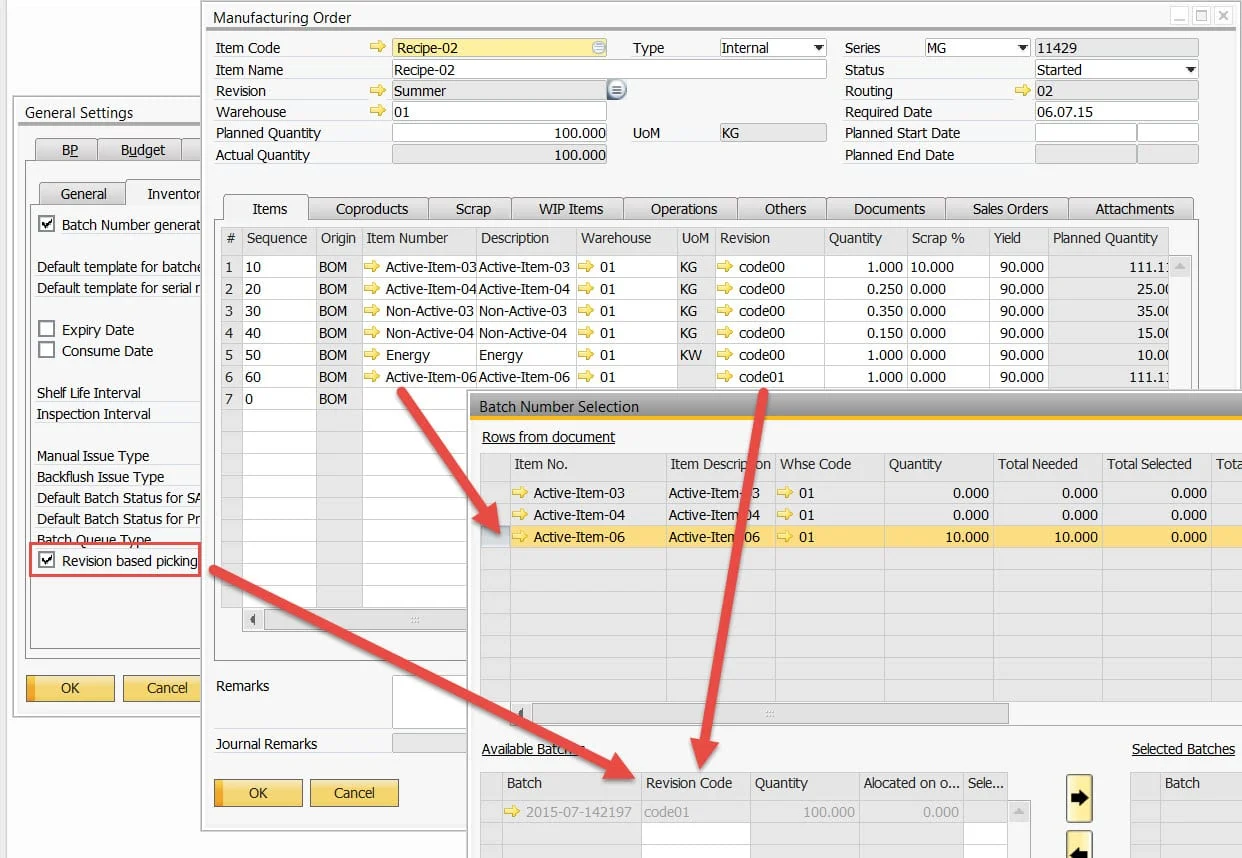
When a lot/batch record is created, the revision code of the item is automatically added. Selecting a simple configuration setting filters the batch records during the inventory picking process, displaying only batches with the same revision code as the item’s revision code within the Manufacturing Order.
Lean Production
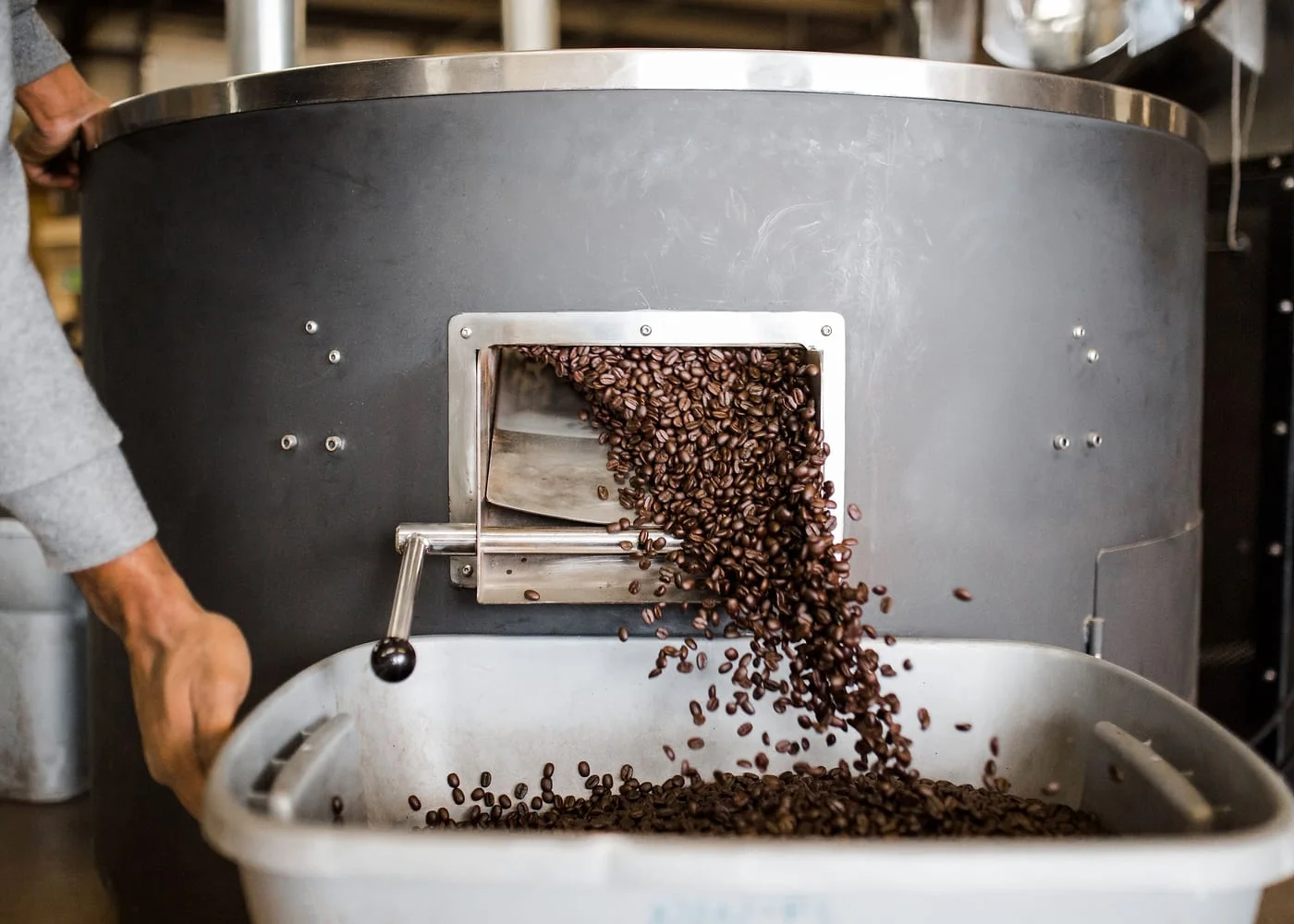
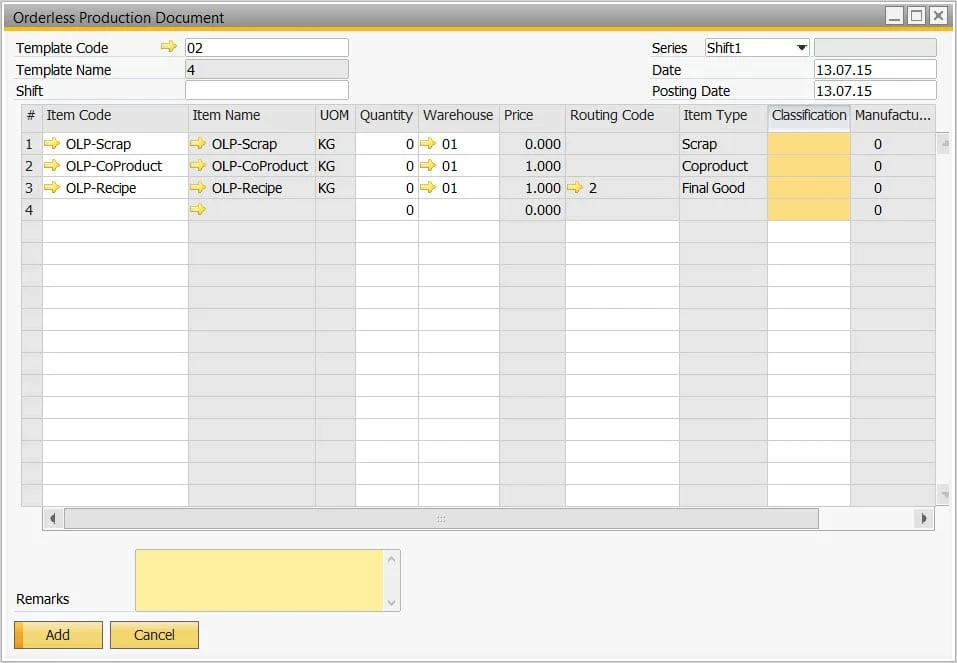
Well known as a methodology within the automotive industry, lean production and its principles also apply to process manufacturers. In high-volume process industries, where the same or similar products are produced each and every day, creating a Manufacturing Order is a non-value-added process. All the business wants to do is enter the quantity of the finished product and press Enter. The system then backflushes inventory quantities (FIFO for batch-controlled items), resource times, and other related production costs.
Configurable Certificates of Analysis
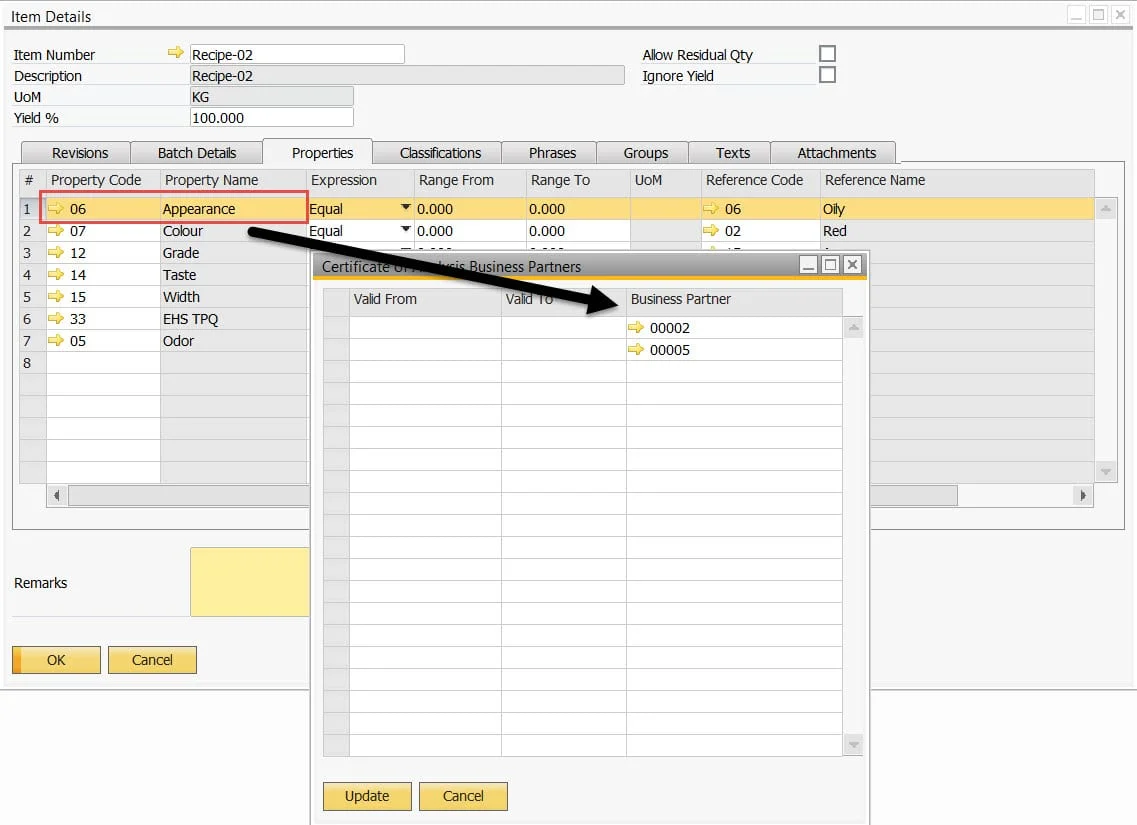
As a chemical company, you’re selling the same product to many different customers, but each customer may want different batch test results printed on their certificate of analysis. The key is providing the right master data structure to support this, and therefore CompuTec ProcessForce has implemented a method to link customers to specific quality control tests.
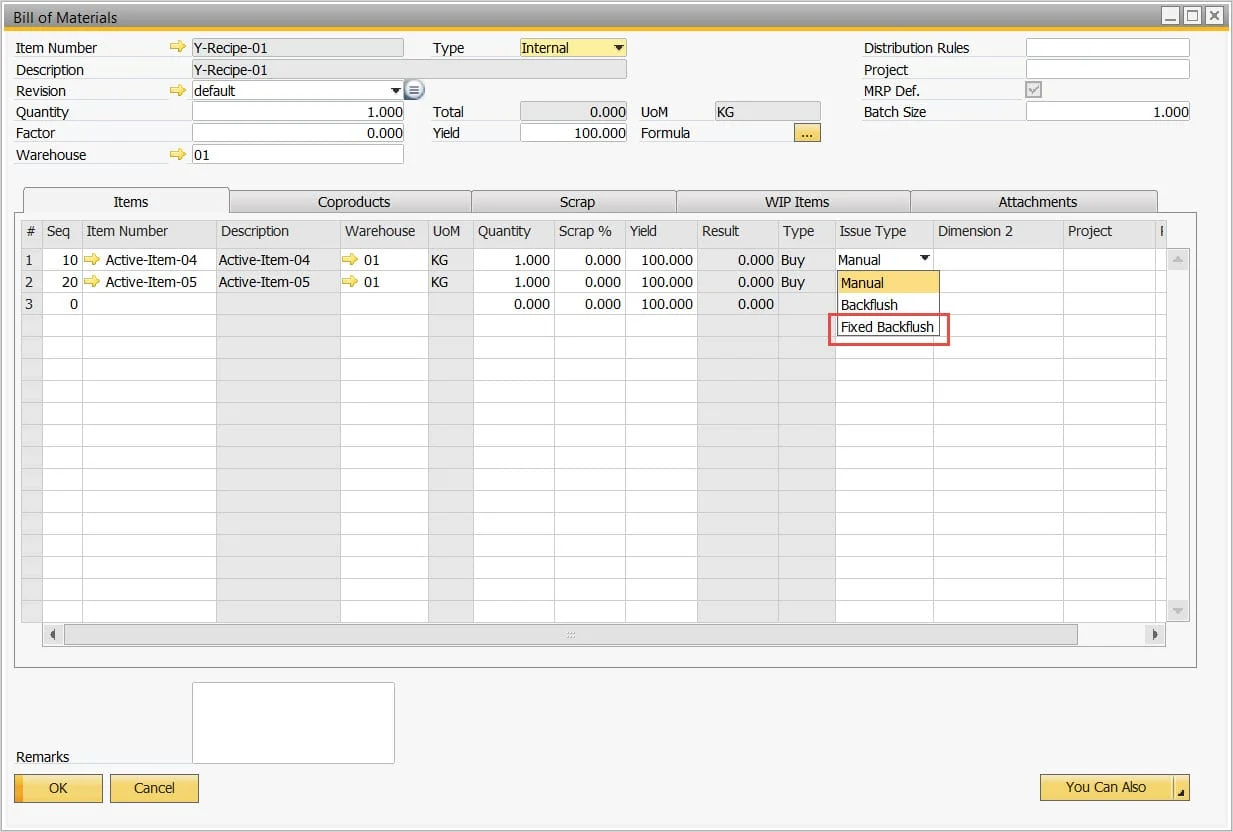
Fixed Quantity Backflushing
We have all heard of proportional backflushing, but what about fixed quantity? Imagine there is a Manufacturing Order for a quantity of 100, and to clean the machine at the start of the process, 100 liters of water or solvent is used. Therefore, if 10 out of the 100 are produced, the full 100 liters will be backflushed. When the balance of 90, or even an over-produced quantity of 100, is produced, no more water or solvent is backflushed.
Maximum Expiry Date
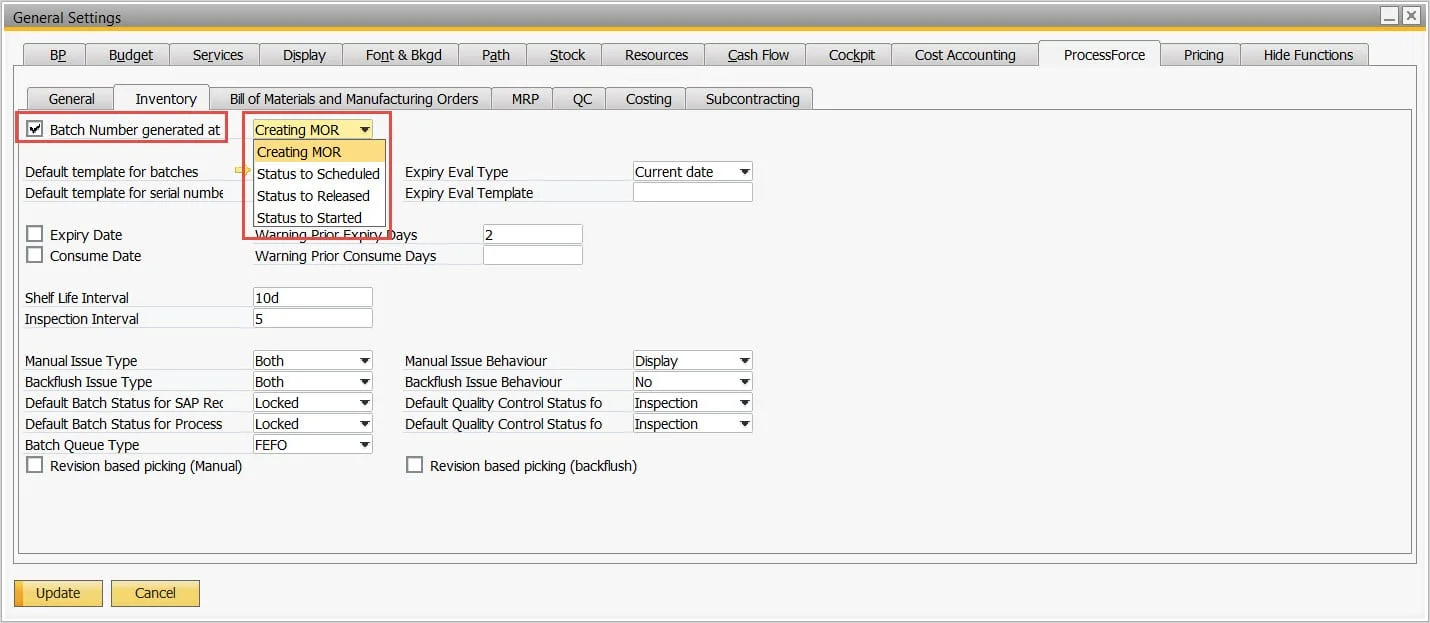
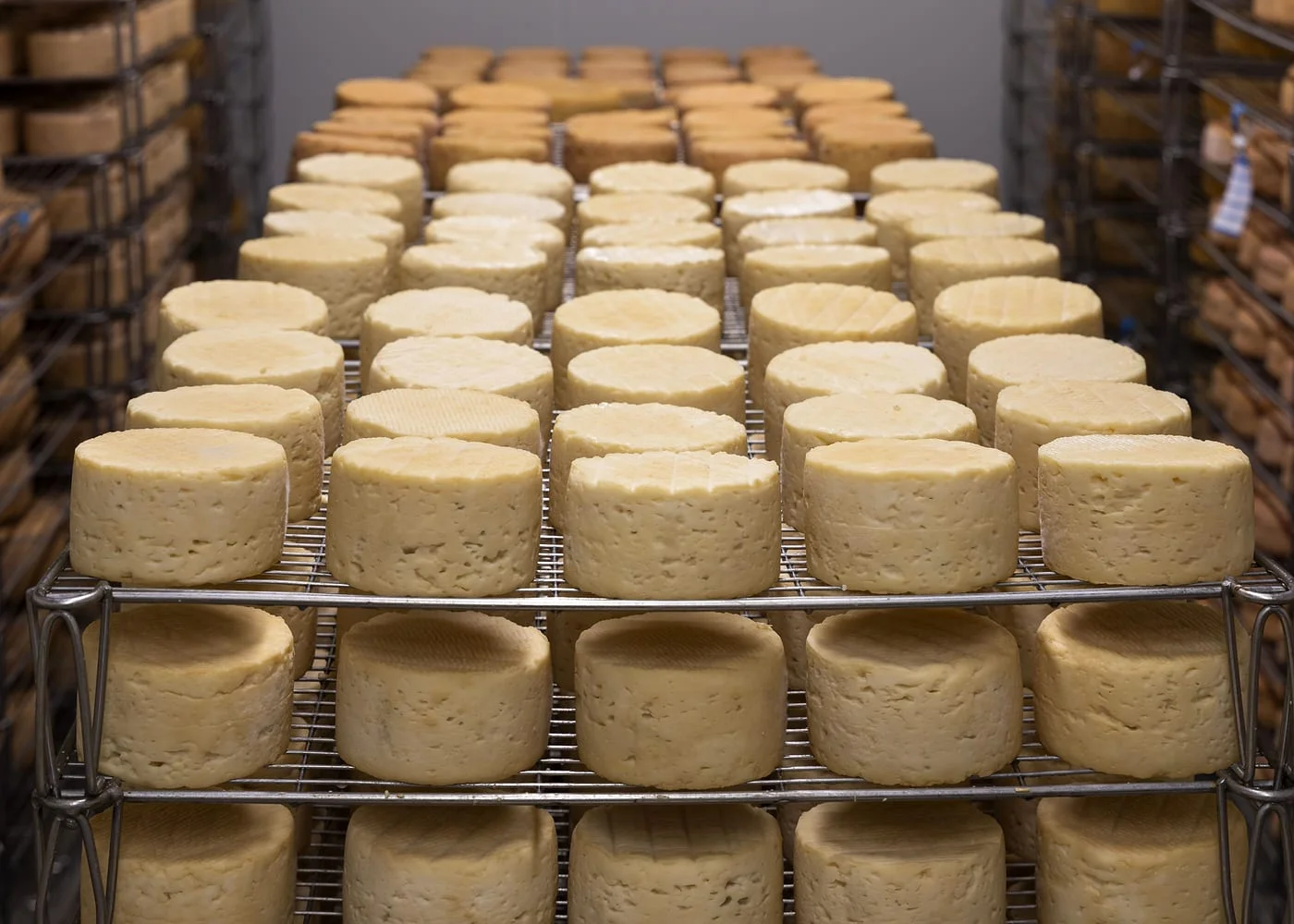
Many businesses embed the date into the batch number, as well as generating the batch number when the Manufacturing Order is created. But if you’re going through a planning cycle from scheduling, to released, to started, and this happens over, let’s say, a four-week period, the batch number date would have been created four weeks earlier than the actual start date of production, resulting in a four-week loss in the expiry date. To gain the maximum expiry date, a configuration setting has been added to determine at what stage of the production order cycle the batch number will be generated.