/Solutions/ CompuTec Solutions
CompuTec Labels — Label Printing Rules Manager
A centralized label printing manager for SAP Business One that automates label generation, standardizes templates, and lets you manage your printer network from a single interface.
- Rules-Based Automation
- Centralized Printer Management
- Built for SAP Business One
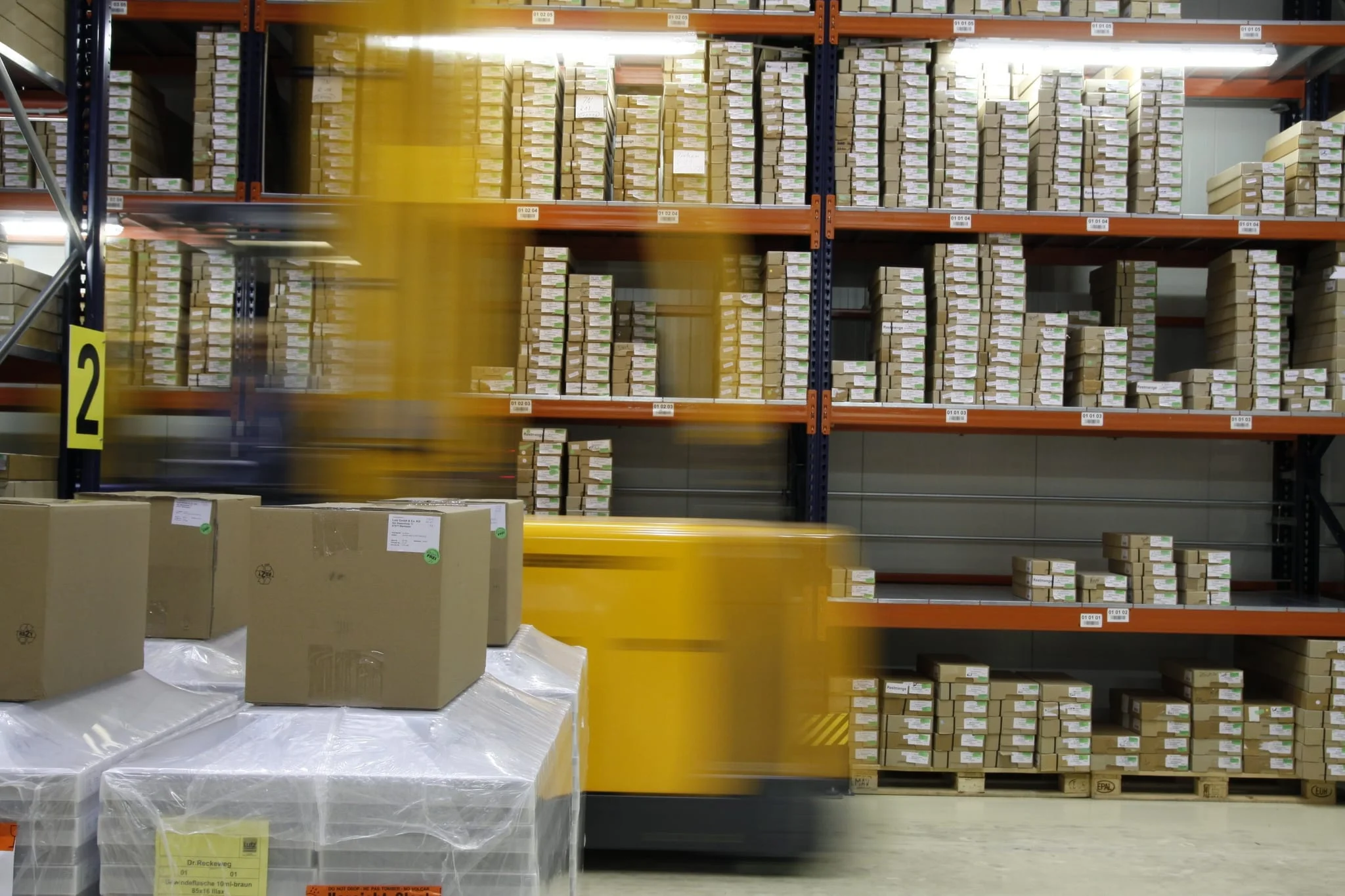
Label Printing Management for SAP Business One
CompuTec Labels manages label printing across your organization using data from SAP Business One and from CompuTec ProcessForce, CompuTec PDC, and CompuTec WMS. Templates, printing rules, and printer assignments are configured centrally and triggered automatically based on document events. This removes manual steps and keeps labels consistent with your business and compliance requirements.
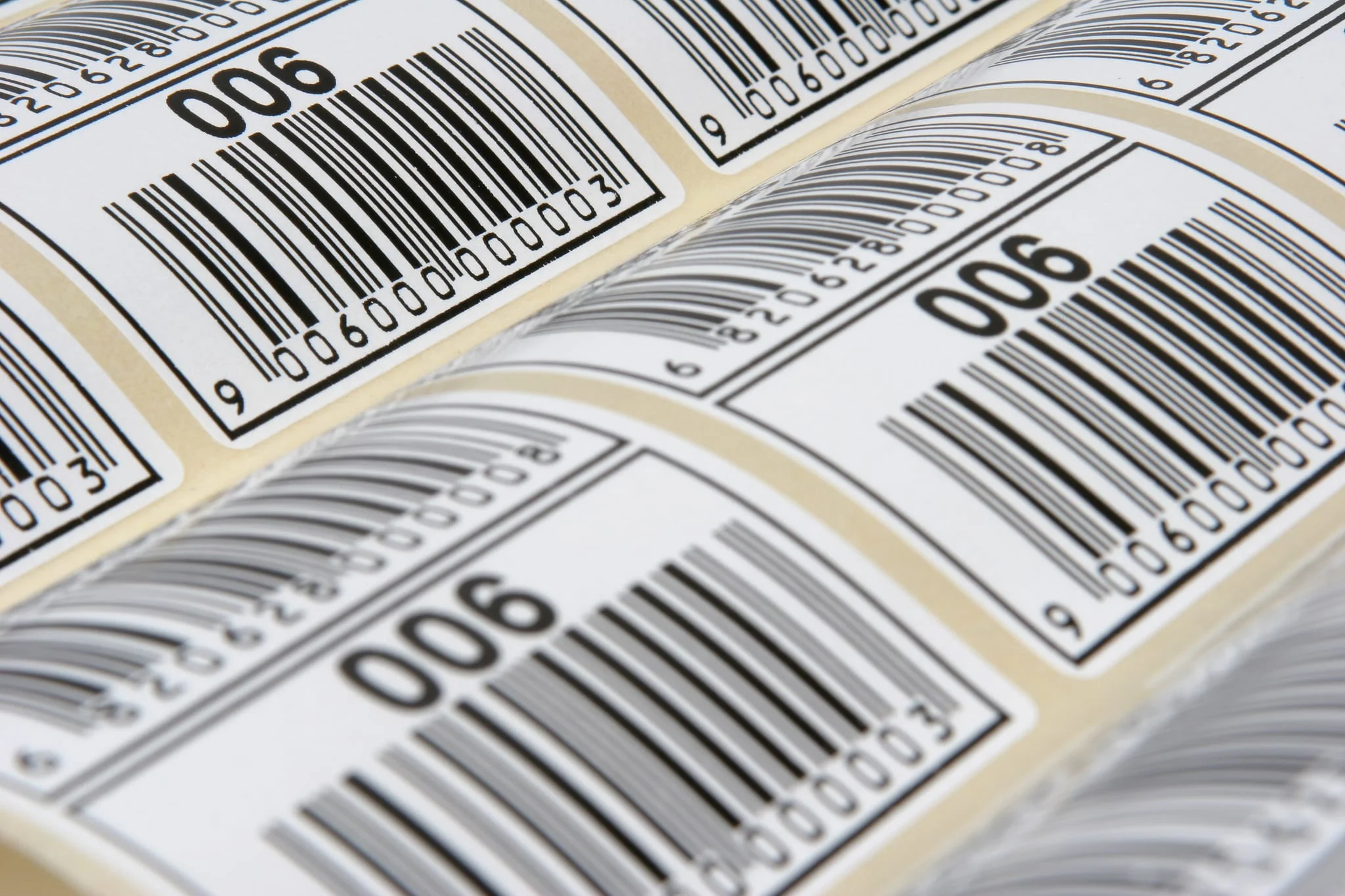
Automated, Precision Labeling Across Your Operation
Accurate, Real-Time Label Data
- Single Source of Truth: Label content comes straight from SAP Business One and CompuTec solution data. Every label matches the transaction behind it.
- Consistent Formatting: Barcodes and QR codes are generated to the specification your systems and scanning equipment expect, so they scan the first time.
- Flexible Labeling Rules: One standard can apply across the organization while individual warehouses, departments, or production lines keep the variations they genuinely need.
Trigger-Based Automation
- Event-Driven Printing: Printing keeps pace with the transaction: labels are produced the moment a document is created or updated in SAP Business One.
- Network-Wide Visibility: Print jobs across the entire printer network are visible from a single interface.
- Faster Goods Movement: Labels are ready when and where they are needed, so goods keep moving instead of waiting on paperwork.
Compliance and Quality Labeling
- Industry and Customer Standards: GS1 and customer-specific requirements are met by configuration. A new format takes a template and a printing rule, both defined in the same central interface.
- Status and Classification Labels: Quality status, allergens, and hazardous material classifications come through onto the label from your own data, visible immediately to the people handling the goods.
- Audit Readiness: Accurate, consistently formatted labels make a trace or a recall faster to follow through your business.
Centralized Control
- Unified Management: One interface covers templates, rules, and printers, including across multiple SAP Business One company databases.
- Configuration Portability: A setup that works in one warehouse or company database can be copied to the next, so a second site starts from a configuration that already works.
- Flexible Hardware Support: SAP Crystal Reports, Zebra (ZPL), and Bixolon printers all run from one central engine, whatever mix of hardware sits on your floor.
Controlled Access
- Role-Based Printing: Only the users you choose can trigger a given label on a given printer, so printing rights line up with responsibilities.
- Workflow Restrictions: Compliance-sensitive labeling can be limited to authorized workstations or personnel, keeping regulated output with the people approved to produce it.
- Template Protection: Master label designs are held centrally, with changes made and approved in one place.
Visibility and Auditability
- Every Label Accounted For: Every label printed is logged, so a question from an auditor or a customer can be answered from the record.
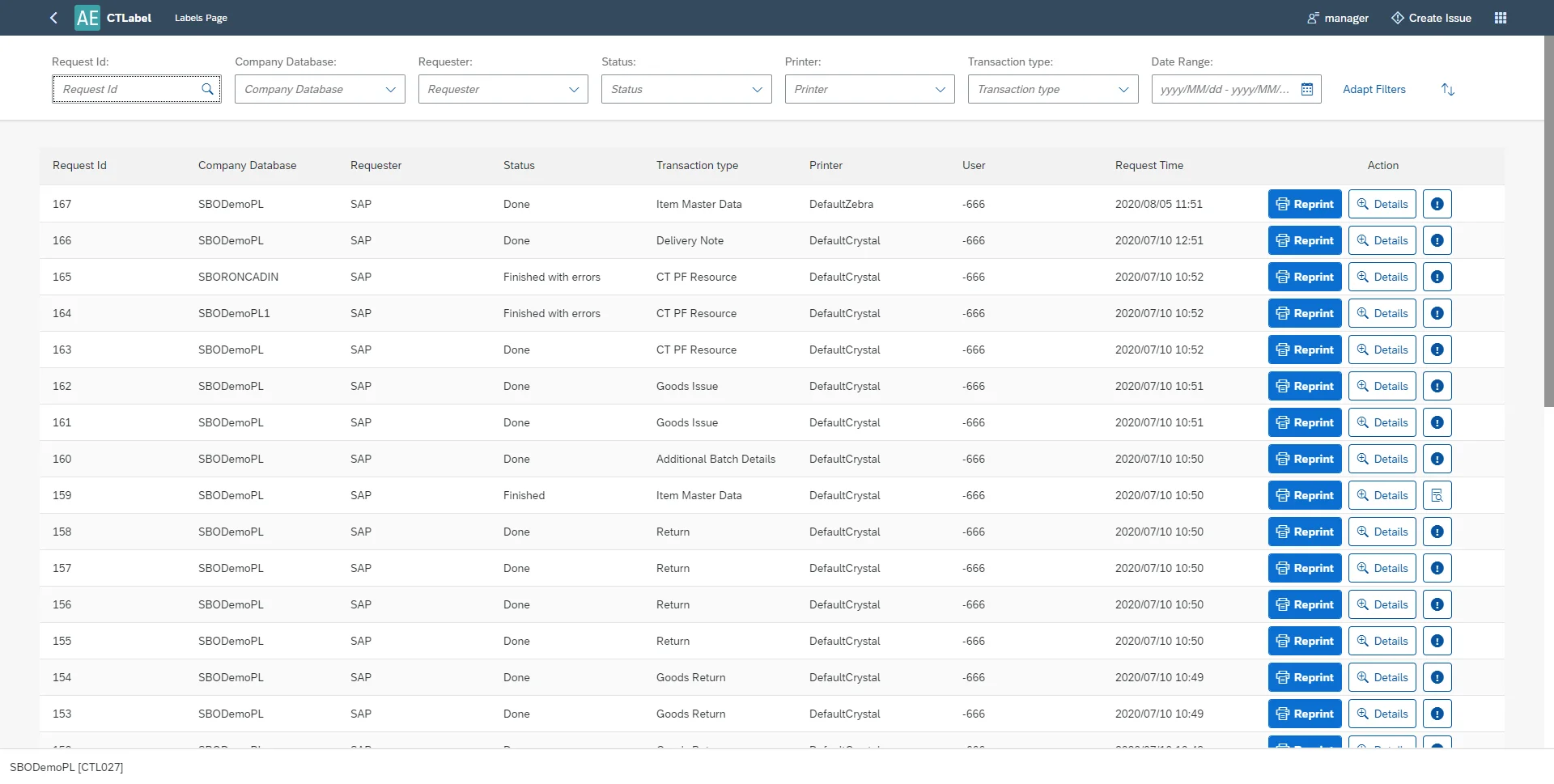
- Fast Reprints: Any previous label can be reprinted from the CompuTec Labels print history, on the same printer or a different one, without recreating the transaction.
- Request Filtering: Print history can be searched by company, requester, status, printer, transaction type, or date range. Finding one label among thousands takes seconds.
Features
Template Management
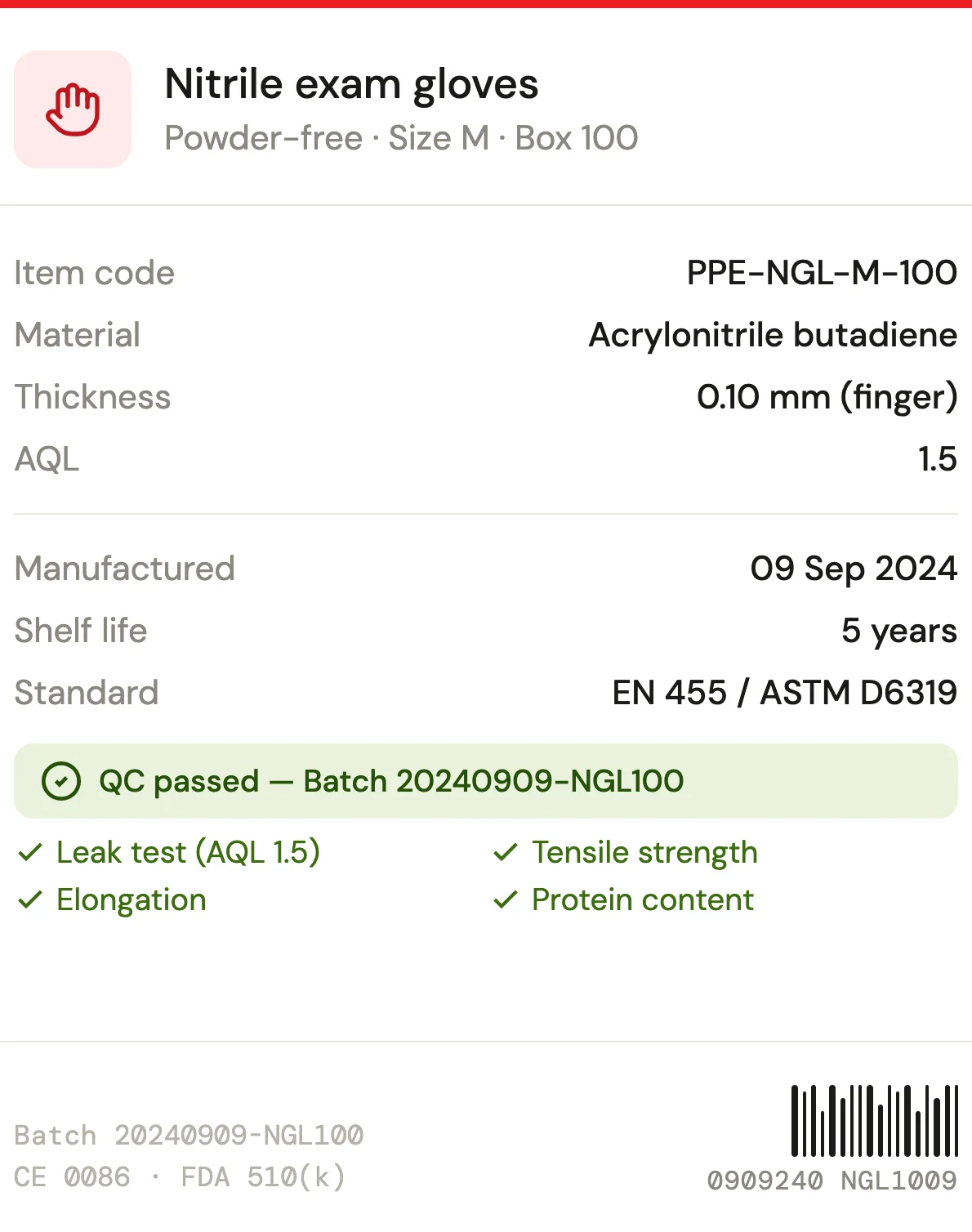
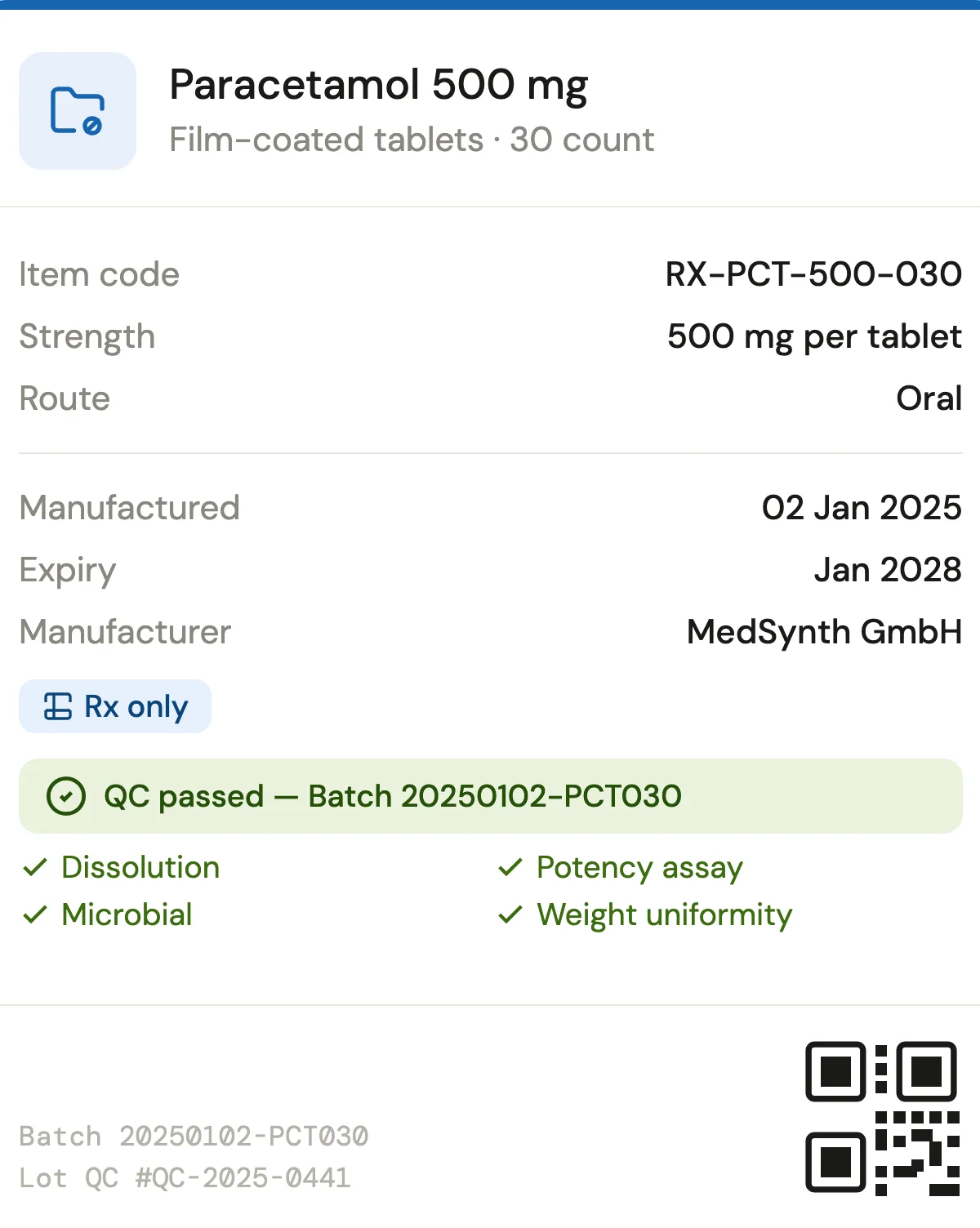
Design, test, and manage label templates across printer types, with centralized storage and support for ZPL, Bixolon, and SAP Crystal Reports formats.
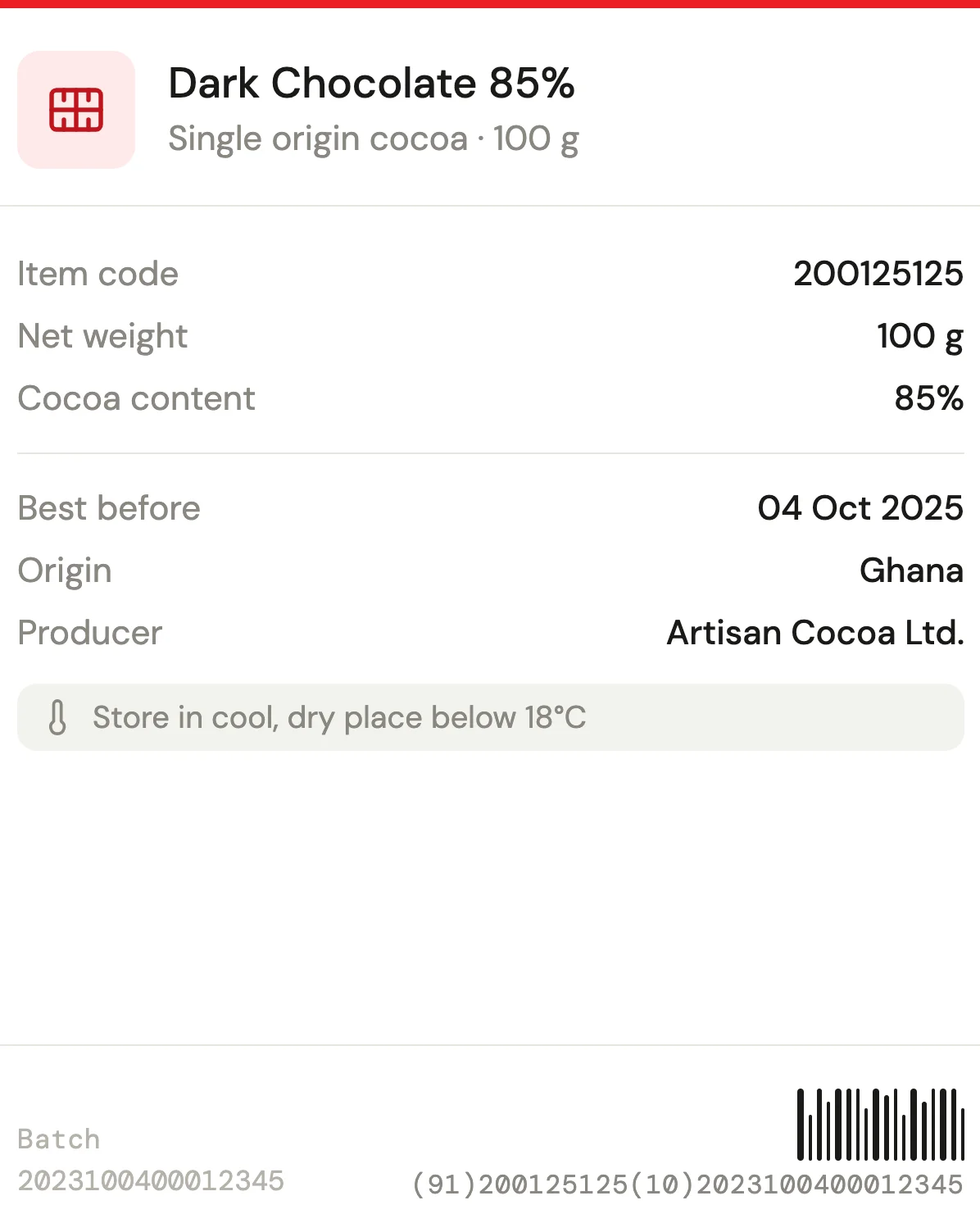
Multi-Format Support
Generate barcodes, QR codes, and text using native printer languages including ZPL for Zebra printers, Bixolon, and SAP Crystal Reports for standard printers.
SAP Crystal Reports Integration
Use SAP Crystal Reports for label designs that require advanced formatting, calculated fields, or complex data logic.
Test Printing
Print test labels from within the configuration interface to verify layouts before deploying templates to the floor.
Centralized Template Library
Templates are stored and managed centrally, with each template linked to its printer type, data mapping scheme, and printing rules.
- View brochure (PDF, opens in new tab)
View our brochure
- View documentation (opens in new tab)
View CompuTec Labels documentation
Customer Stories

How much of your labeling could run automatically?
When labels print automatically from SAP Business One data, they are accurate and ready when they are needed, so goods keep moving and your team is free for other work. Get in touch to discuss your labeling requirements and how CompuTec Labels could support them.
Frequently Asked Questions
Does CompuTec Labels require CompuTec ProcessForce, CompuTec PDC, or CompuTec WMS?
No. CompuTec Labels works with SAP Business One on its own, on both SAP HANA and Microsoft SQL Server. Where CompuTec ProcessForce, CompuTec PDC, or CompuTec WMS are also in use, label data can be drawn from transactions in those solutions as well.
Does CompuTec Labels work with custom fields in SAP Business One?
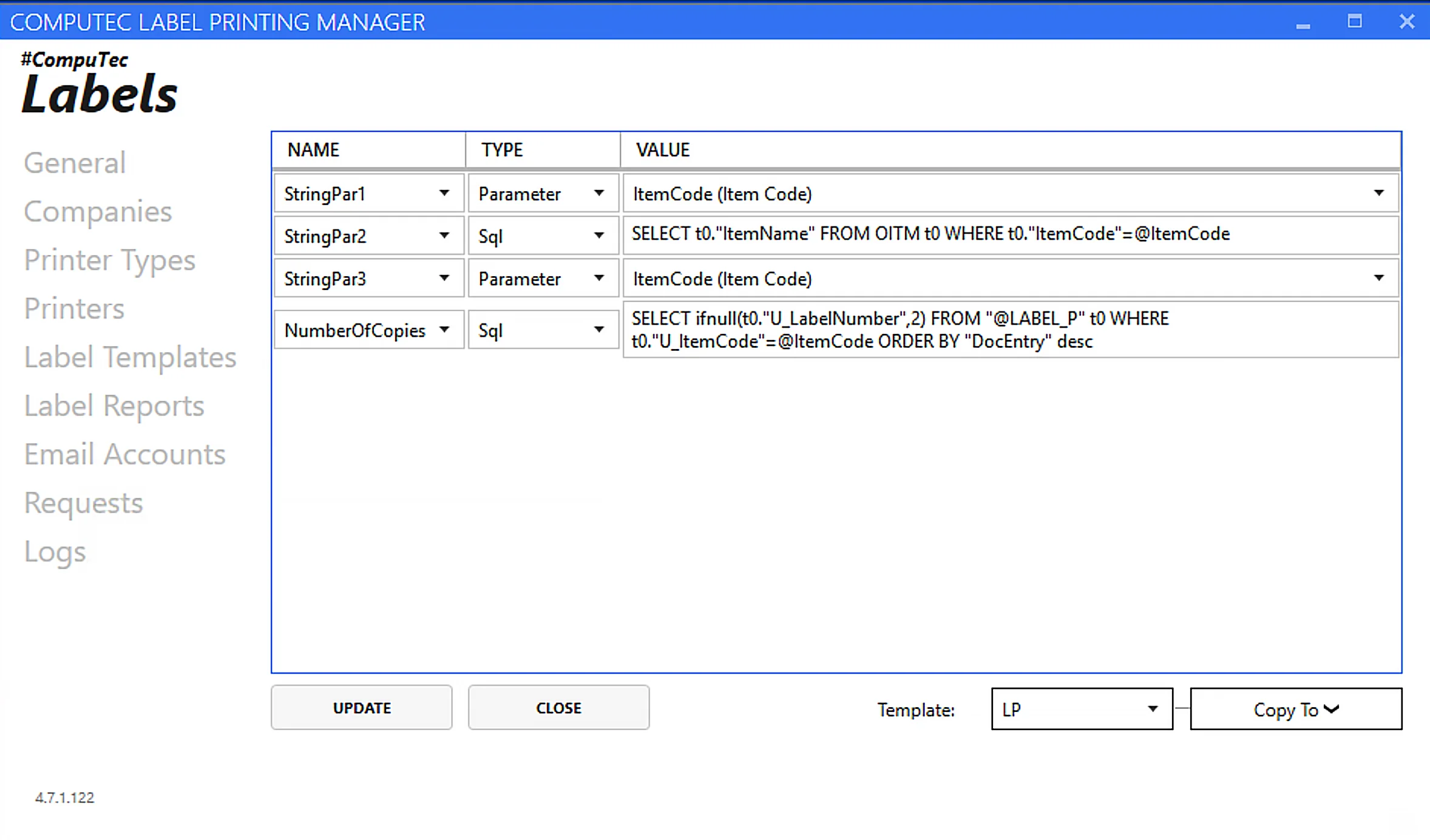
Yes. As well as standard SAP Business One data points, such as item codes, batch numbers, quantities, and so on, label fields can be populated using SQL or HANA queries, giving access to virtually any data held in the database, including User-Defined Fields.
How does CompuTec Labels handle variable-weight products?
For catch weight managed items, labels can carry the actual measured weight captured at the point of transaction rather than a nominal value, so the label reflects the real unit weight. This matters most for variable-weight products in food, pharmaceutical, and chemical operations.
Does CompuTec Labels support native printer languages like ZPL?
Yes. CompuTec Labels communicates directly with Zebra printers using ZPL and with Bixolon printers using their native language, ensuring accurate and high-speed output. SAP Crystal Reports is also supported for standard printers where more complex label designs are needed.
Can label printing be triggered automatically without staff having to initiate it?
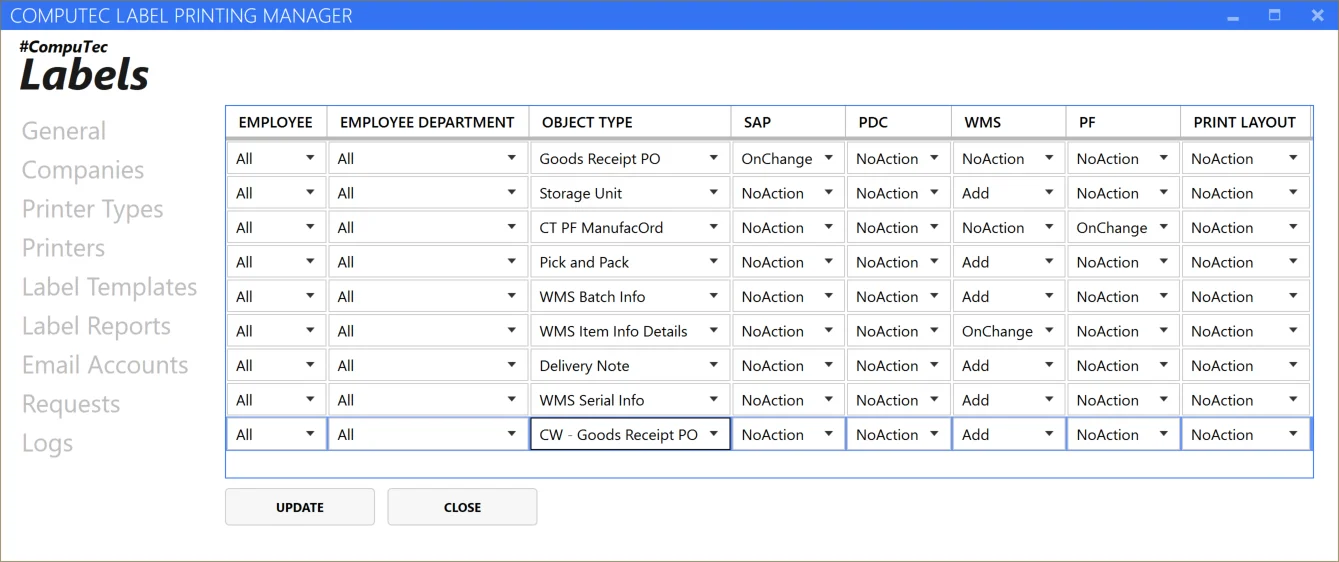
Yes. Printing rules can be configured to trigger automatically when a document is added or updated, for example, when a Goods Receipt PO or Delivery is posted in SAP Business One, CompuTec WMS, CompuTec ProcessForce, or CompuTec PDC. Manual printing remains available where preferred.
Can different warehouses or users have different printing rules?
Yes. Warehouse, branch, and user are all rule criteria, so each location and each person can have their own label templates and triggers configured independently. Rules can be narrowed further by what is being handled (item, item group, unit of measure), who is involved (business partner or partner type, employee), and which document triggered it (document type, transaction). Criteria you leave open are simply ignored, so a rule can be as broad or as narrow as needed.
Can we manage printers and label configurations across multiple sites and databases from one place?
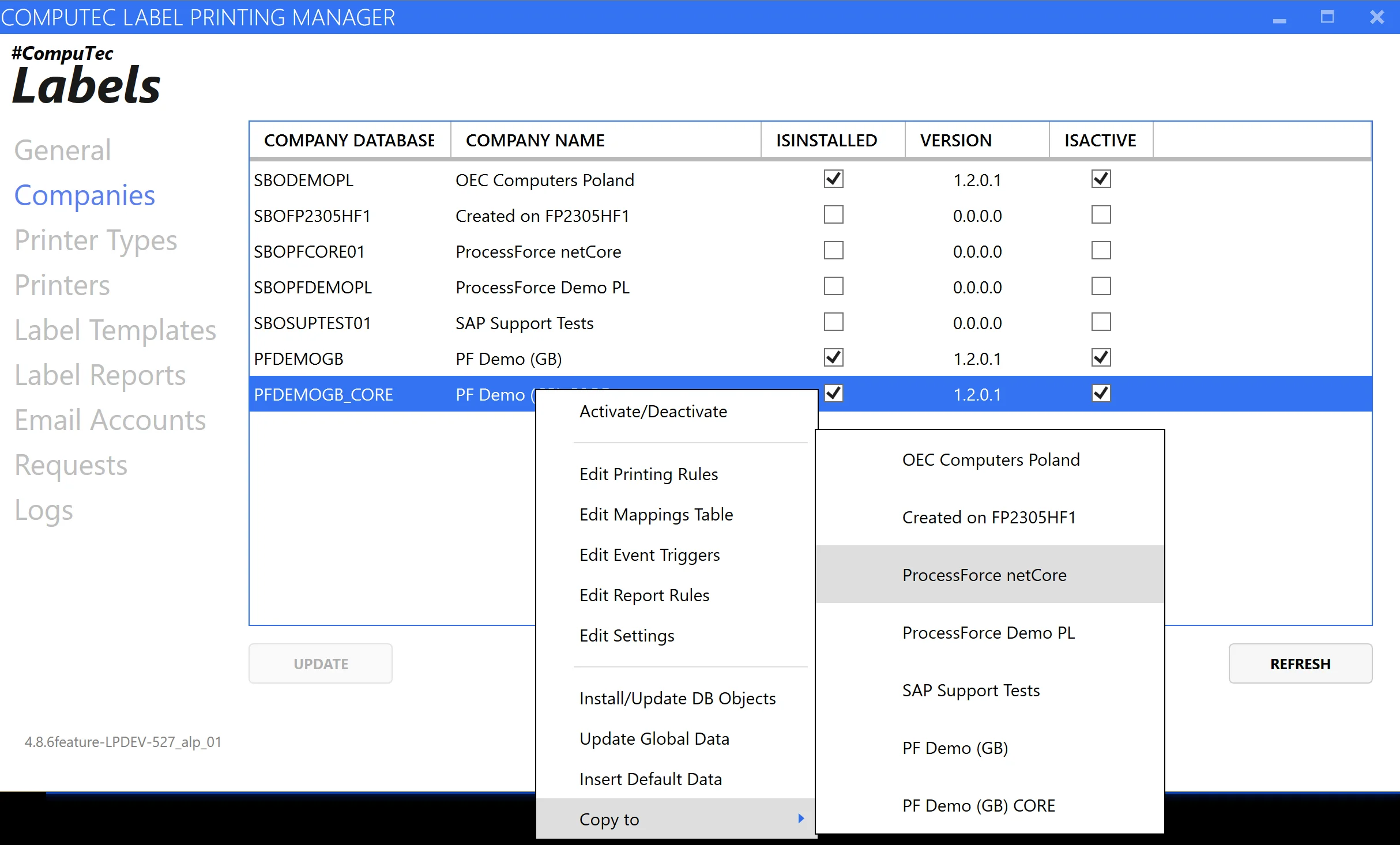
Yes. Printers, templates, and printing rules for every location are managed from a single central interface, including across multiple SAP Business One company databases, and CompuTec Labels has been tested handling 100+ simultaneous print jobs. Configurations can also be copied from one database to another, making it straightforward to move a tested setup from a development or test environment into production, or to replicate a working configuration across company databases.
Can we see a history of what was printed and reprint if needed?
Yes. Every print request is logged with details including timestamp, user, printer, transaction type, and status. Labels can be reprinted directly from the history on the same printer or a different one.
What happens if a print request does not complete?
The request stays visible in the print history with its status, its parameters, and an error log, so nothing fails silently. From that same view it can be resent as a new request, or retried exactly as it was originally submitted.
Can a single transaction trigger multiple different labels at once?
Yes. A single SAP Business One transaction can be configured to trigger multiple labels simultaneously, for example, printing individual item labels, a box label, and a pallet label in one operation, each routed to the appropriate printer.
Our Solutions & Services
Fully integrated, AI-ready solutions for SAP Business One, plus the implementation, hosting and support to run them.













Blog
From technical updates to industry trends — stay informed with the latest feature releases, expert business insights, and upcoming global events.

Events & Webinars
Join Us in Amsterdam This October
CompuTec brings news on AI and the SAP Business One Web Client to two back-to-back partner events in Amsterdam, October 19–22, 2026.

SAP Business One
CompuTec WebUp Now Covers the Latest SAP Business One 10.0 Web Client Views

CompuTec WMS
Custom Row Colors and More in CompuTec WMS 3.2608.1

Events & Webinars
The Web Client-First Era: SAP Business One Version 11, AI, and the CompuTec Roadmap

CompuTec ProcessForce
Focusing on the Next Generation