/Solutions/ Features
Traceability & Compliance for Regulated Manufacturers
Trace any batch from supplier to customer, with the production records and audit trail regulated industries require, inside SAP Business One.
- Batch Traceability
- Serialization
- Compliance Records
- Quality Control

Complete Visibility, from Receipt to Delivery
CompuTec ProcessForce gives manufacturers and distributors structured control over batch and serial number management, with full forward and backward traceability from incoming raw materials to outgoing finished goods. Compliance records, audit trails, and quality documentation are built into the same environment, so the records a GMP, HACCP, BRC, or FSMA audit asks for are already there.
The Business Value of Traceable, Documented Production
Confidence in Your Supply Chain
- Know What You Received: Every incoming batch is recorded with its country of origin, status, and quality test results before entering production.
- Track What Was Used: Raw material batches consumed in each production run are recorded and accessible from the Manufacturing Order.
- Trace Forward and Back: From any batch, every related document, transaction, and product is accessible, tracing in either direction.
Faster, Targeted Quality Response
- Identify Affected Batches Quickly: When an issue is identified, batch traceability shows which other products or customers were affected.
- Contain the Issue: Batch statuses can be updated across multiple batches simultaneously, preventing affected stock from being used or shipped.
- Root Cause Analysis: Tracing a finished product back to its raw material batches helps identify where in the process an issue originated.
Structured Compliance Documentation
- Electronic Production Records: Production data is recorded digitally at every stage, replacing paper-based logs with structured, searchable records.
- Audit Trail: All system changes and data modifications are logged, providing a transparent history accessible at any time.
- Plant Maintenance Records: Equipment maintenance activities are recorded and tracked, supporting compliance in environments where maintenance documentation is required.
Decisions Backed by Complete Records
- Data at the Point of Need: Batch history, quality records, and compliance documentation are accessible from a single environment within SAP Business One.
- Analysis Beyond One Batch: Multiple batches can be analyzed together and exported to Excel, so patterns across batches can be examined rather than one investigation at a time.
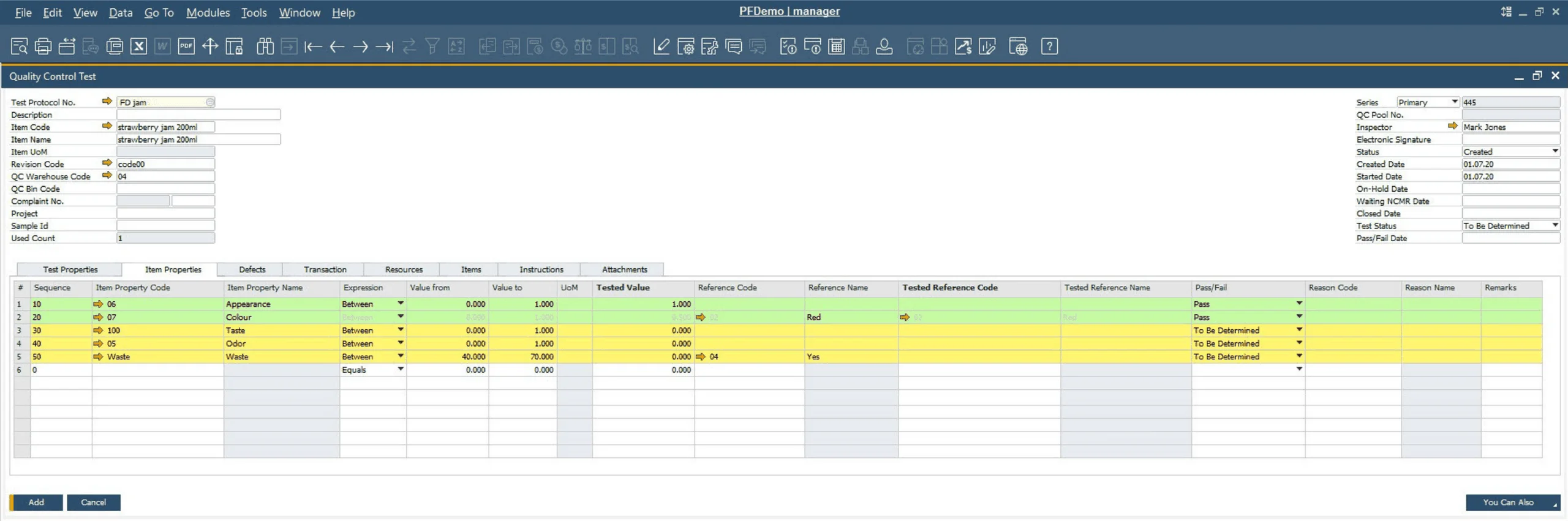
- Connected Records: Complaints, quality tests, and batch transactions are all linked, so investigations start from a complete picture rather than fragmented data.
Explore Our Traceability & Compliance Capabilities
Master Data & Compliance Attributes
Define the compliance-relevant attributes of every item you make or buy, from hazard classifications to country of origin.
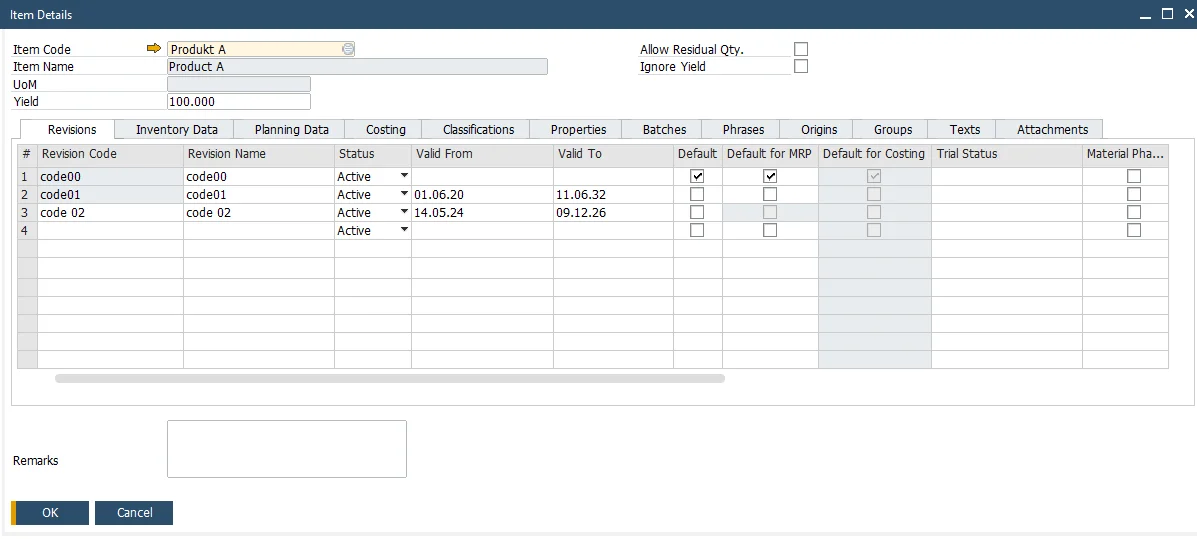
CompuTec ProcessForce | Item Details - Item Master Data Extension
Item Classifications
Items can be categorized using configurable classifications, such as corrosive, toxic, or non-toxic, supporting organization, compliance reporting, and hazard communication.
Item Properties
Custom properties can be assigned to items to capture product-specific data relevant to quality, compliance, or production requirements.
Regulatory Phrases
Safety, hazard, and handling phrases can be assigned to items, supporting CLP and GHS hazard communication and MSDS generation.
Country of Origin
The country of origin is recorded at item level, supporting customs and origin declarations, preferential tariff claims, and labeling requirements.
MSDS and Documentation
Material Safety Data Sheets and other compliance documents can be generated and attached at item level, ensuring that safety documentation is accessible wherever the item is used.
- Documentation Center (opens in new tab)
View CompuTec ProcessForce documentation
- Documentation Center (opens in new tab)
View CompuTec WMS documentation
Advantages for Your Industry
Allergen tracking, heat number traceability, serialized pack and repack. What you have to trace depends on your industry.

Curious how CompuTec ProcessForce would handle your batch traceability?
From any batch, the documents, transactions, and products connected to it are all reachable in either direction. Take a closer look at CompuTec ProcessForce and CompuTec WMS, or ask for a demo to see a batch traced end to end.
Frequently Asked Questions
What is Batch Traceability in CompuTec ProcessForce?
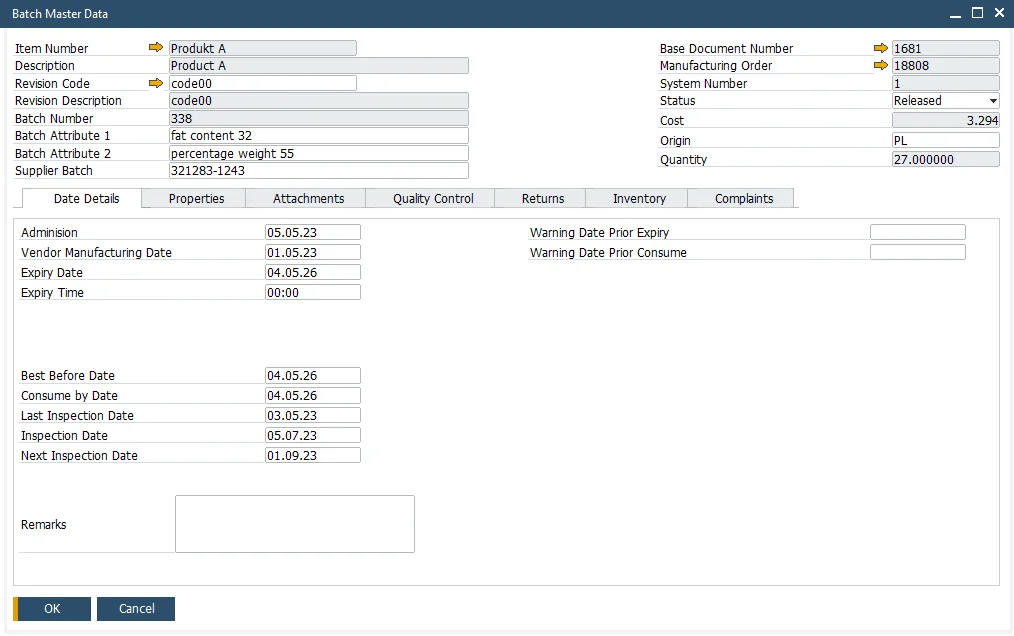
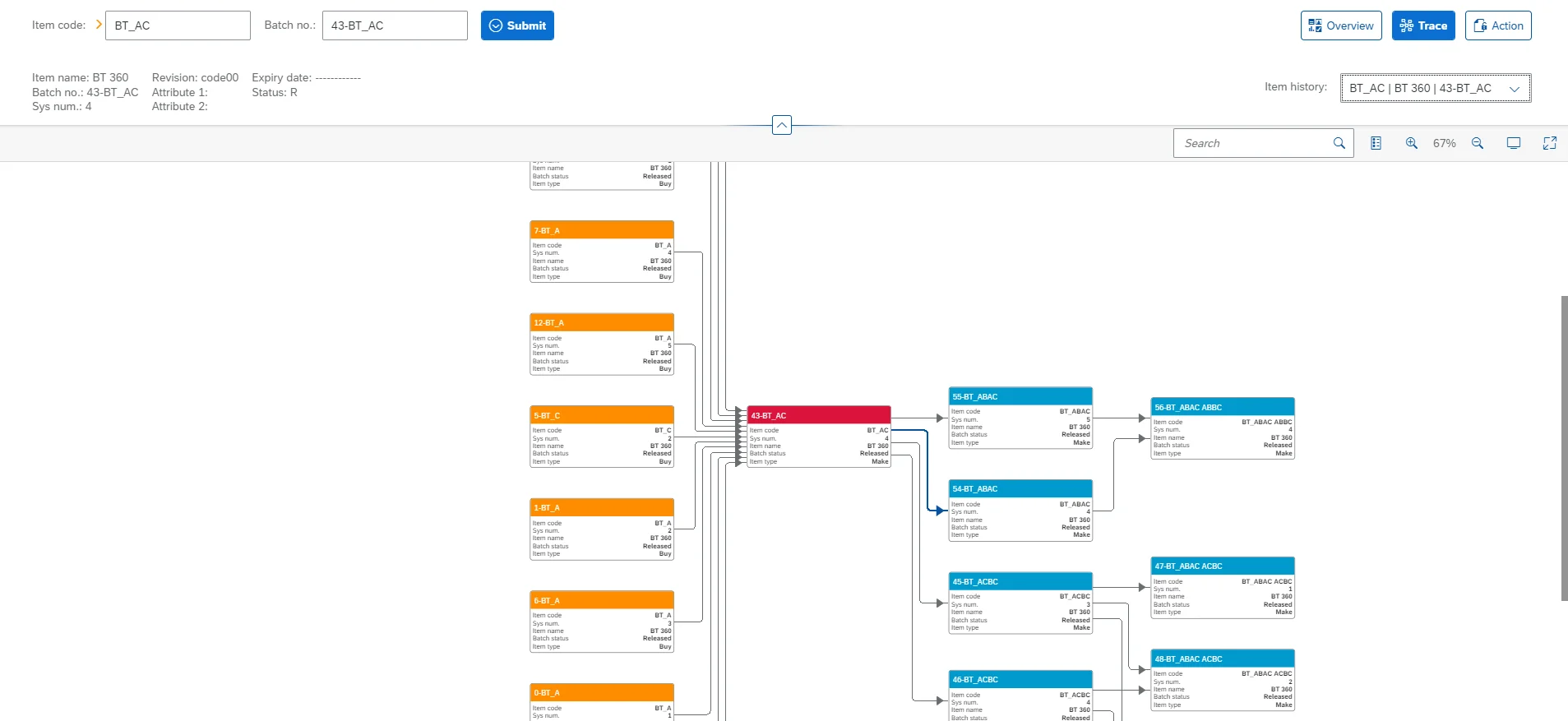
Batch Traceability in CompuTec ProcessForce provides a comprehensive view of every batch's lifecycle within your production environment, from incoming raw materials through production to customer delivery. It includes the Batch Trace Graph, batch status management, and Multi-Batch Analysis with data export to Excel.
Can compliance-relevant attributes be defined at item level?
Yes. Items can be assigned classifications, regulatory phrases, country of origin, and custom properties within CompuTec ProcessForce. Material Safety Data Sheets and other compliance documents can also be generated and attached at item level.
How are batch and serial numbers structured in CompuTec ProcessForce?
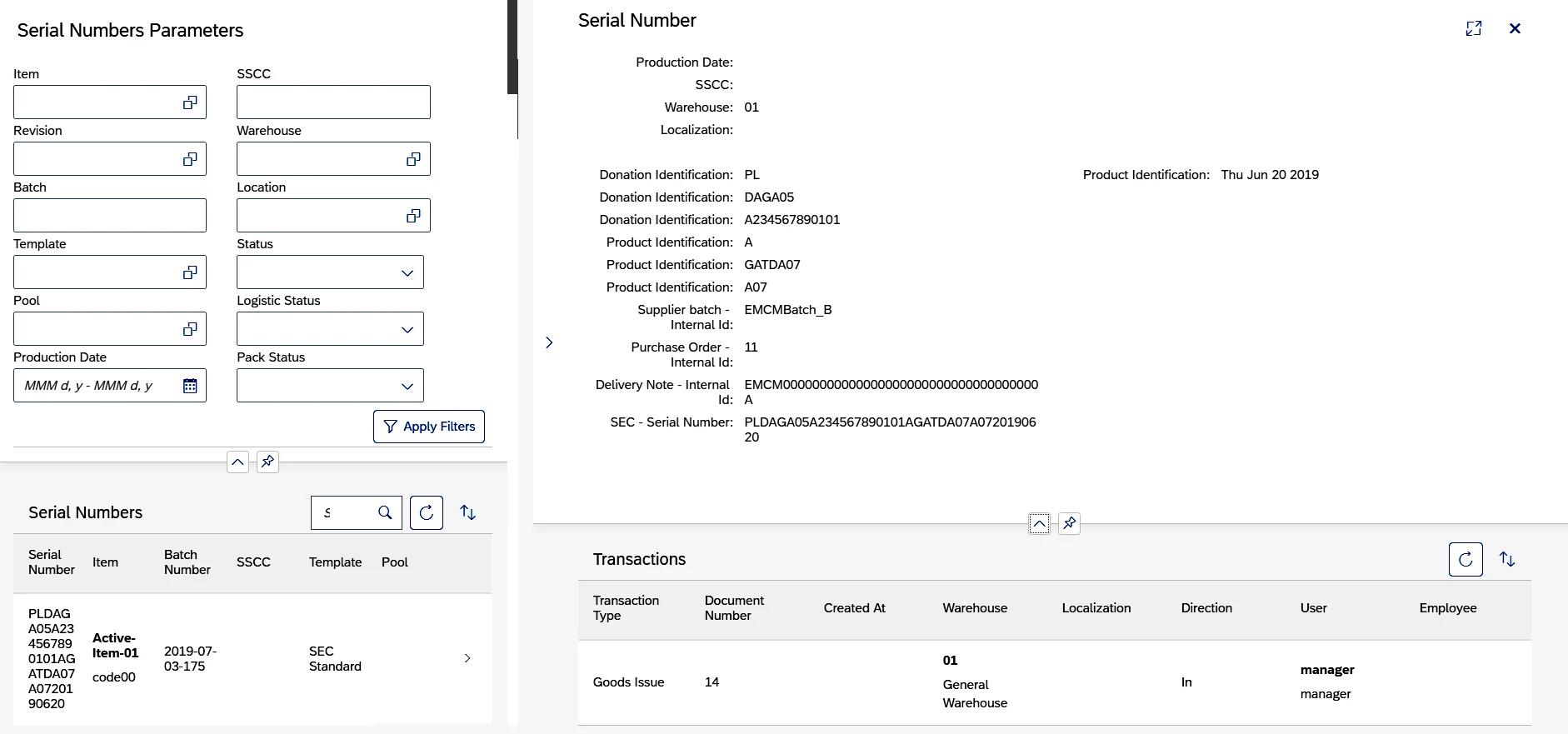
Batch and serial number formats are defined using configurable templates, assignable generally, per item group, or per item. A template can combine manufacture and expiry dates, the item number, incrementing counters with fixed padding, a prefix, a value taken from the document itself, or the current date plus a shelf interval, and serial numbering can call a custom procedure where a template cannot express the rule. A batch number can also be preallocated to a Manufacturing Order when the order is created, so one number identifies the batch from the first operation onwards.
Can I trace a batch both forward and backward?
Yes. From any batch, it is possible to trace backward to the raw material source and the supplier it came from, or forward to every finished product and customer delivery that contained material from that batch. Returns are visible alongside them, covering goods returned by customers and goods returned to suppliers.
How does CompuTec ProcessForce support a product recall?
Tracing from the affected batch shows every batch it was used in and every customer delivery that contained it, in one view rather than by cross-referencing documents by hand. Batch statuses can then be updated across all affected batches at once, holding stock before it is used in production or shipped.
Does CompuTec ProcessForce support serialization?
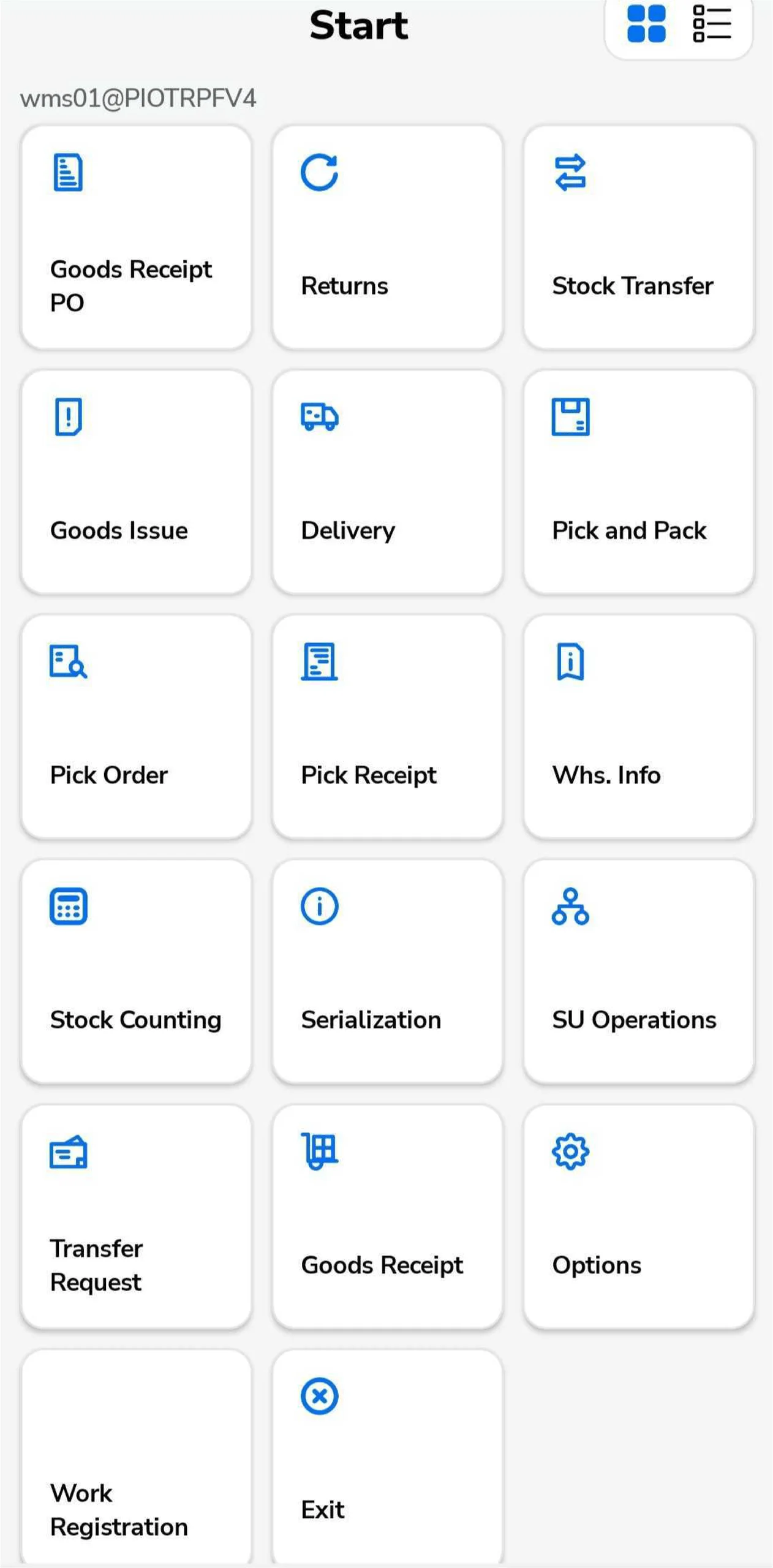
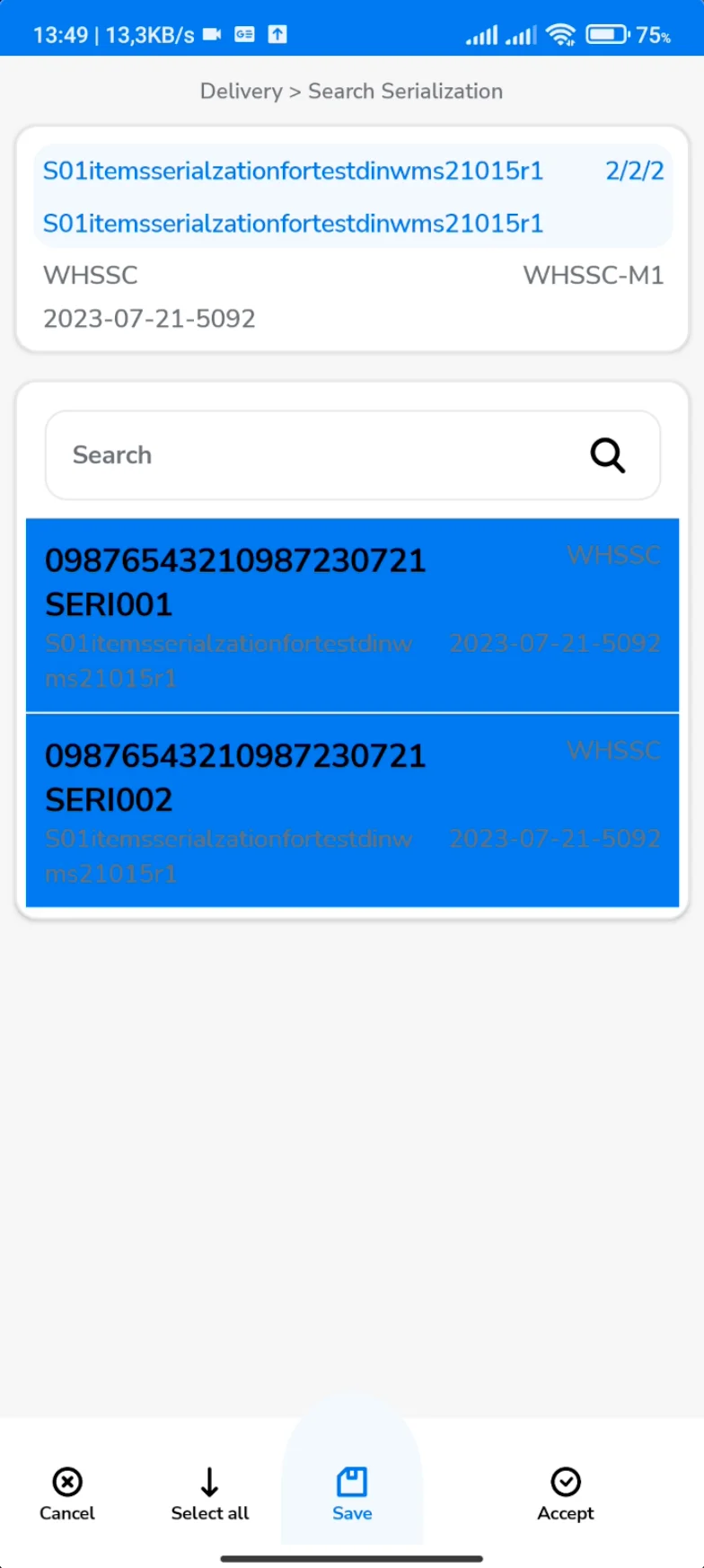
Yes. Serial numbers can be assigned to batches based on configurable rules, drawn from pools generated in advance, and serialized items can be grouped into batches using defined clustering rules. CompuTec WMS extends this with warehouse-level support for packing and repacking serialized batches using barcode scanners.
What production records are kept for compliance?
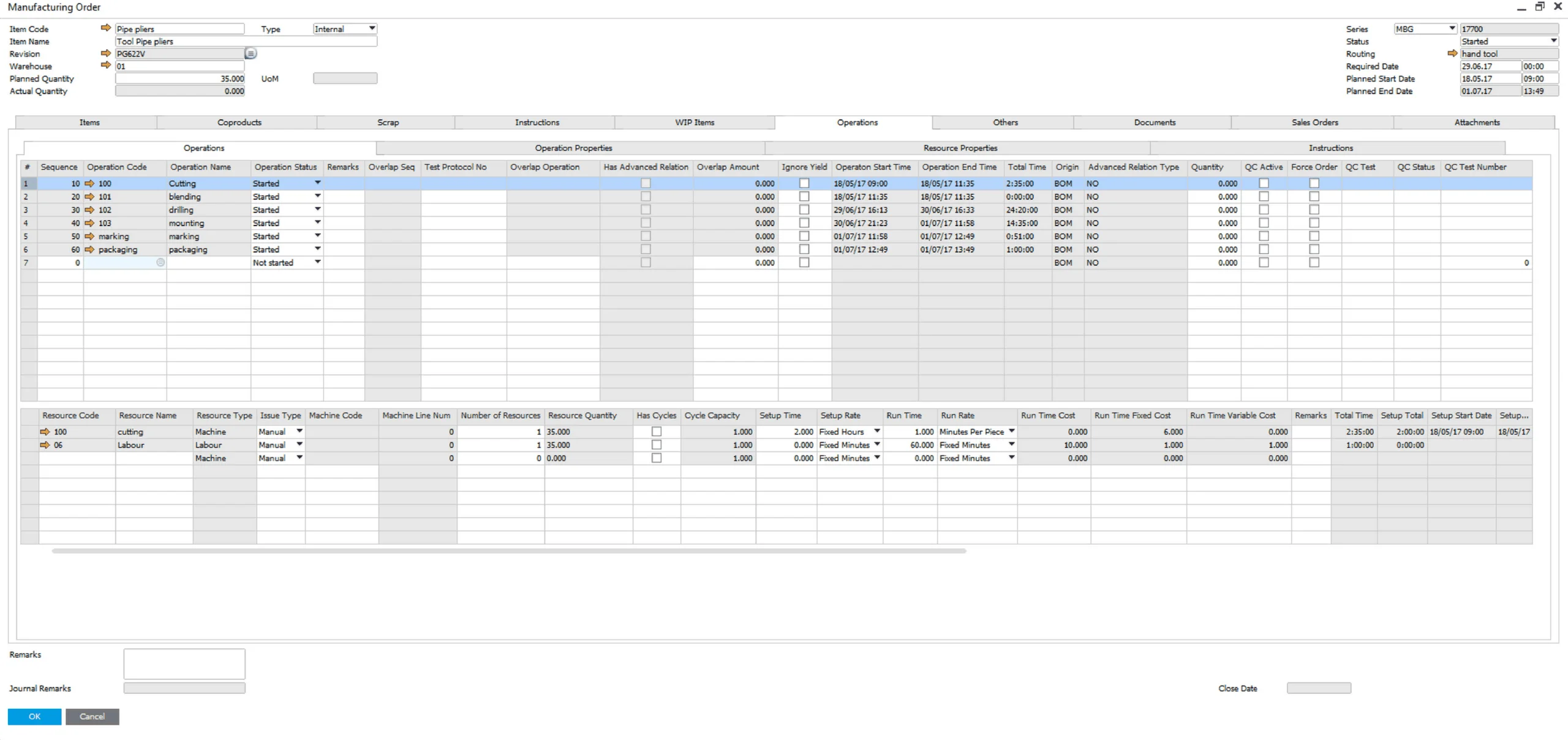
Production data is recorded digitally at every stage, replacing paper-based logs with structured, searchable records. Material consumption is recorded at operation level, documents carry a controlled status, and supporting files can be attached where evidence needs to sit with the record. Equipment maintenance activity is recorded alongside them for environments where maintenance documentation is required.
Does CompuTec ProcessForce maintain an audit trail?
Yes. All changes to system data are logged with a date and time stamp and a user record, providing a transparent and accessible history of modifications that can be reviewed at any time for internal or external audit purposes.
Does CompuTec ProcessForce include quality control and complaint management?
Yes. CompuTec ProcessForce includes integrated quality control and complaint management capabilities, covered in detail on the Quality Control and Complaint Management feature page.
Can batch traceability data be exported for analysis?
Yes. Multi-Batch Analysis data, covering batches, transactions, and batch relationships, can be exported to Excel, where it can be used to create pivot tables and run custom analyses.
Our Solutions & Services
Fully integrated, AI-ready solutions for SAP Business One, plus the implementation, hosting and support to run them.













Bill of Materials & Routings
Product & Process Definition
Product Costing
Cost Rollup & Calculation
MRP II & Scheduling
Material & Capacity Planning
Production Execution & Control
Manufacturing Order Execution
Quality Control & Complaints
Quality Tests & Non-Conformances
Traceability & Compliance
Batch Traceability & Audit Trail
Plant Maintenance
Equipment Maintenance Planning
GS1 & Logistics
GS1 Barcodes & Label Automation
Reporting & Analytics
Analytical Pages & Dashboards
Blog
From technical updates to industry trends — stay informed with the latest feature releases, expert business insights, and upcoming global events.

Events & Webinars
Join Us in Amsterdam This October
CompuTec brings news on AI and the SAP Business One Web Client to two back-to-back partner events in Amsterdam, October 19–22, 2026.

SAP Business One
CompuTec WebUp Now Covers the Latest SAP Business One 10.0 Web Client Views

CompuTec WMS
Custom Row Colors and More in CompuTec WMS 3.2608.1

Events & Webinars
The Web Client-First Era: SAP Business One Version 11, AI, and the CompuTec Roadmap

CompuTec ProcessForce
Focusing on the Next Generation