
We’ve just released a new version of CompuTec PDC (Plant Data Capture), version 3.10.1.0, based on the CompuTec AppEngine architecture, which also has a couple of nice new features that we think will benefit a significant number of our customers. There will be a video tutorial at the end of this blog post, but I’ll start off with a quick summary of the main features.
1. New Architecture Based on CompuTec AppEngine
This is definitely the biggest change in this release. However, as this is a change to the architecture, it might not be completely obvious to users at first glance. The solution looks basically the same in terms of both the interface and functionality, with the exception of the new features I will describe later in the blog. So why did we decide to embark on this significant change? There are three main reasons:
- Better performance: based on feedback from the group of customers who participated in our beta trial, this version of CompuTec PDC offered them 30–40% faster performance.
- SAP Business One DI API and CompuTec ProcessForce API don’t have to be installed on terminals: CompuTec PDC communicates with the system via a REST-based API.
- Easier upgrades: the changes to CompuTec PDC’s architecture mean that upgrades can be carried out a lot faster and more consistently. It is also no longer necessary to upgrade each terminal individually.
It’s also important to note that while we will continue to support CompuTec PDC based on the old architecture for the time being, going forward, new features will only be available for versions based on the new architecture.
2. Integrated Barcode Scanner Simulator
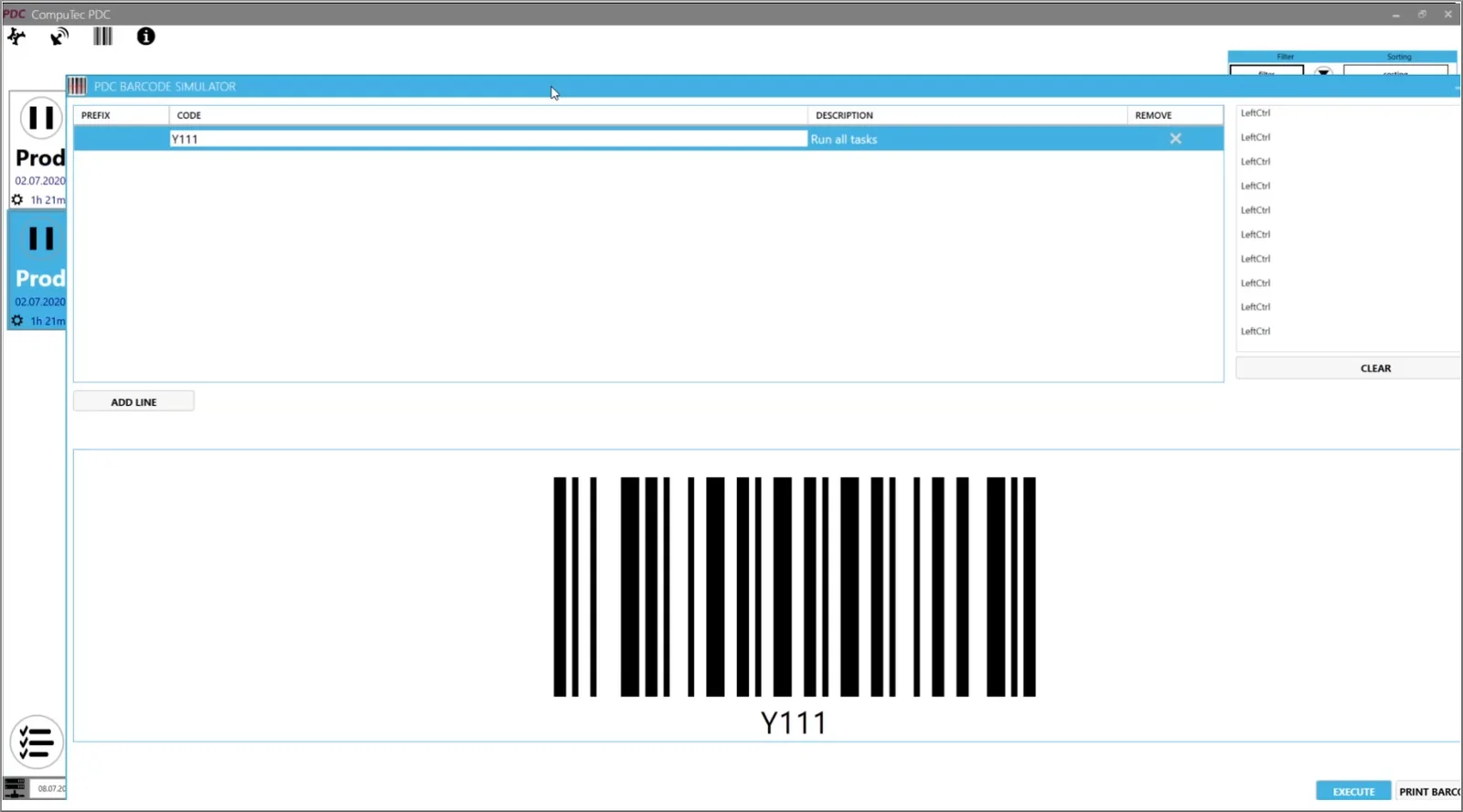
CompuTec PDC now comes with a built-in barcode scanner simulator to allow you to test if and how barcode scans work.
3. Global Time Booking
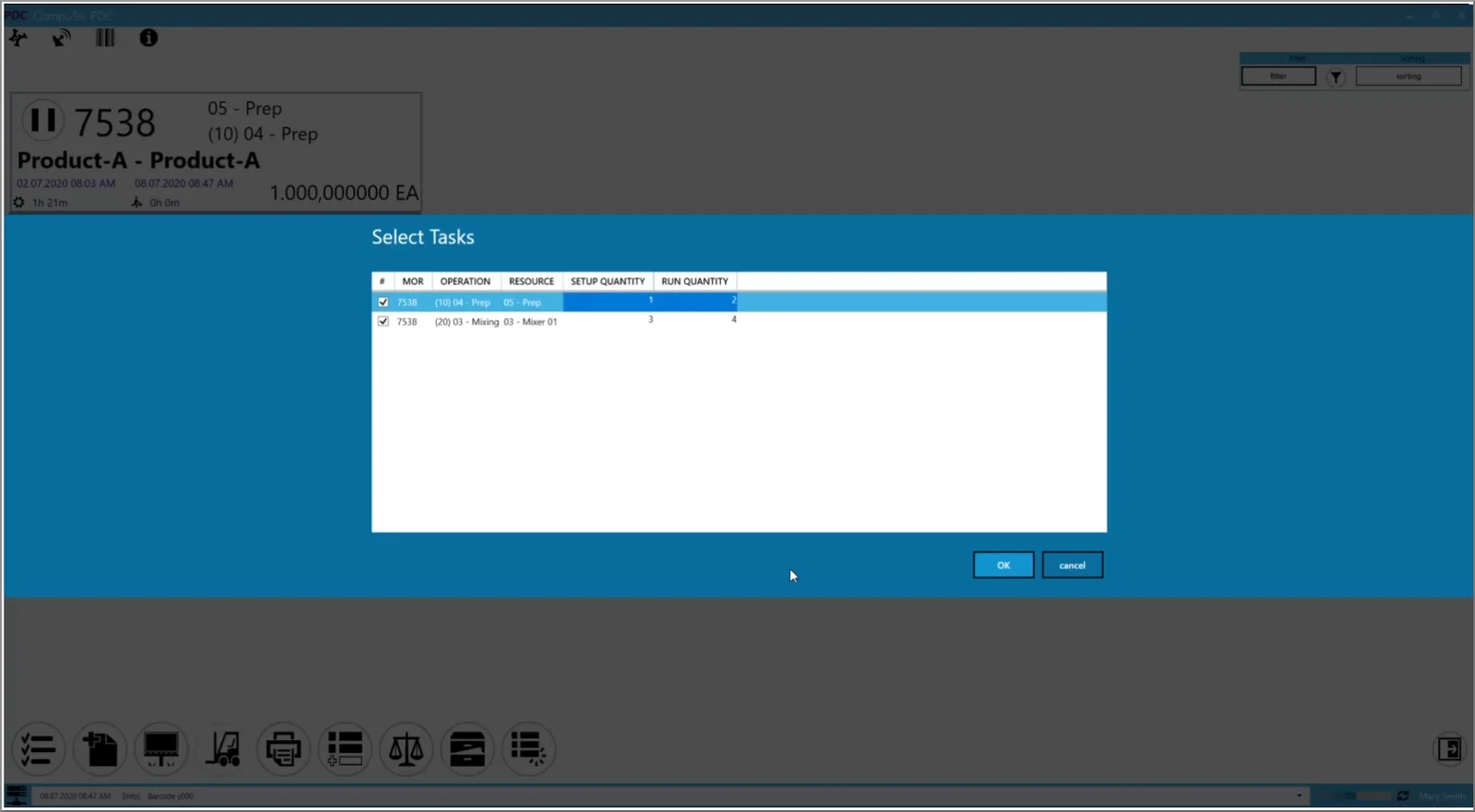
Users can now create time bookings for all open tasks from a single window. The primary purpose of this is to make handovers between shifts easier to manage.
4. Improvements to Downtime Management
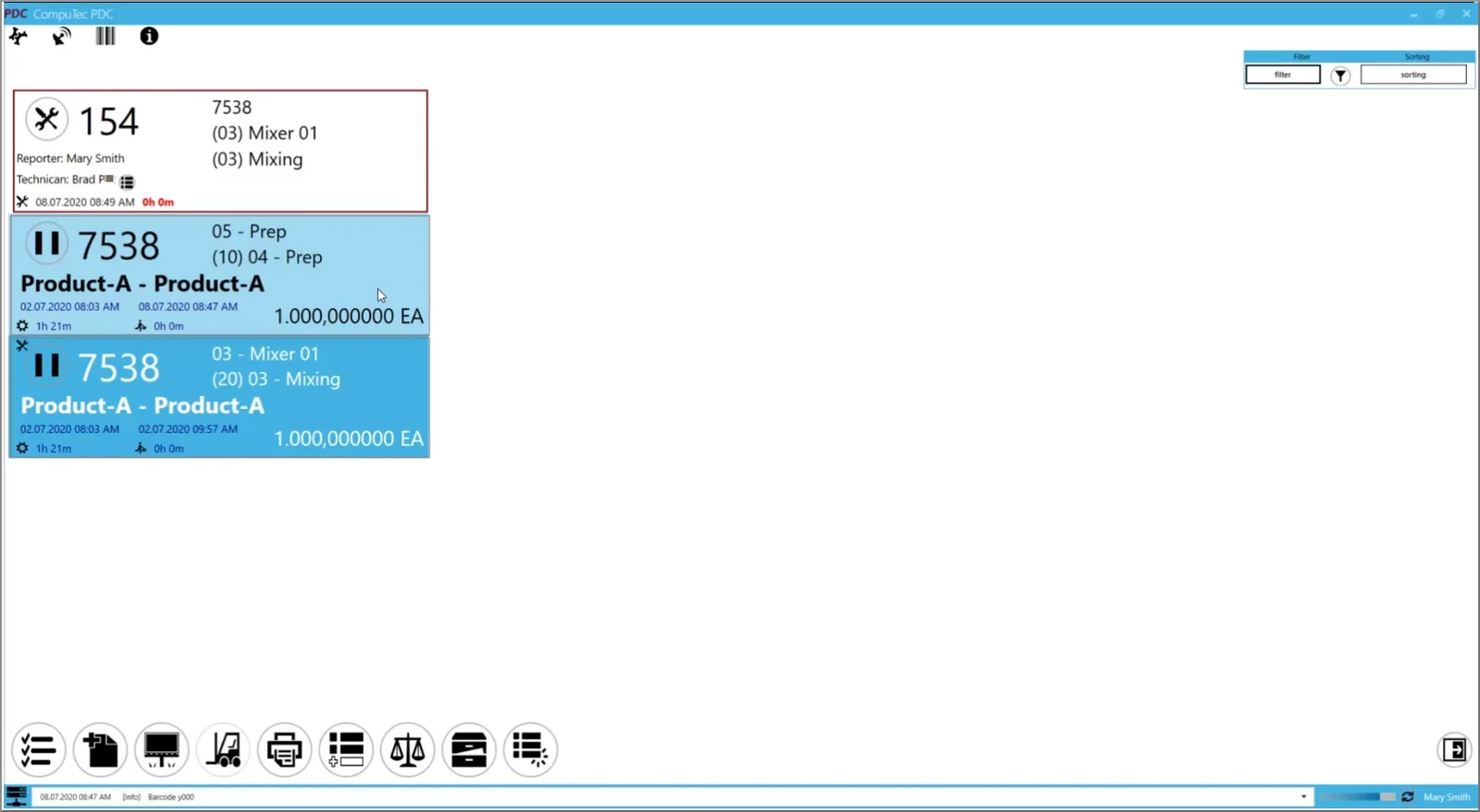
We’ve updated how reporting downtime works, and we’ve added special downtime tiles which can only be seen and edited by authorized users. For more details on this newly revamped downtime and the other features outlined above, we recommend visiting the CompuTec PDC documentation or watching our video demonstration at the end of this post.
In the following video, you can hear a more detailed explanation of the topics outlined in this blog post and see a demonstration of the new features of CompuTec PDC 3.10.1.0 in action.