In CompuTec PDC 3.10.20.1, we have made several improvements to the user interface to improve usability, and there is an important change to how SAP Crystal Reports work with CompuTec PDC.
SAP Crystal Reports
SAP has changed how SAP Crystal Reports are handled. For more information, please see SAP’s documentation on SAP Crystal Reports in SAP Business One.
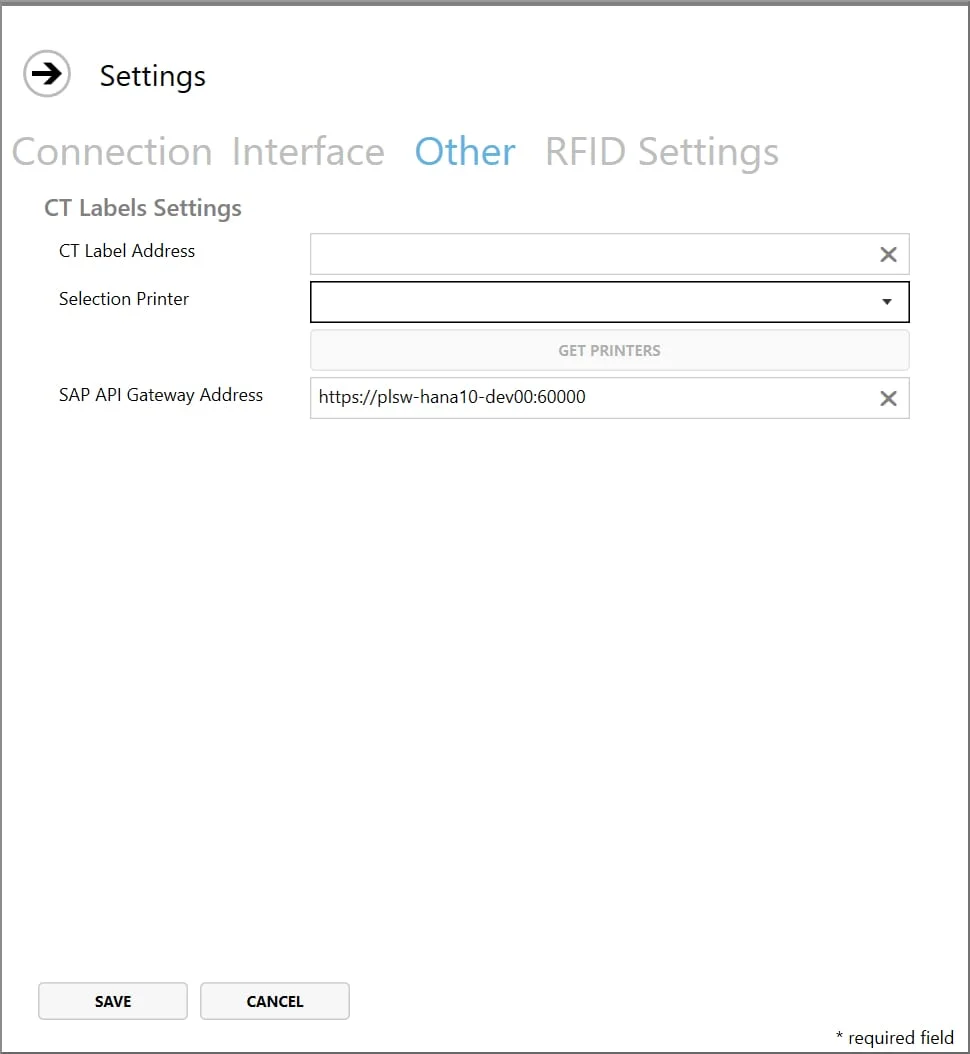
This means it is no longer necessary to use SAP Crystal Libraries to show reports in CompuTec PDC. Instead, users should install SAP API Gateway Service (SLD configuration) and configure the SAP API Gateway address in the CompuTec PDC application settings. As this will provide a much-improved experience during updates, we will only support SAP API Gateway as of CompuTec PDC 3.10.20.1.
Improvements to the CompuTec PDC Interface
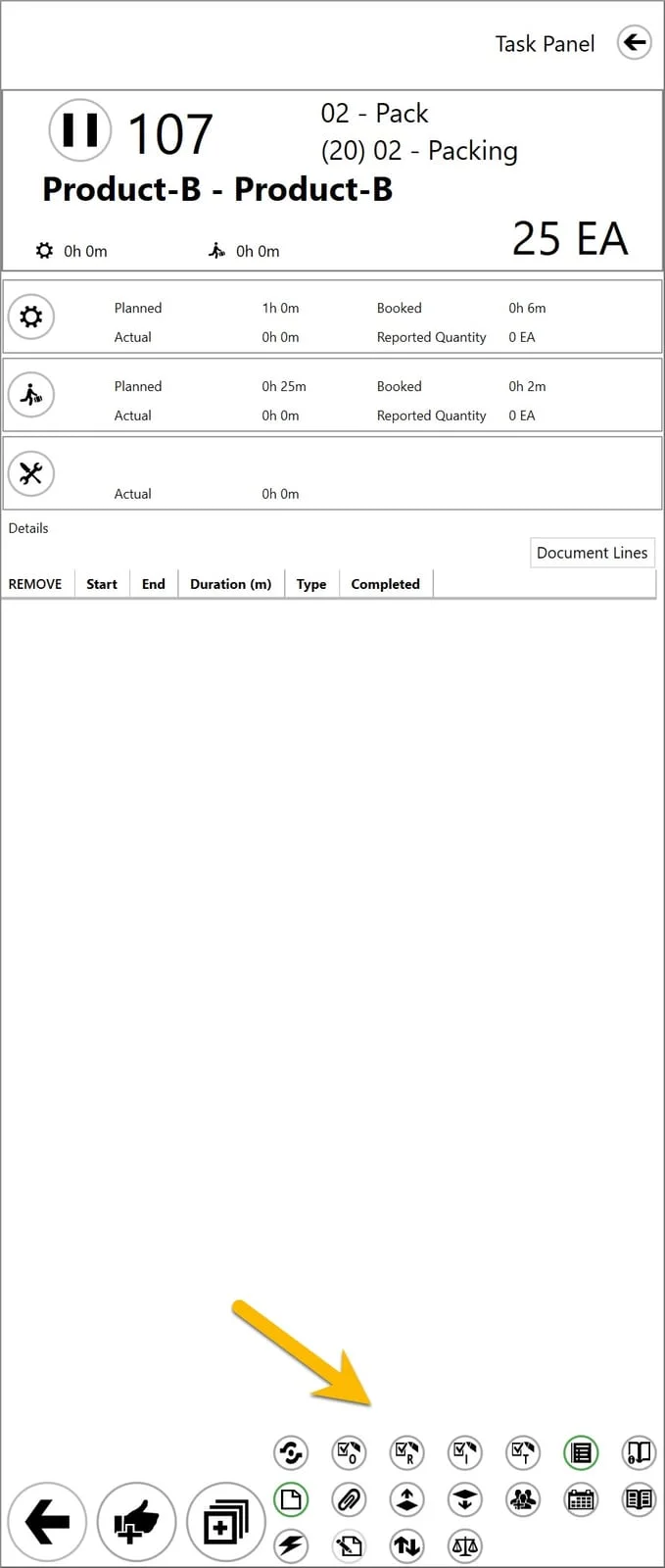
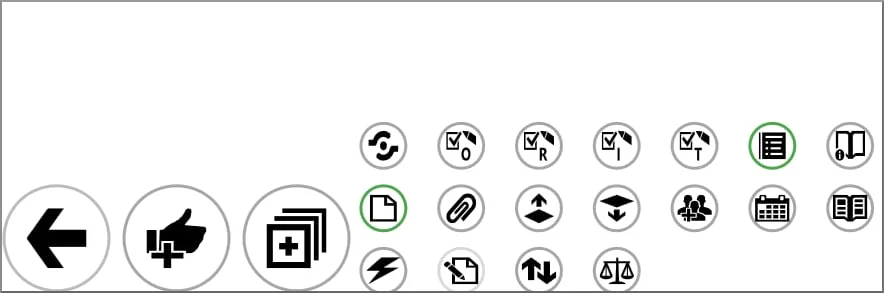
There is now more space for user-specific buttons so that each user can display more options on their device.
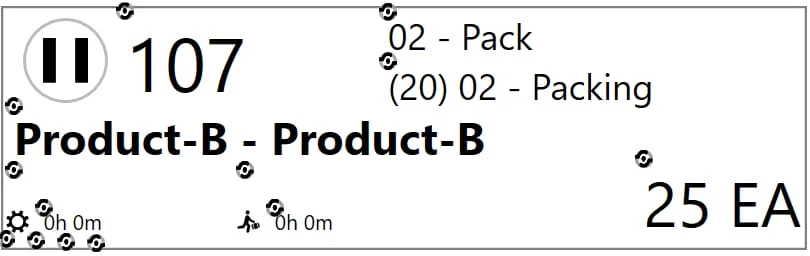
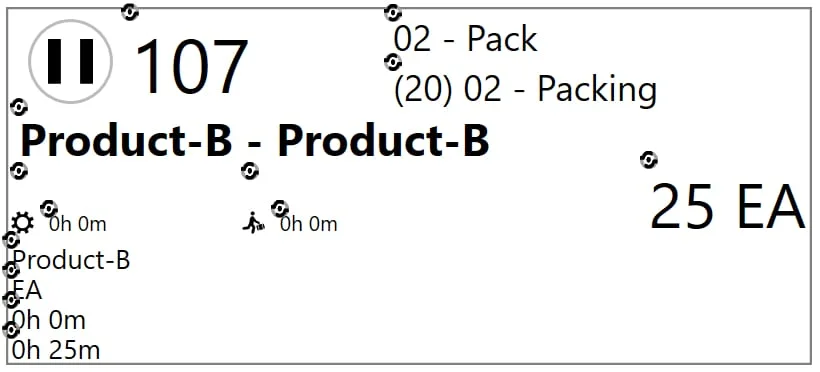
We have created additional space in the task tiles for custom fields.
We have also added a new feature in which buttons are highlighted when additional relevant information is available to the user. The icon is surrounded by a green circle rather than a gray one. The additional information could be any number of things, e.g., a drawing or diagram, instructions to help the operators carry out their work correctly and accurately, a relevant report (including SAP Crystal Reports), resource or operation properties, etc.
To find out more about this release, CompuTec partners can consult the release notes in the CompuTec PDC documentation. For more information about CompuTec PDC, please contact us directly.