
CompuTec PDC 3.10.18.1 comes with several useful new features.
Pick Receipt: Batch Generation
You can now generate batches from CompuTec PDC’s Pick Receipt. When the user opens Pick Receipt, they can enter the total quantity and the number of batches and click on the “generate” button. Subsequently, a line for each batch will appear on the screen.

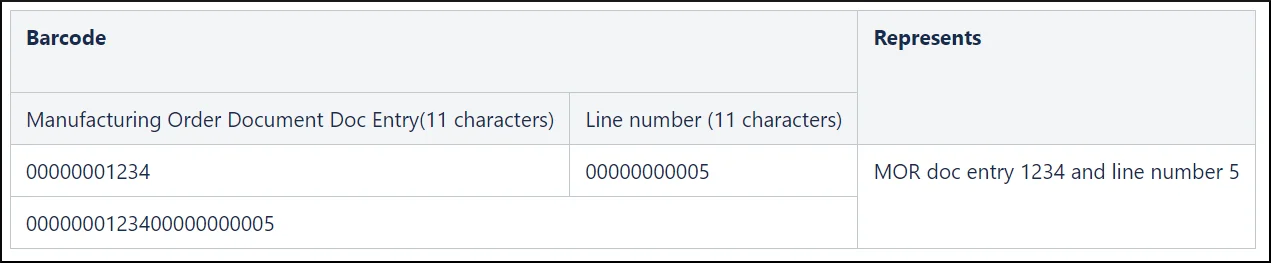
Task Creation after Scanning MODocEntry + RscLineNum Barcodes
When a MODocEntry + RscLineNum barcode is scanned, a new task will be added. If the relevant task has already been added, the task will be opened automatically.
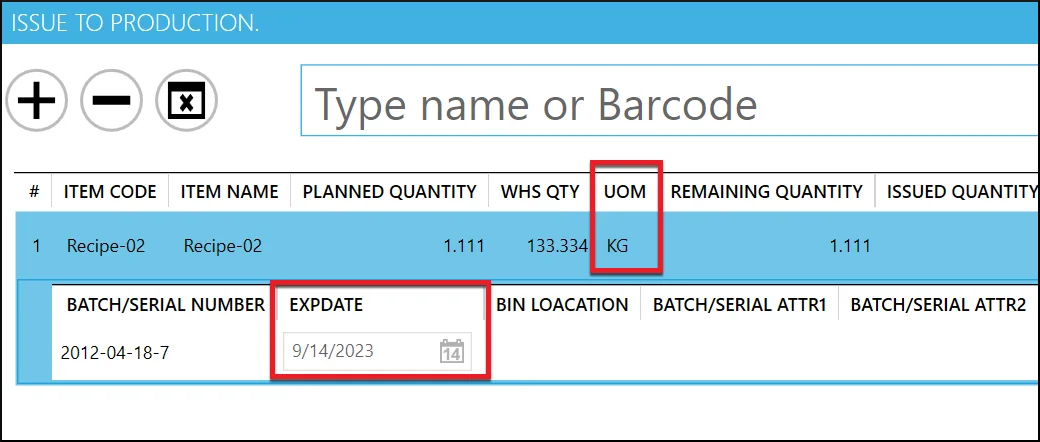
Unit of Measure Code and Expiry Date Fields Added to Issue to Production
By customer request, we have added two fields to the Issue to Production screen in CompuTec PDC. The Unit of Measure code field will be populated with data from the Inventory Data tab on the relevant Item Master Data document. The Expiry Date field will be populated according to the batch or serial number.
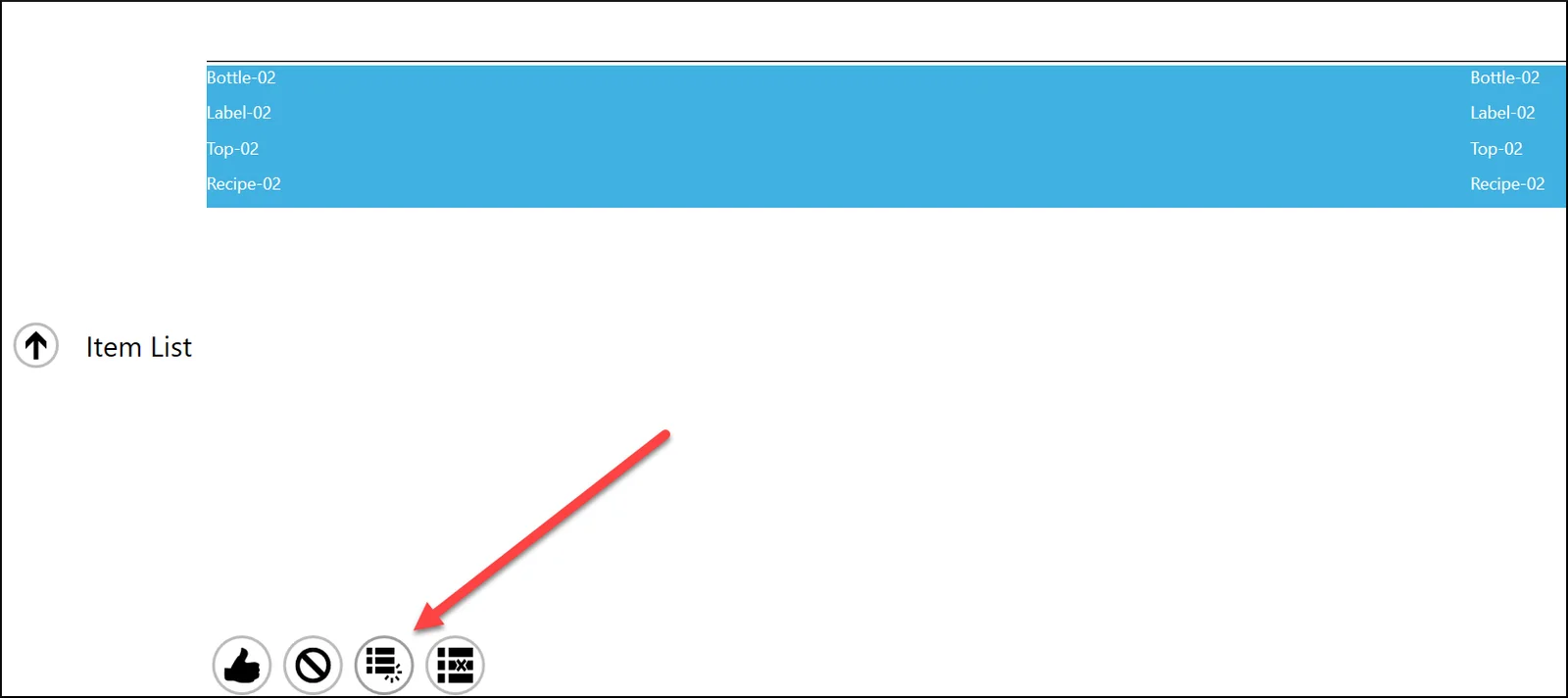
Pick Order and Pick Receipt: Selection Options
Again, at the request of one of our customers, we’ve added the option to select all or unselect all items to improve usability.
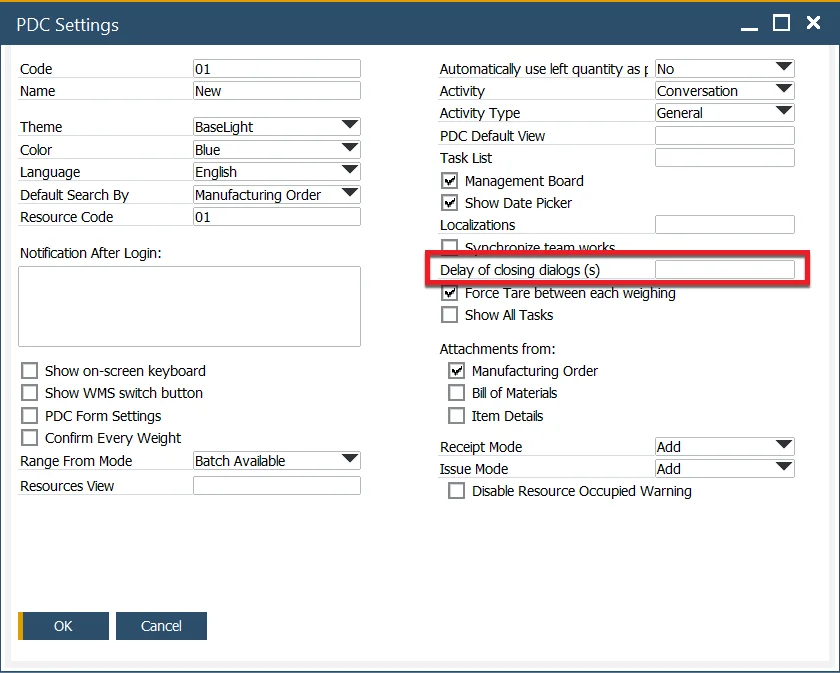
CompuTec PDC Settings: Dialog Windows
You can now define the length of time after which dialog windows are closed automatically in the CompuTec PDC settings.
To see the full release notes for this version, please visit the CompuTec PDC documentation.