
Using the CompuTec AppEngine Source Creator, you can configure the data that is presented in custom reports and analytics using the CompuTec AppEngine Analytical Page. You can read more about creating custom reports based on CompuTec AppEngine app data using the Analytical Page in our previous blog post on the Analytical Page for Manufacturing Orders.
To customize the data, you should first select the Variant, or report preset, that you want to customize from the list or, alternatively, create a new Variant by clicking the “Add New Source” button.
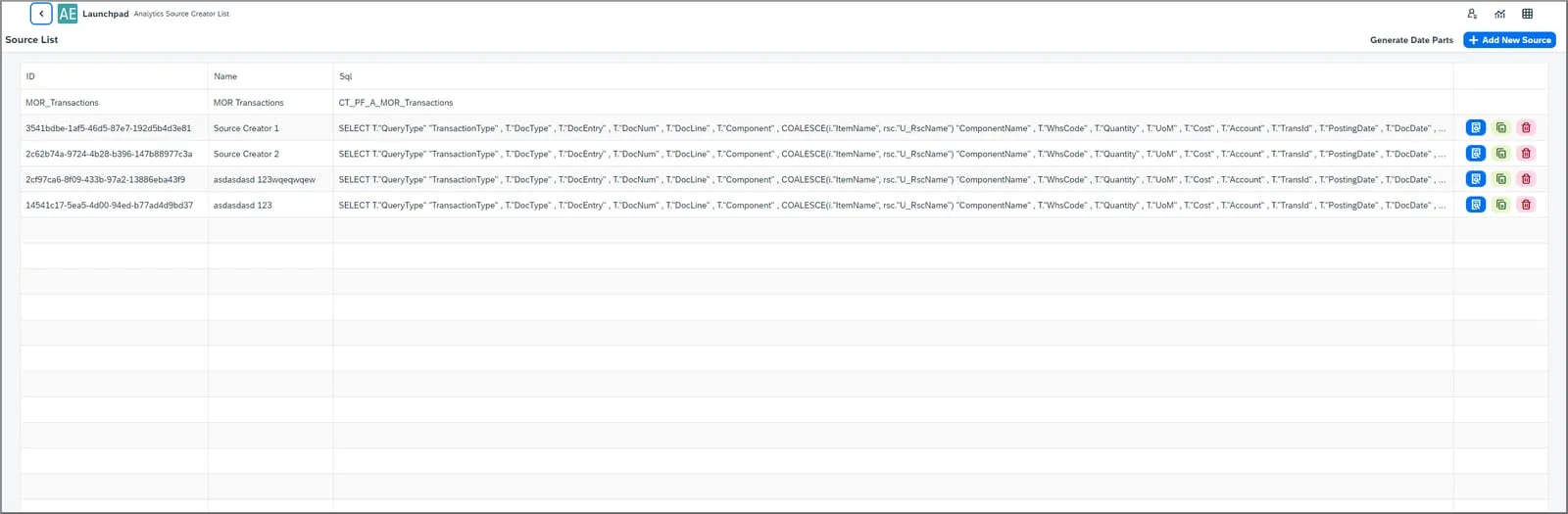
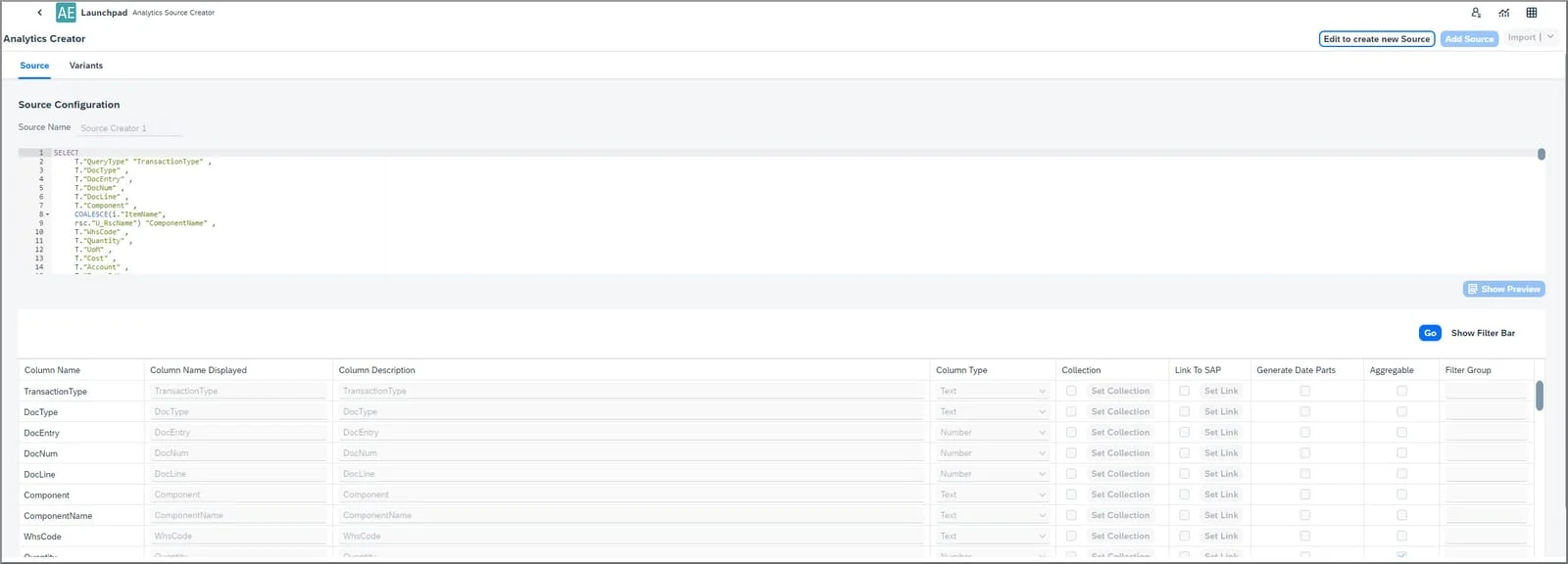
You can then configure the Variant name, the source (an SQL query that will be a data source for the Variant), and the available fields.
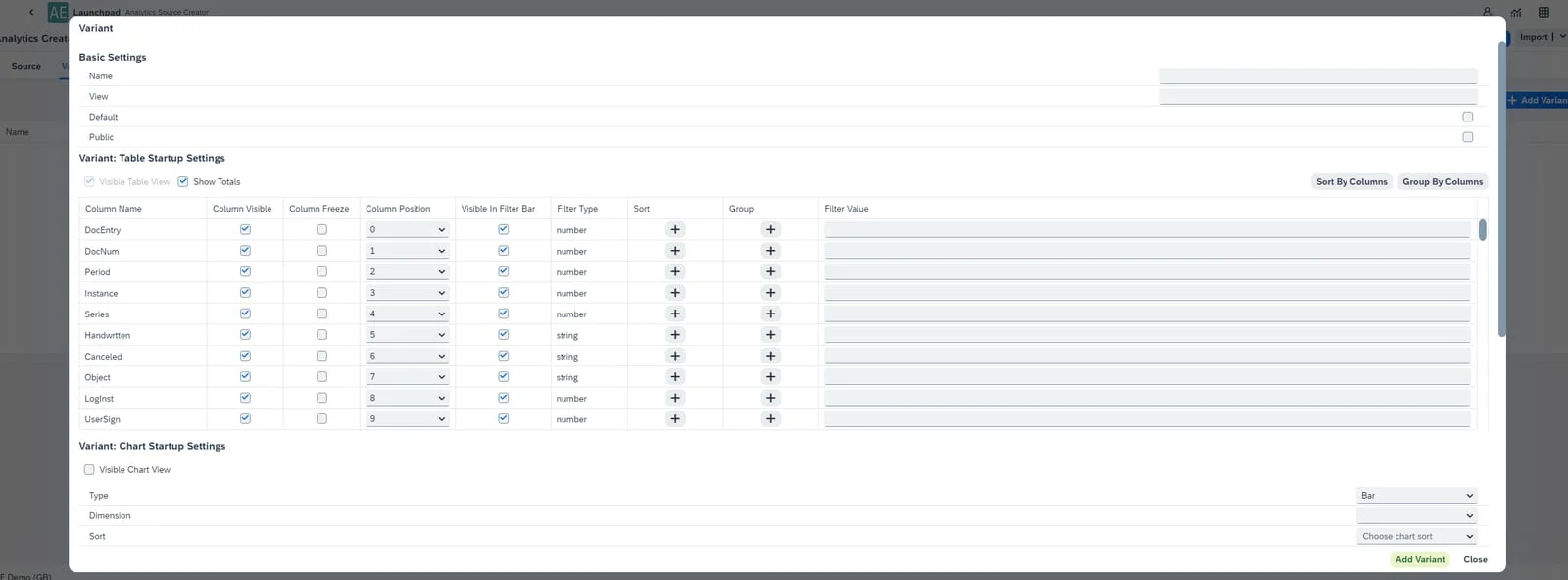
You can also add, edit, or delete Variants for a particular source and define the basic settings, table and chart settings, and visual filter settings.
For more detailed information, please refer to our CompuTec AppEngine documentation or contact us directly.