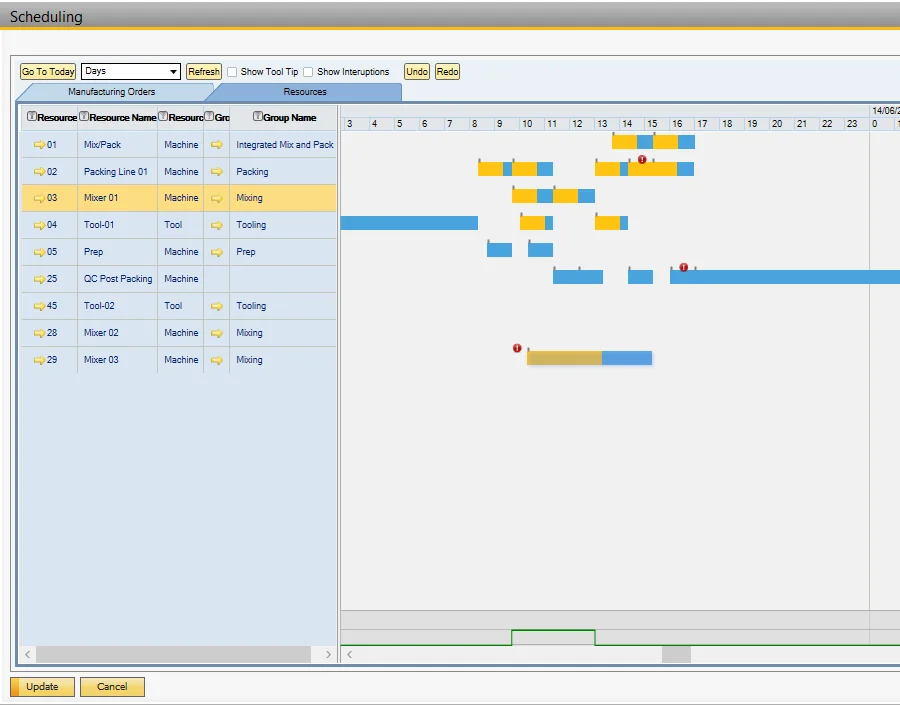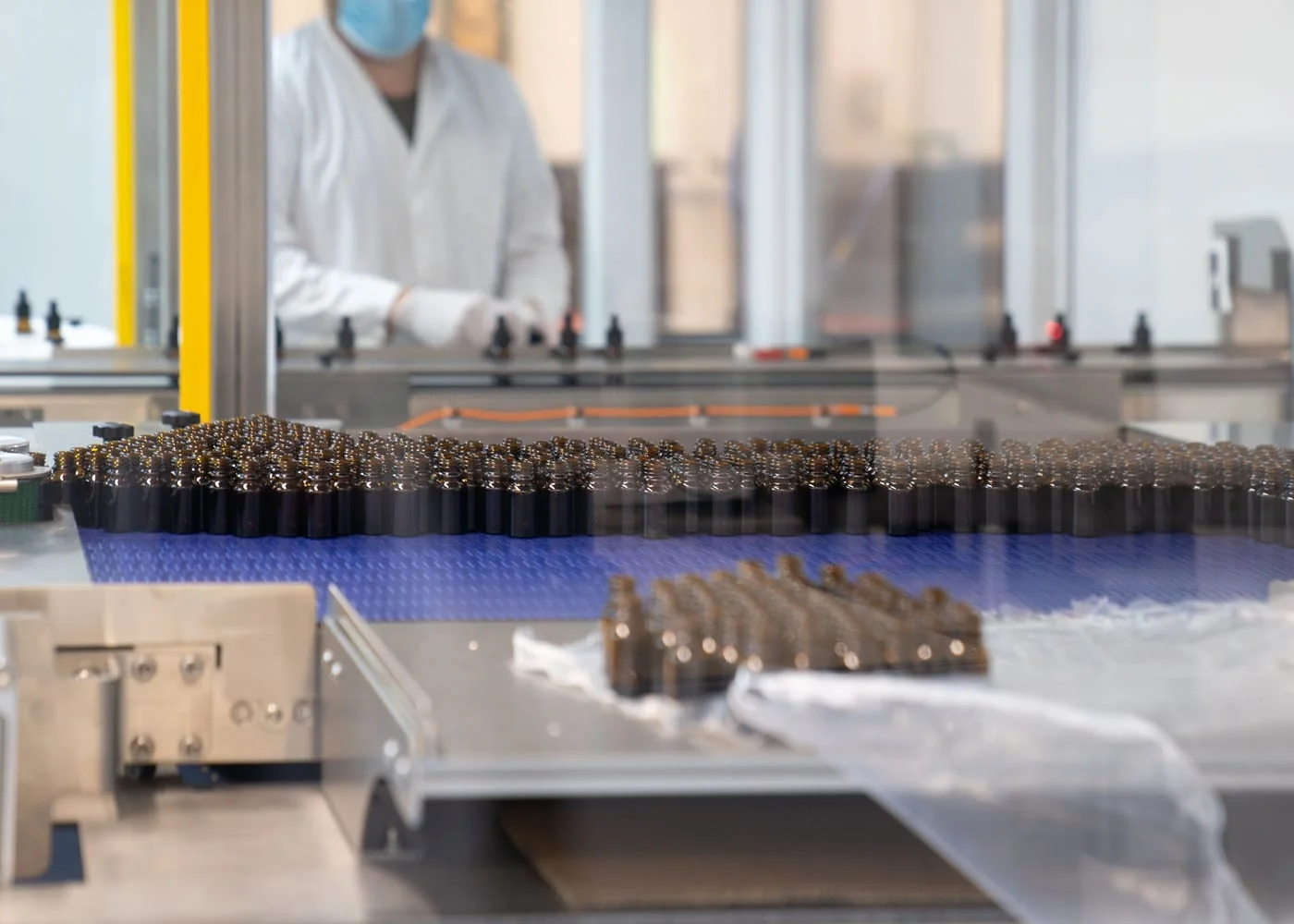
The factory has been loaded with Manufacturing Orders, but there are several questions I may need to ask, for example:
- Do I have visibility of how the resources (machines and tools) are being used?
- What if a Manufacturing Order has to be moved? Is there enough capacity?
- Are there any alternative resources, and what’s the impact?
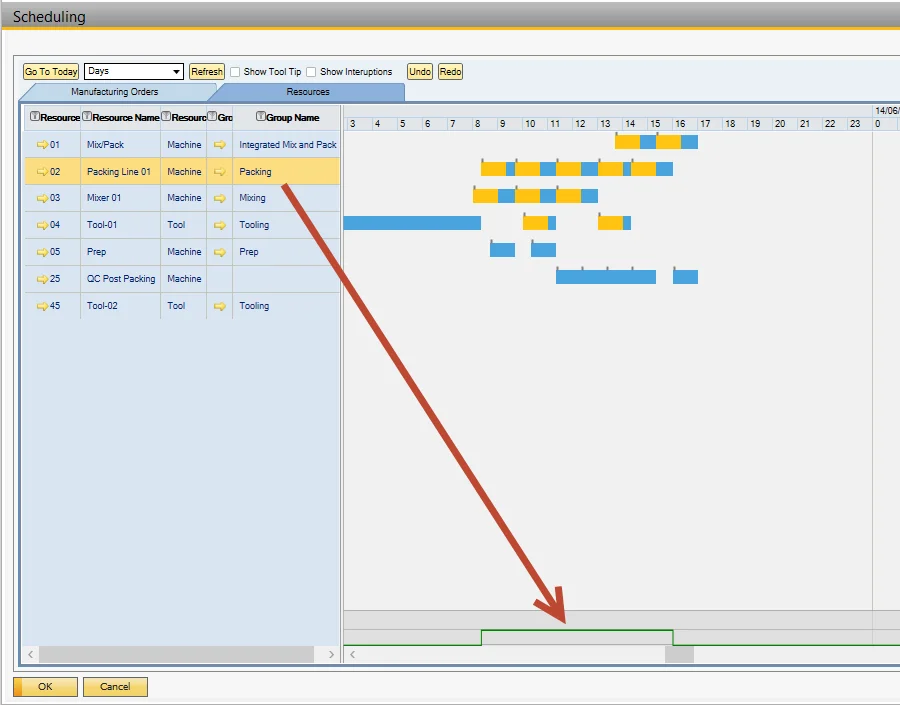
The first screenshot shows that the three Manufacturing Orders on Mixer 01 have been scheduled correctly according to the resources, capacity calendars, and required date. The capacity line at the bottom of the screen (in green) shows there are no capacity issues.
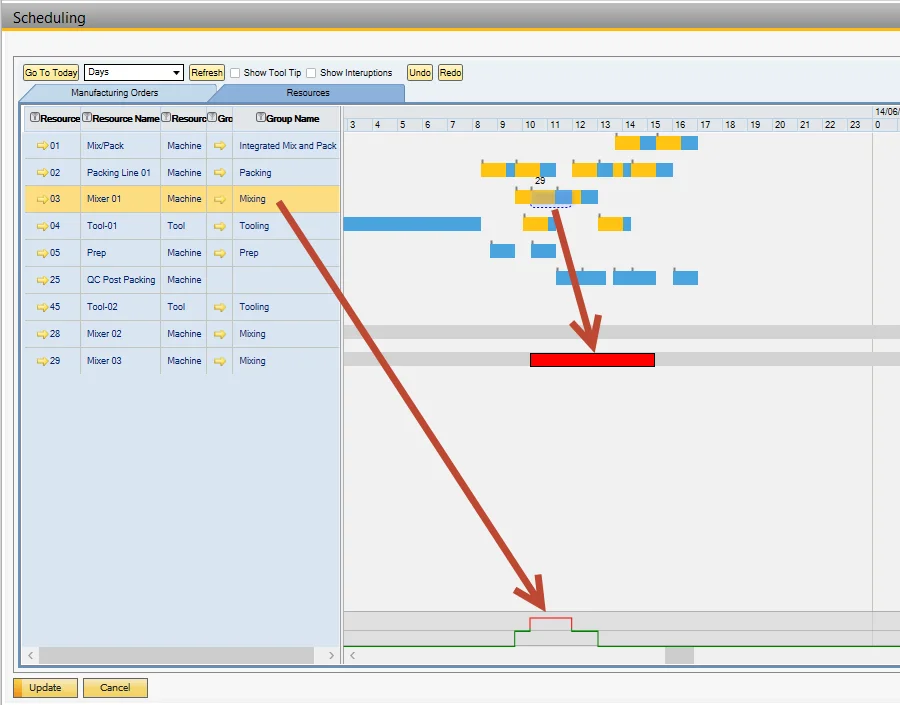
The second screenshot illustrates the impact of moving the Manufacturing Order: the capacity for Mixer 01 is now overloaded (in red). To resolve this conflict, the alternative resources are highlighted, and the Manufacturing Order is “dragged” to Mixer 03, an alternative resource, where the time to perform this operation has increased.
The final screenshot illustrates that by moving the production to the alternative resource Mixer 03, the capacity for Mixer 01 is now balanced, but the scheduled end date of the Manufacturing Order is now later than the required date, so the order is late (red icon).