In the latest version, CompuTec ProcessForce 10.0 R18, we have improved performance when running MRP II scenarios and also added support for Order Intervals. A simpler version of this feature exists in standard SAP Business One MRP, but we have added it to MRP II, where it can be set up not only for items but also for Revisions.
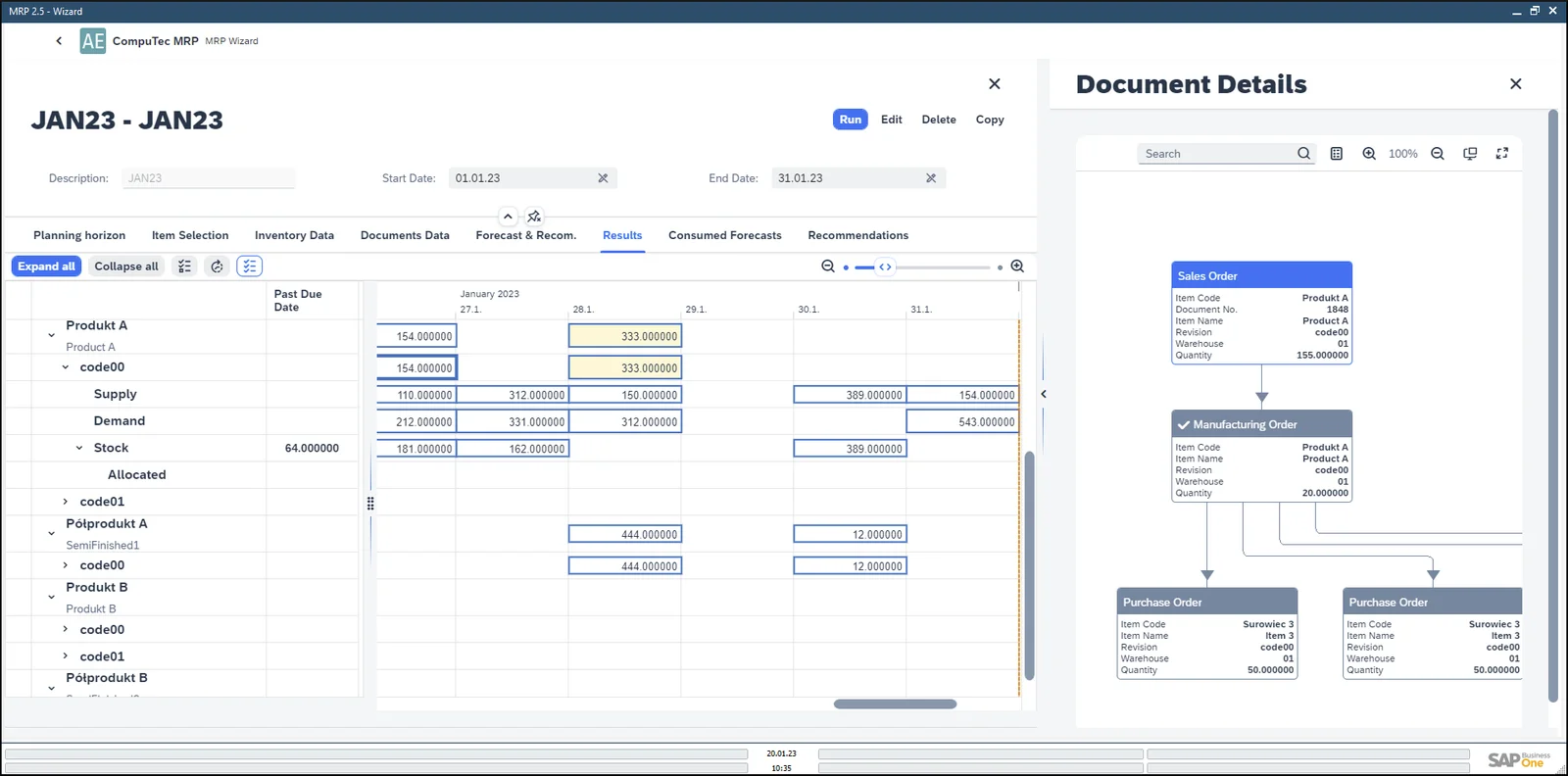
In general, the Order Interval field allows you to define how often a Purchase Order or Manufacturing Order can be created for that item. In other words, all the recommendations made by MRP II will be aggregated into one recommendation according to the period defined in the Order Interval field.
So, if this is an item you purchase and use on a regular basis, you might prefer just to place an order once a week rather than every day.
If it is an item that you manufacture yourself, perhaps you have a particular day of the week when you use your production line to manufacture that item. So, all the demand for the week will be aggregated, so that you make enough on the day that this item is produced, and on other days the production line will make some other products.
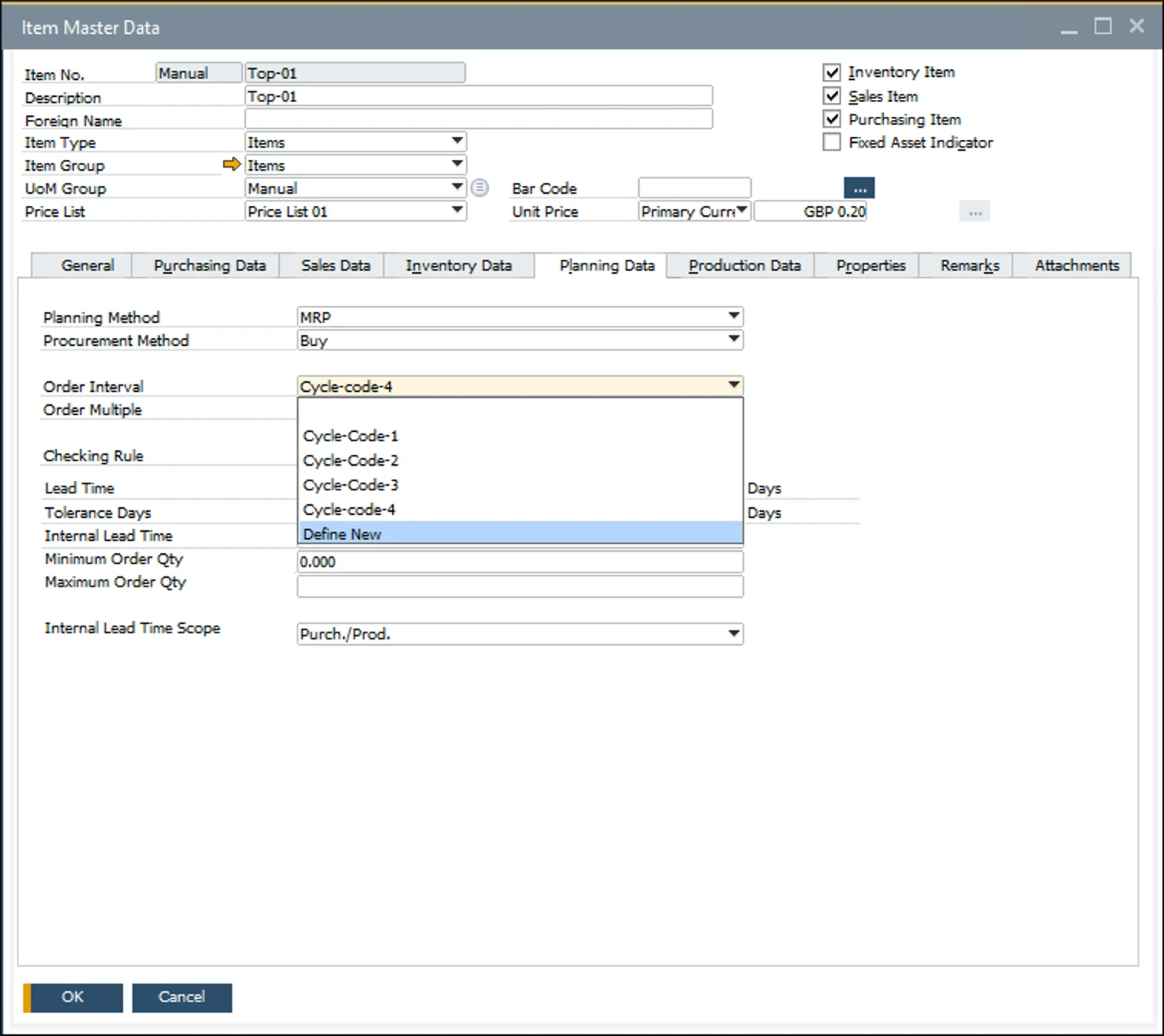
To set up your preferred Order Interval, go to the Planning Data tab of the Item Master Data for the item in question. You will see that there is a drop-down menu for Order Interval. Here you can select which predefined cycle you would like to use or define a new one.
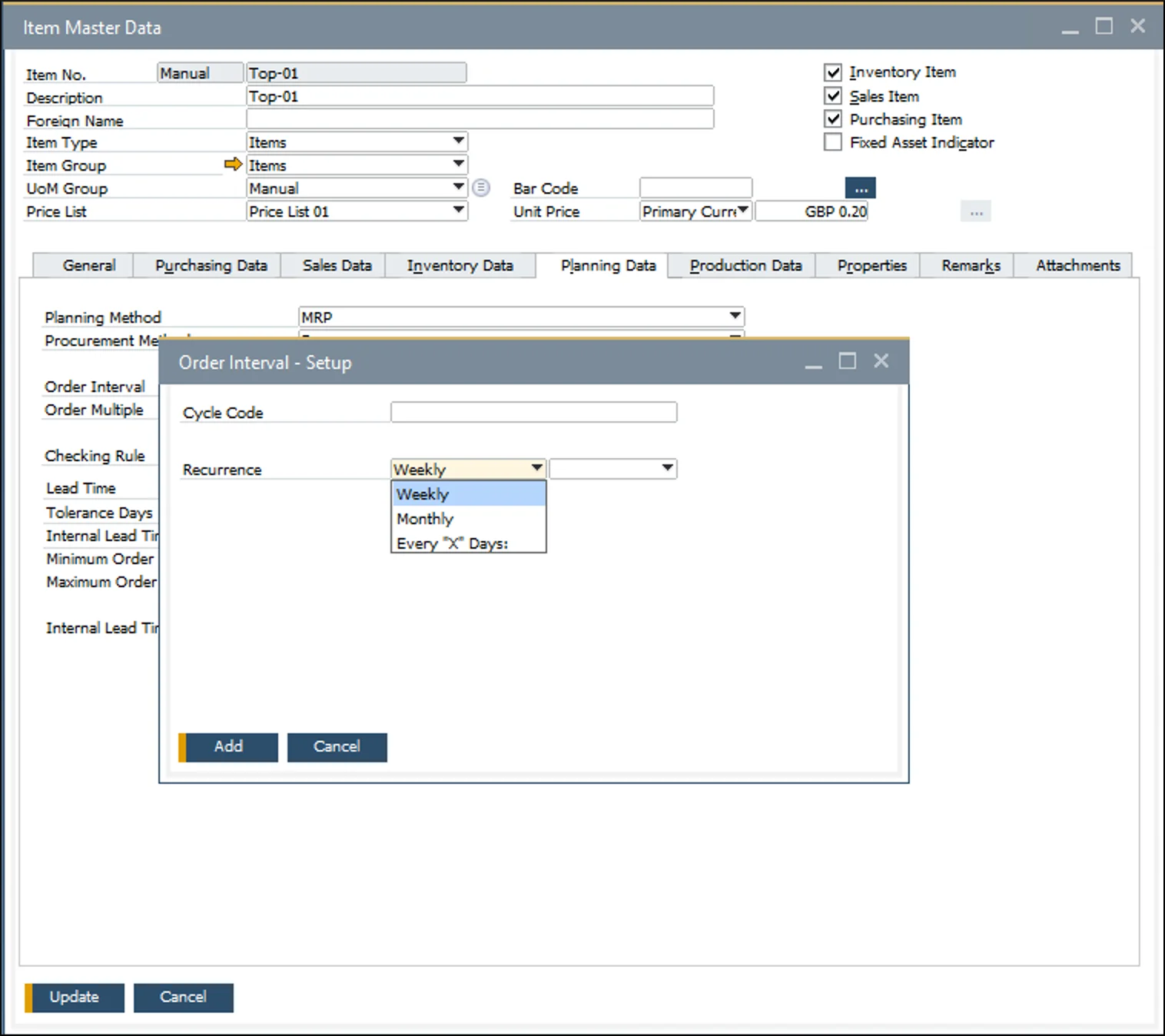
This will open the Order Interval Setup window. Here, you can define whether you would like orders to be created weekly, monthly, or every “X” days. If you select weekly or monthly, you can choose on which day of the week or month you want the order to be created.
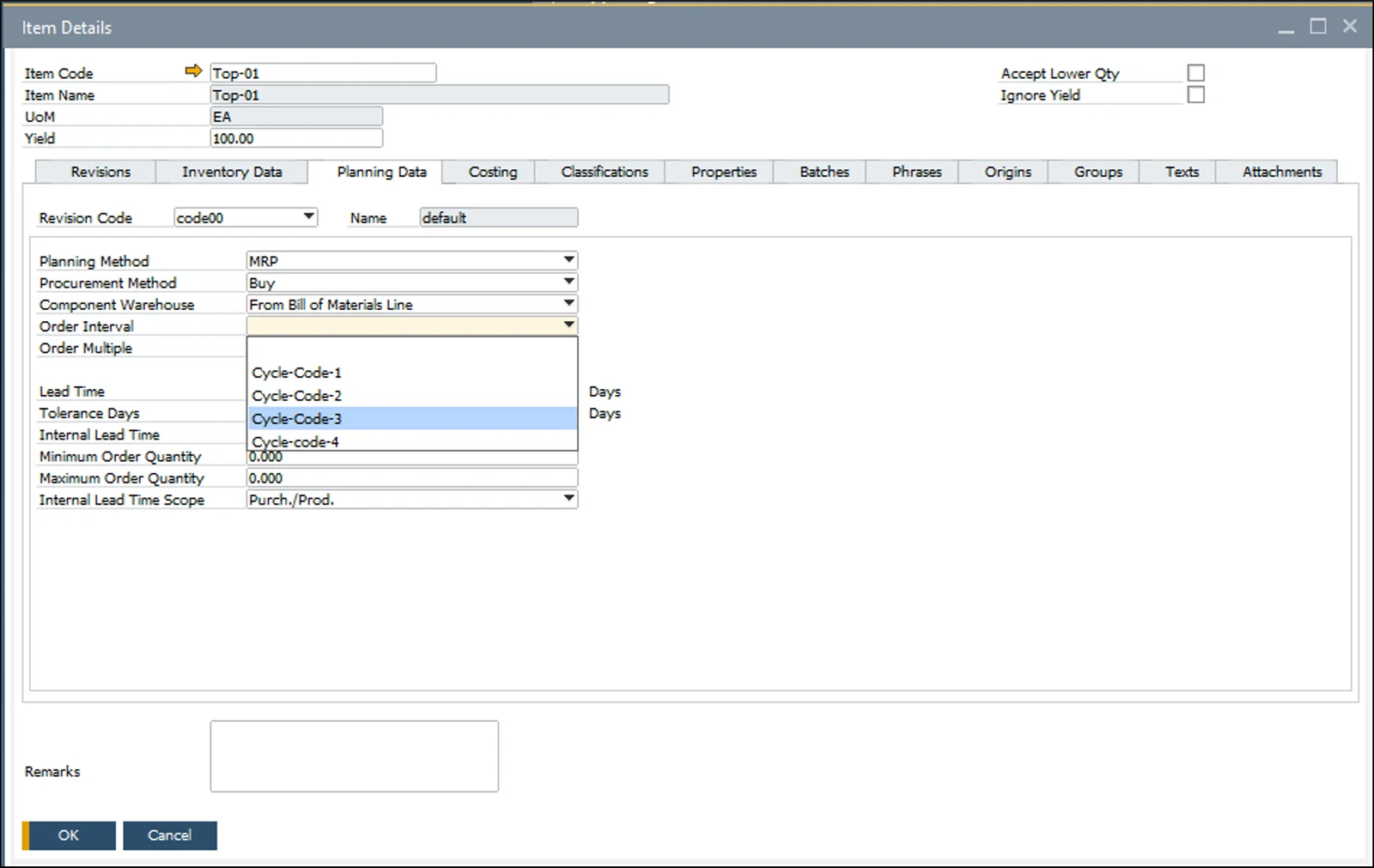
If you would like to set up a different Order Interval for each Revision, i.e., Bill of Materials variant, then you can do that from the Planning Data tab on the Item Details form. You simply select the Revision you want to define planning data for and fill in the Order Interval field accordingly. It looks much the same as on the Item Master Data.