
With CompuTec WMS 2.0 R18 comes the full release of CompuTec WMS for Android. This means that CompuTec WMS can now be used on most Android devices (Android 6 and higher) in live warehouse environments. To find out more about CompuTec WMS for Android devices, please visit our previous blog post on CompuTec WMS for Android or the CompuTec WMS documentation.
As of this latest version, there is also a new way to download CompuTec WMS.
Previously, the installers could only be downloaded from our documentation portal. Now you can also download the installers from the web browser of the device you want to use CompuTec WMS on. You can find the installers by entering your CompuTec WMS server address and port 31002 in the address bar of the web browser, i.e., [CompuTec WMS server address]:31002. Then you will see something very similar to the following screen.
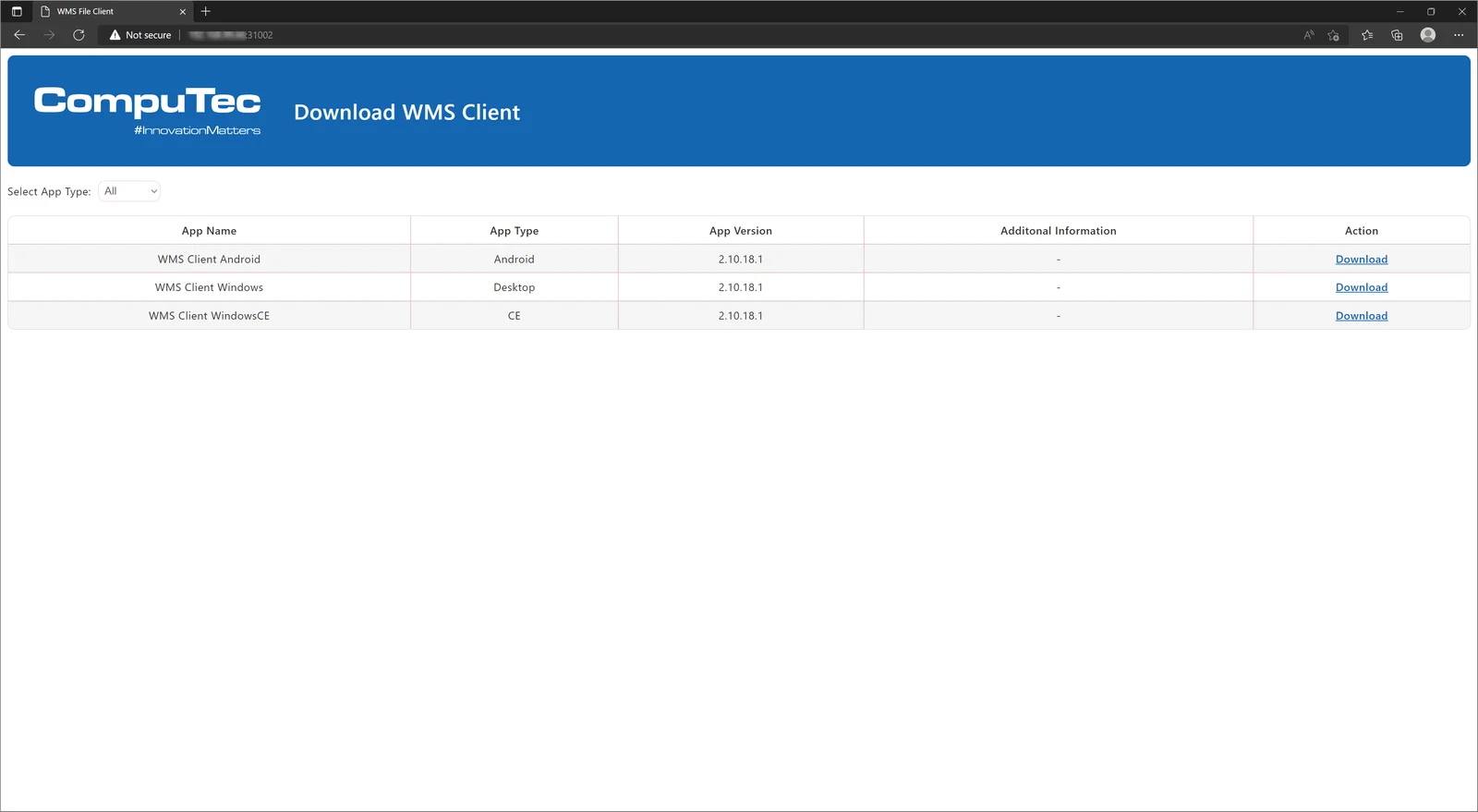
At this stage, you simply choose which flavor of CompuTec WMS you would like to install and then follow the standard procedure.
You will still be able to download the installers from the CompuTec WMS documentation for the foreseeable future too.