
CompuTec WMS 2.10.23 brings several important new features with it.
Delivery
We have rewritten the Delivery transaction in CompuTec WMS to bring you a much-improved version.
You can create draft Delivery documents and base your actual Delivery documents on them later. You can also base the Delivery document on a Pick List, a Sales Order, or an A/R Reserve Invoice.
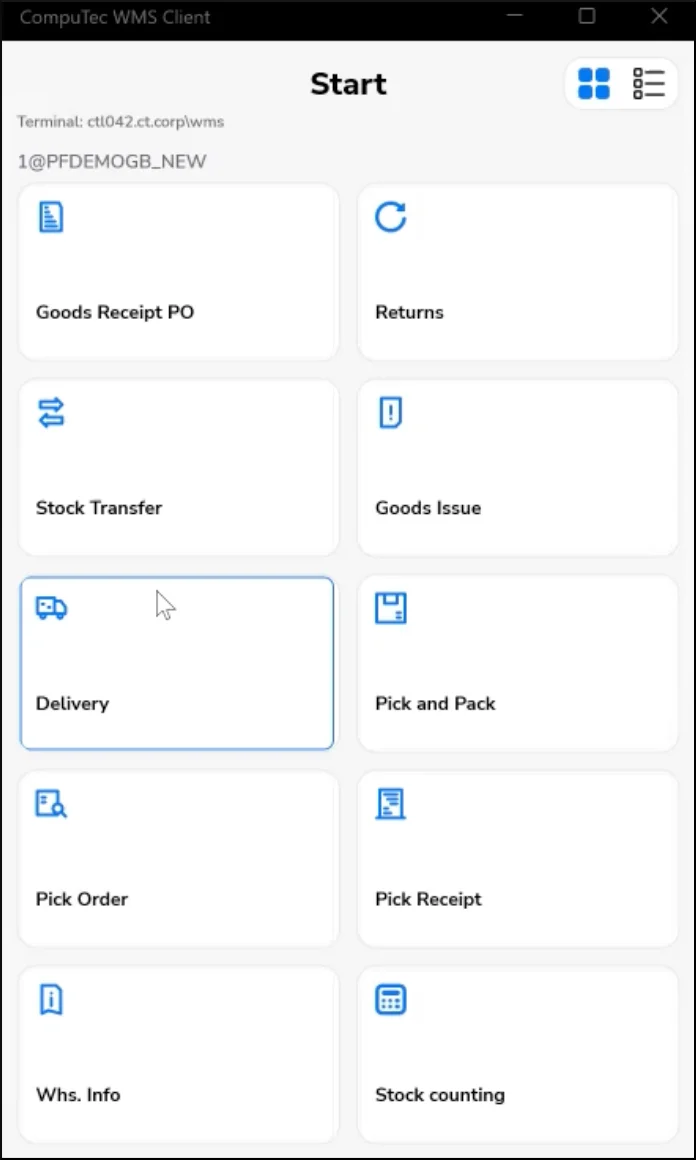
There is support for Items managed by batch or serial number as well as pre-allocation. Delivery documents can include Storage Units, Child Storage Units, loose Items, or a combination of all of the aforementioned.
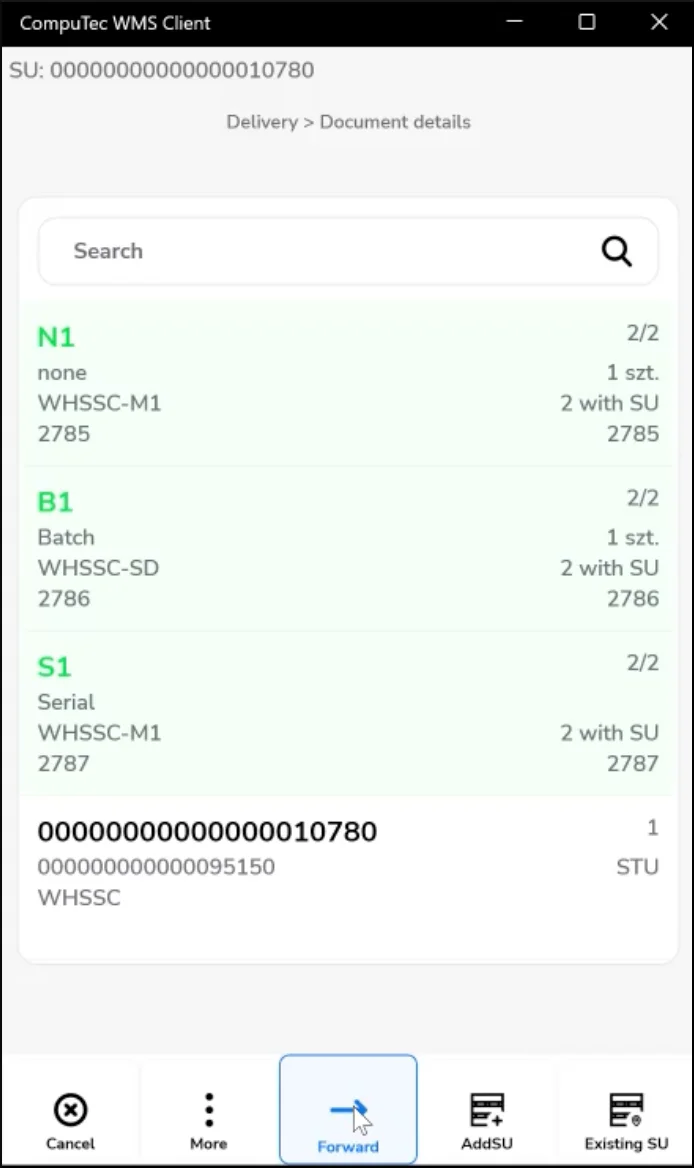
To see how it works, please take some time to watch our video demonstration below.
Packing Slip
You can also generate Packing Slips in SAP Business One based on Delivery documents.
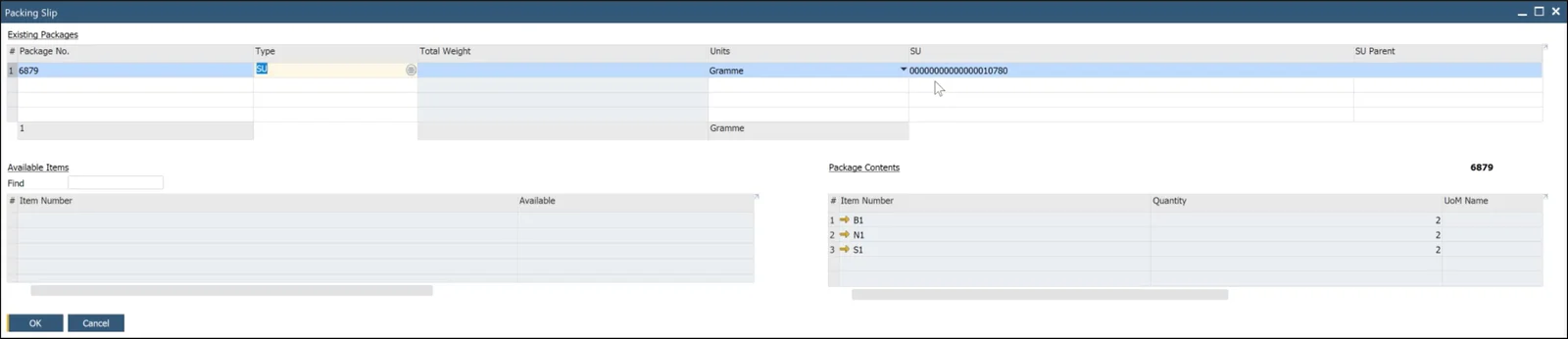
In the CompuTec WMS Delivery demonstration above, you can also see the creation of a Packing Slip in SAP Business One.
Storage Unit Quick Transfer
We’ve added the Storage Unit Quick Transfer transaction to CompuTec WMS. This allows you to record the movement of a Storage Unit to a new location extremely quickly, in a matter of a few seconds.
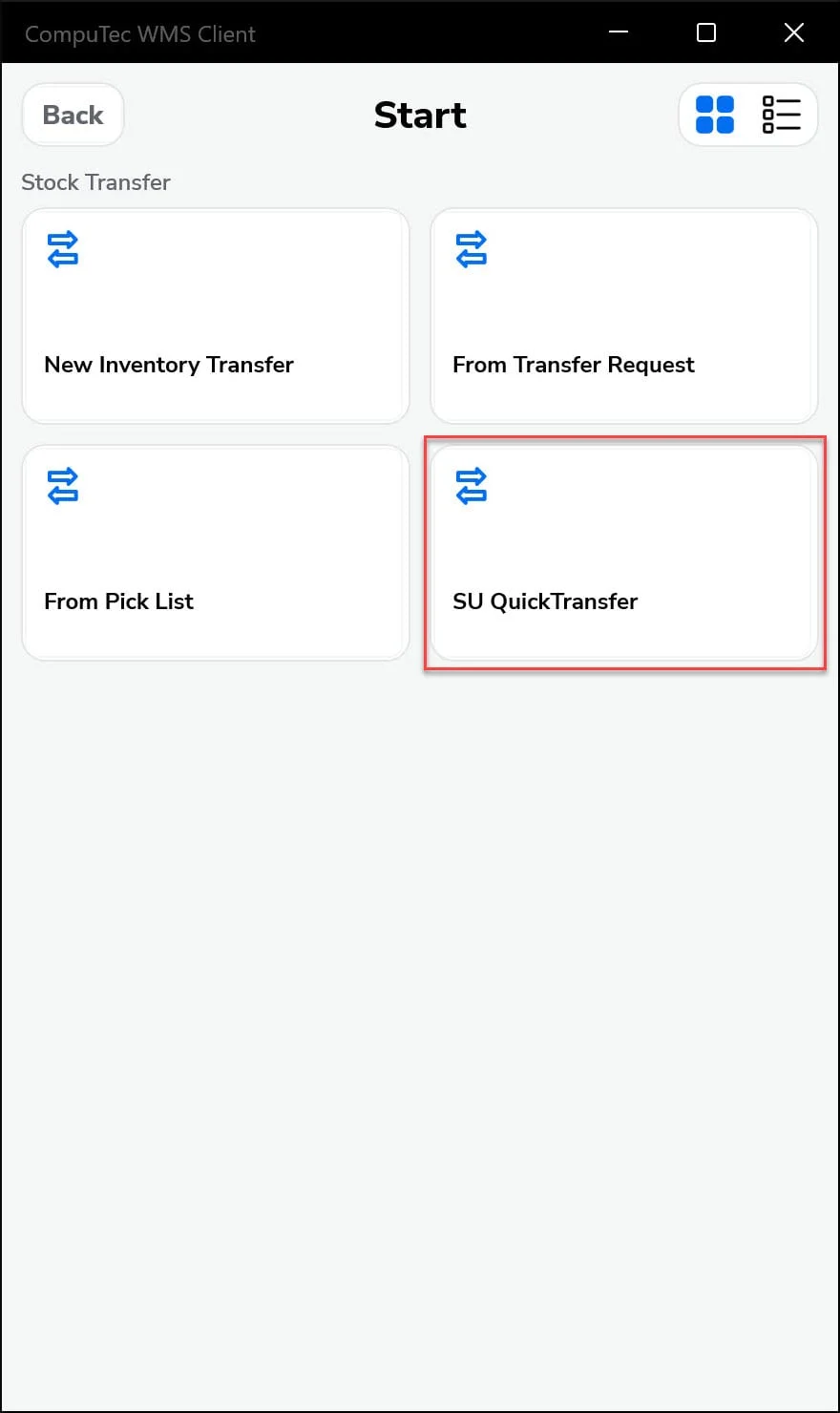
You can read more about it in our CompuTec WMS documentation or check out our demonstration below.