
We are very pleased to announce the release of our Quality Control mobile app for CompuTec ProcessForce. The app gives inspectors the information they need to carry out their work as they move around the facility and record test results on the go.
CompuTec ProcessForce Quality Control app users can see all Quality Control tests from the app and filter them to find the ones they want. They can add Quality Control Tests to their “My List” which is a favorites-style list that provides quick and easy access to any tests added there.
From the app, inspectors can view a range of information about each Quality Control Test, including information about the Item that is the subject of testing, Warehouse and Bin Location, batch and serial number information, transaction information, assigned inspectors, instructions, attachments, and more.
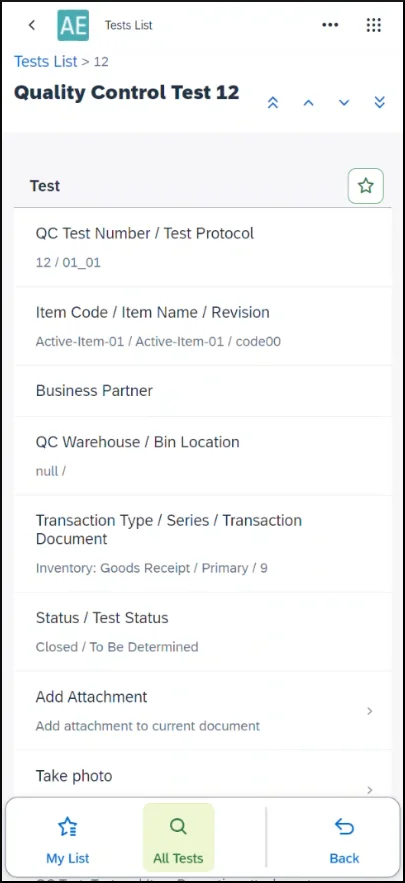
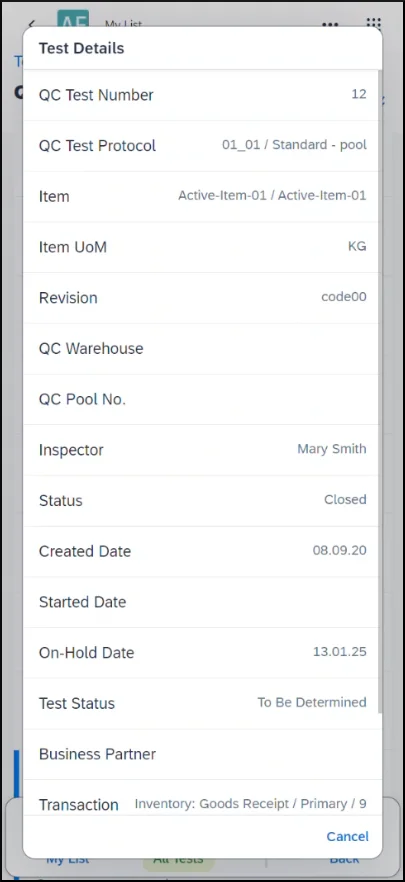
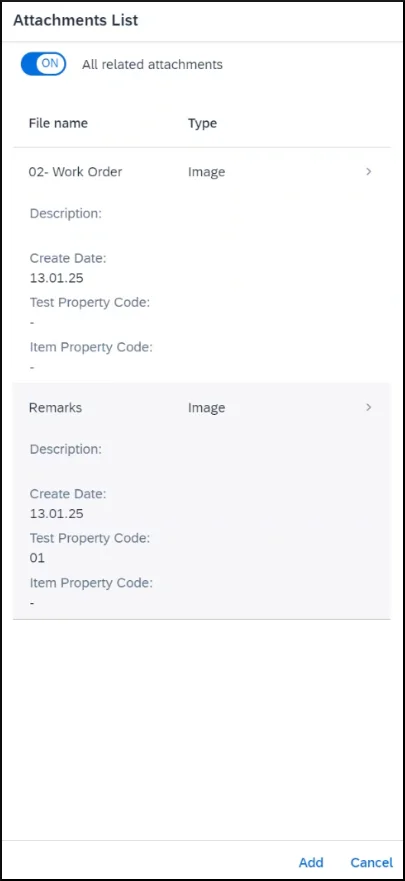
Users can also record data in the app, and that data will be immediately updated in the Quality Control Test in SAP Business One. The app allows you to:
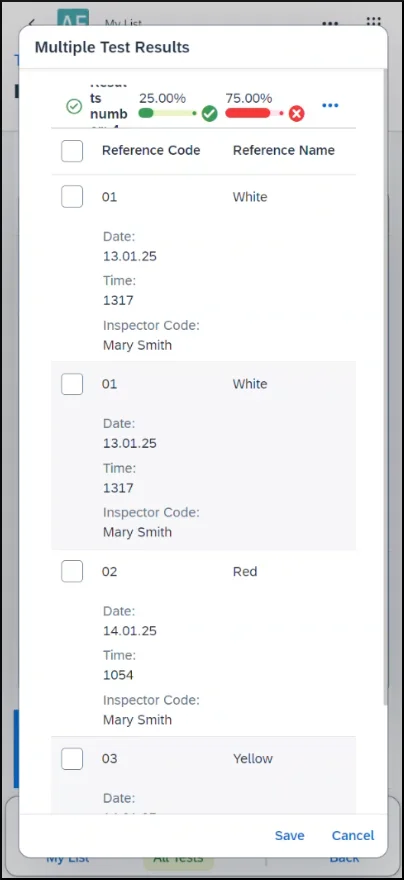
- record test results, including multiple results from a single test
- change the Quality Control Test status
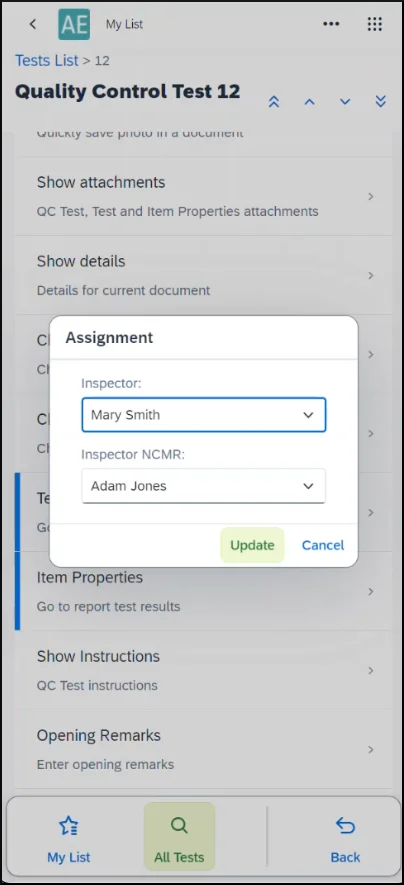
- assign inspectors and NCMR inspectors
- add photographs and attachments
- add remarks using the app
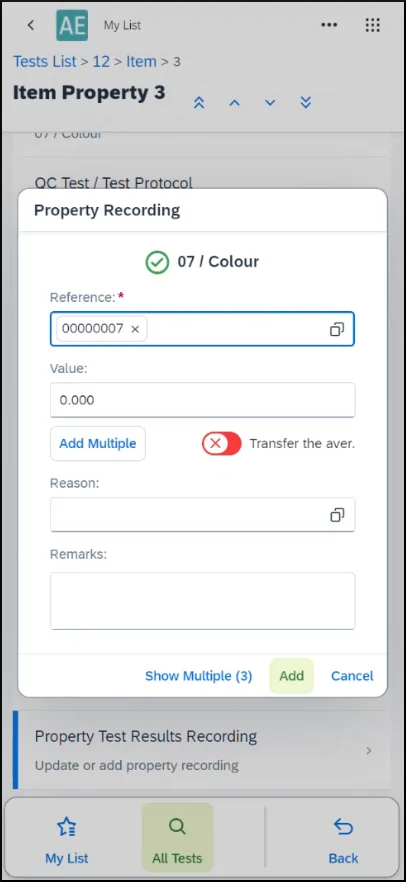
You can see exactly how it works in our video demonstration below.
The CompuTec ProcessForce Quality Control mobile app is available to download now from the CompuTec AppEngine store.