In CompuTec WMS 1.5.8 R1, users will find a couple of very useful new customization options and a convenient new printing feature.
SU Pick and Pack
SU (Storage Unit) Pick and Pack enables you to create Pick and Pack documents from the Storage Unit level based on documents such as Sales Orders.
The reason why this is so useful is that this will really help you cut your loading times down. As anyone in the logistics business knows, drivers of delivery vehicles are often on a tight schedule, which is not always forgiving in terms of finding time to update your system as items are loaded onto the vehicle. SU Pick and Pack makes it all much faster by allowing you to pre-prepare pick lists and create delivery documents based on them in just a few seconds.
Previously, all users had the ability to add items to SU Pick and Pack, but now, in the latest version of CompuTec WMS, to give you greater control over your inventory, you can decide if it is possible to do this, or if you can only pick items from the base document. You can see how it all works in our short demo video below.
Print from Storage Unit Details
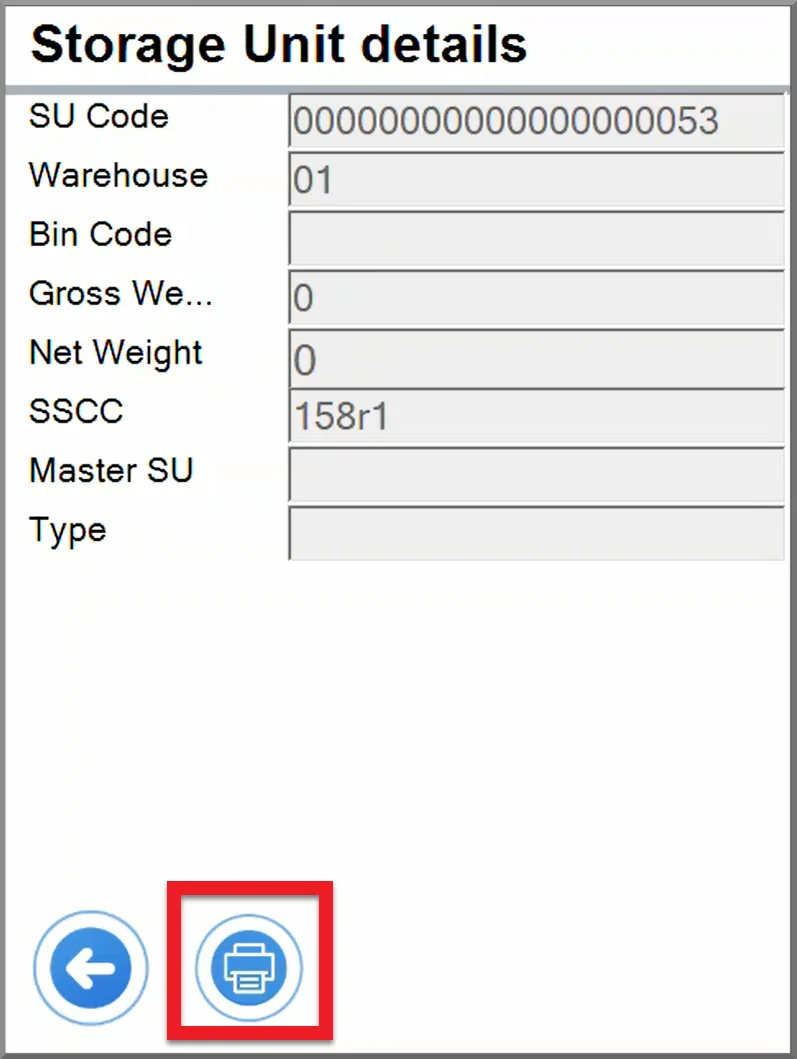
As of CompuTec WMS 1.5.8 R1, businesses also using CompuTec Labels are now able to create label templates using data from CompuTec WMS’s Storage Unit Details.
We’ve also added a handy print button to the Storage Unit Details form to make printing the associated labels as convenient as possible.
SQL Dimensions for Goods Issue
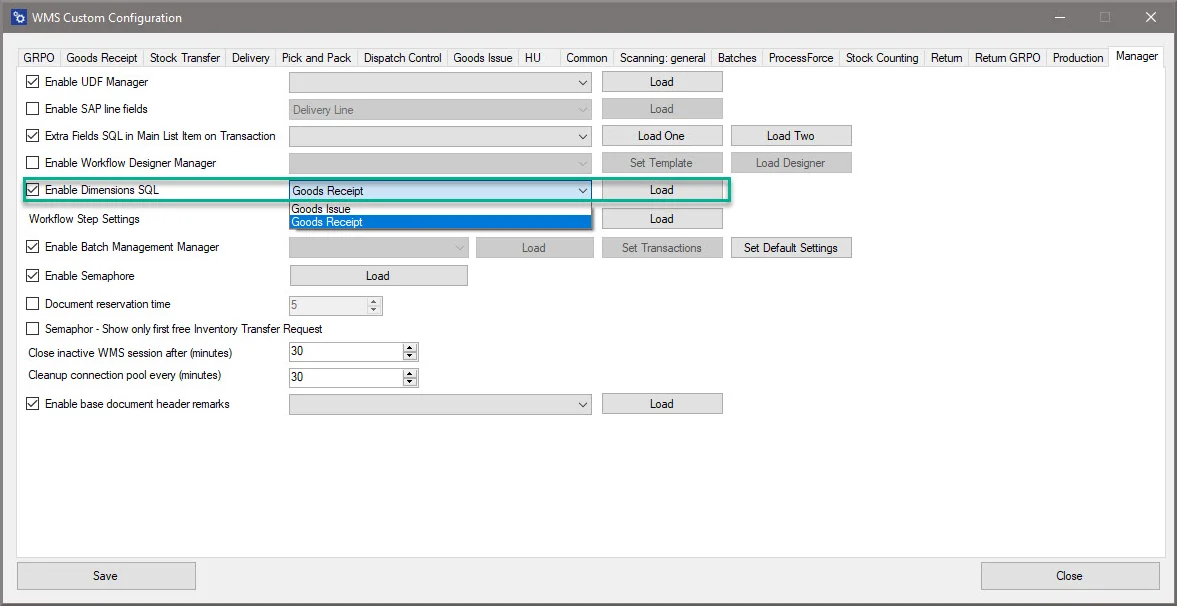
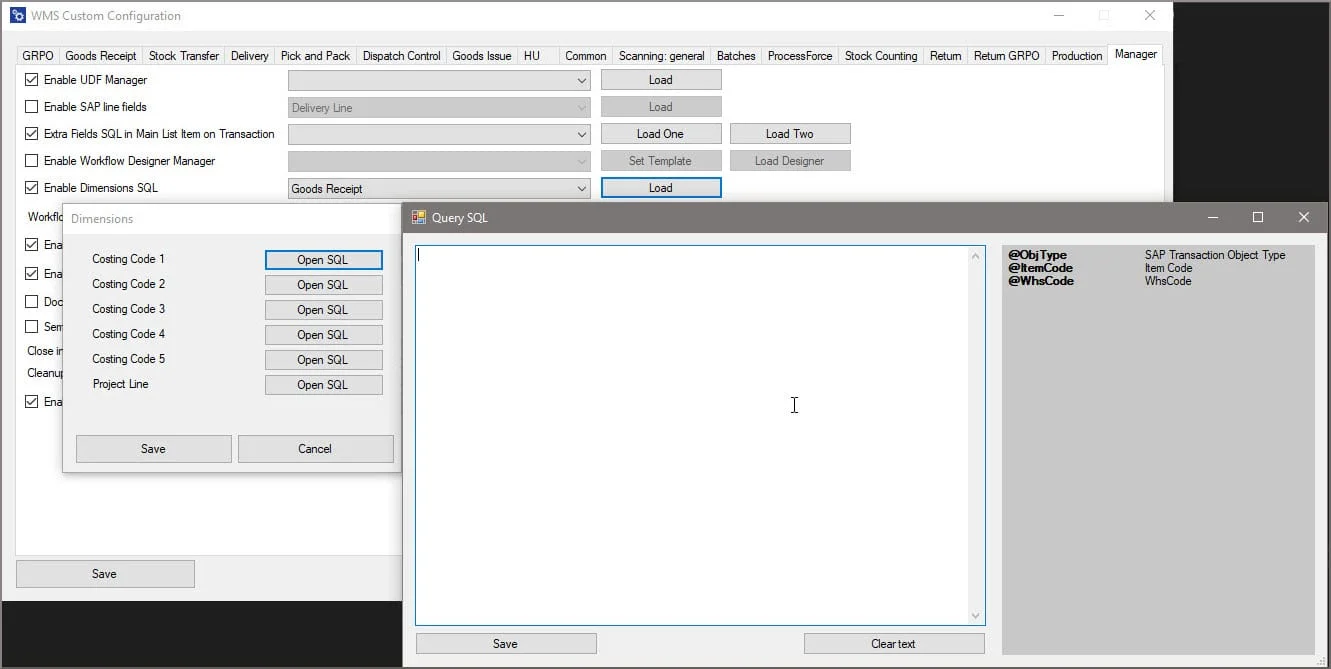
We’ve also enabled SQL dimensions for Goods Issue. This means you can display the values resulting from SQL queries on dimensional objects on this form, allowing you to tailor what data is displayed in each field according to the needs specific to your business. We’ll be adding SQL dimensions to more forms in upcoming releases of CompuTec WMS, such as Goods Receipt PO and Stock Transfer.
To find out more about CompuTec WMS and how it can benefit your warehousing practices, take a look at the CompuTec WMS page or contact our team.