
We are delighted to announce that CompuTec AppEngine 3.0 is now available to CompuTec partners for testing as part of our Early Access Program. CompuTec AppEngine 3.0 is bursting with exciting new features and new possibilities that have a knock-on effect on other CompuTec solutions and your entire SAP Business One environment. You could say that this is the dawn of a new era for CompuTec solutions.
There are so many new features that we can’t cover them in detail all at once! We’ll give you a summary here and explore various aspects of CompuTec AppEngine 3.0 in more detail in blogs, video demonstrations, and tutorials in the coming weeks and months.
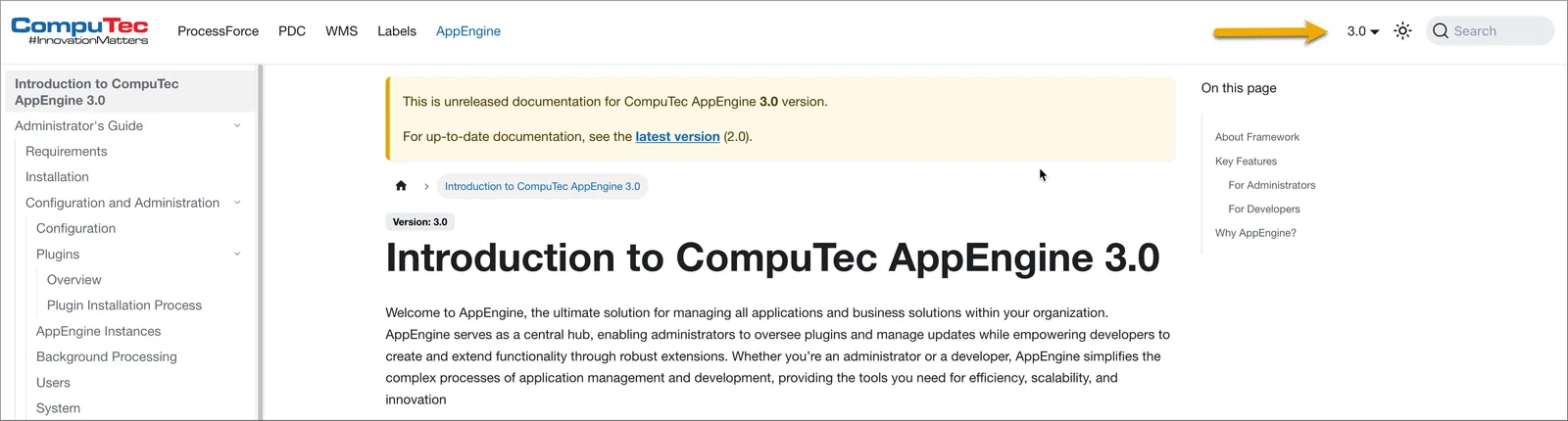
You can also read about all the new features in our CompuTec AppEngine documentation. Since the changes are so substantial, we have created entirely new documentation for CompuTec AppEngine 3.0. You can switch between the documentation for CompuTec AppEngine 2.0 and 3.0 by using the drop-down menu on the top right of your screen.
So, without further ado, let’s find out what you can expect from CompuTec AppEngine 3.0.
1. Easier Cloud-Based Deployments
CompuTec AppEngine has been redesigned. The new architecture and changes to OpenID Connect (OIDC) handling mean that CompuTec AppEngine is now a much better fit for cloud-hosted environments.
2. Simpler, User-Friendly Installations and Configuration
We’ve made the configuration process of CompuTec AppEngine itself simpler and more automated. We’ve added validations, progress bars, improved dialogs, and other features to keep you on the right track and informed about the current status.

You can now have more than one instance of CompuTec AppEngine in your SAP Business One ecosystem too.
Installing apps has been revolutionized by the new CompuTec AppEngine store, which is the next feature we’ll come to.
3. CompuTec AppEngine Store with Better App Lifecycle Management
One of the biggest changes is the arrival of the CompuTec AppEngine store, which makes it very easy to download all CompuTec solutions in app form from the web.
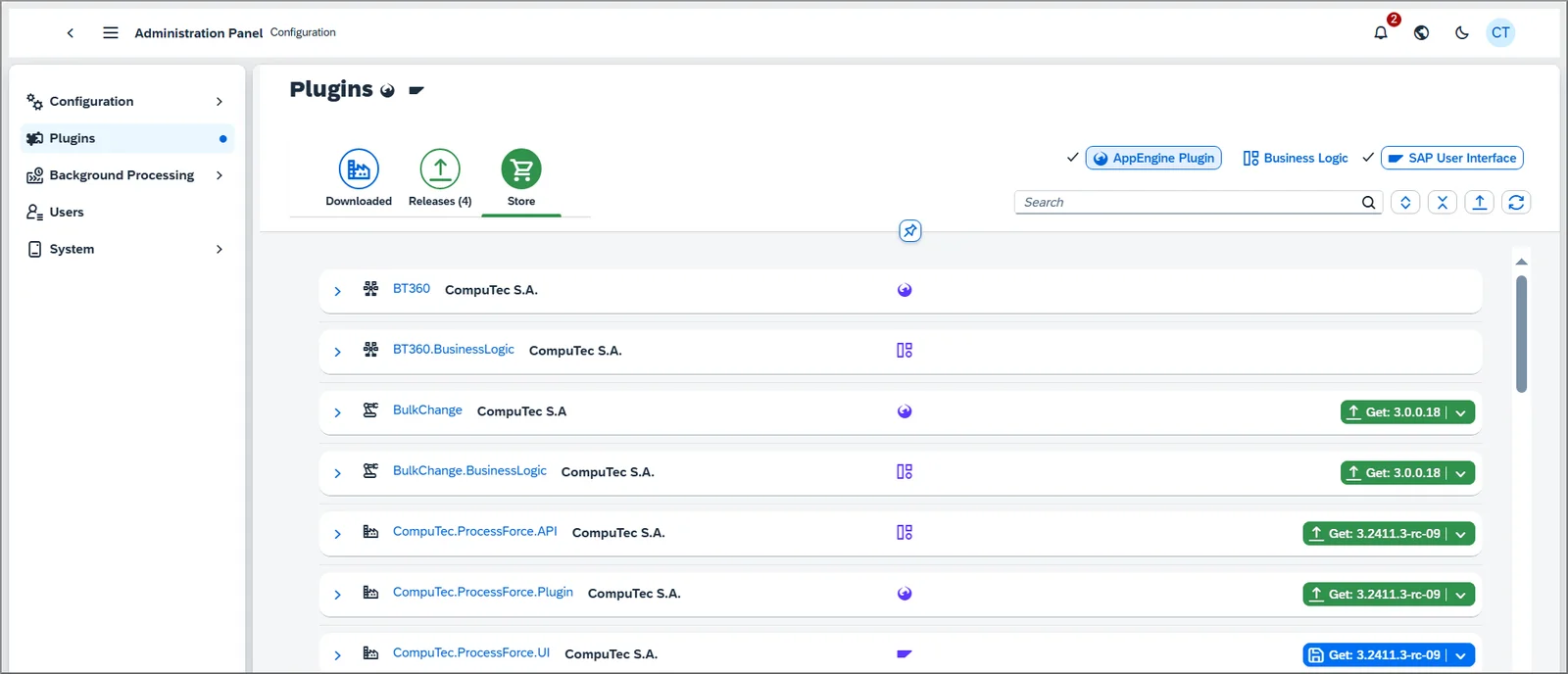
It’s also a lot easier to manage apps and upgrades from the store. The CompuTec AppEngine store allows you to:
- Easily see what you currently have installed and what upgrades are available
- Manage apps on a per-company basis
- Better understand prerequisites and app dependencies
- Automate more of the installation process so that you can be sure that you install all necessary components correctly
- See the knock-on effects of deactivating apps
- Diagnose any issues with your installation
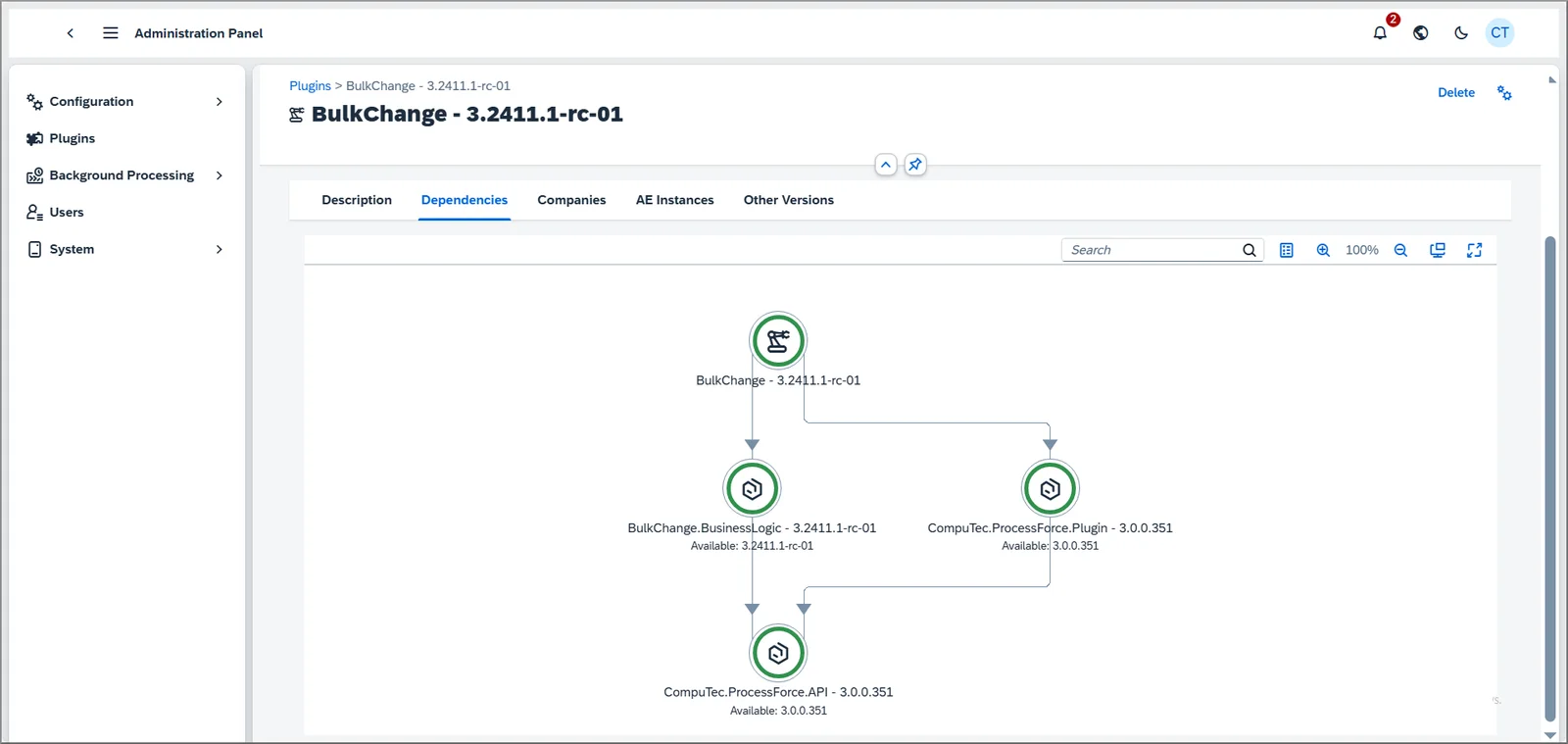
The CompuTec AppEngine store has also allowed us to launch our Early Access Program for CompuTec partners because we can now give them access to our release candidates. You can find out more in our post on the Early Access Program for partners.
4. More Efficient Background Job Management
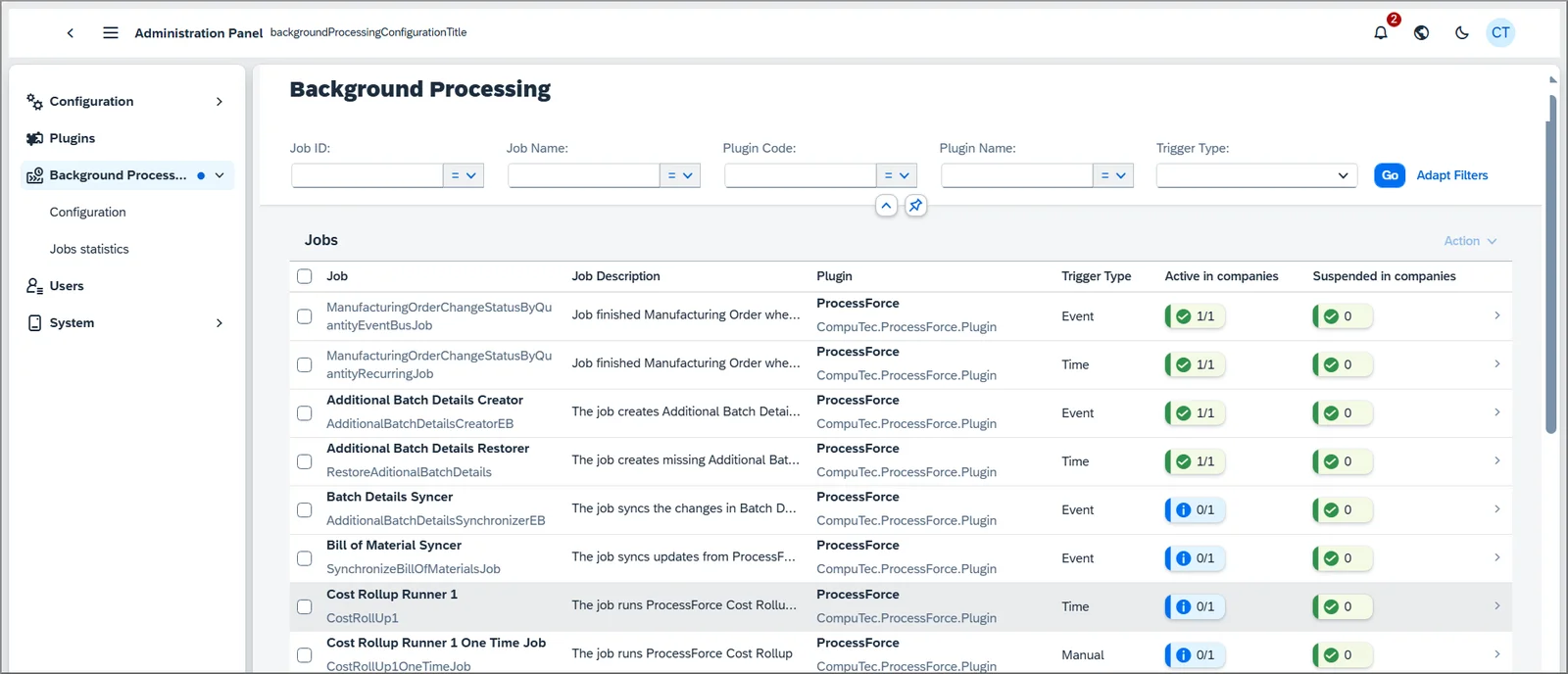
There are more user-friendly tools for managing background jobs. You can see lists of all background jobs, detailed job parameters, execution histories, and statistics directly from CompuTec AppEngine. You can even change certain parameters, such as the CRON expression, too.
5. Telemetry
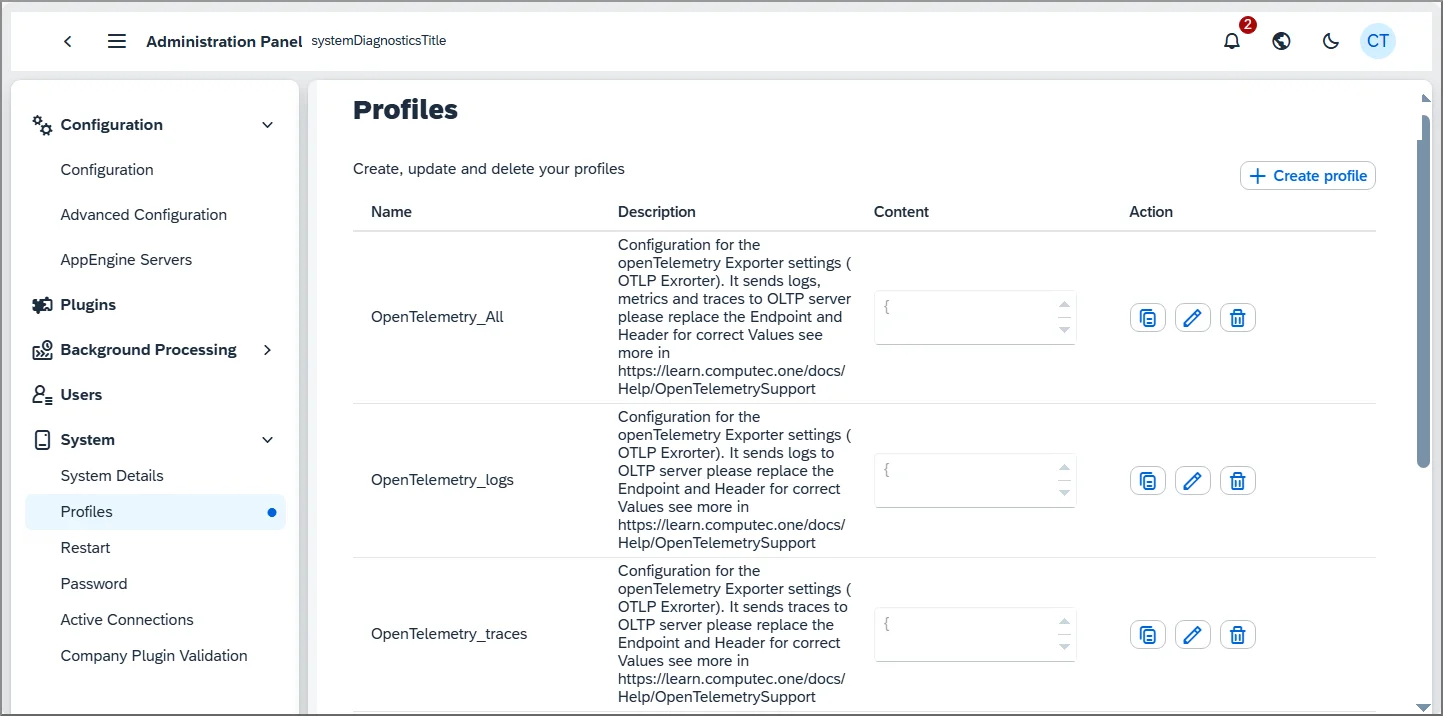
To help you monitor and analyze system performance, we’ve added support for telemetry based on the OpenTelemetry standard in CompuTec AppEngine. You can set up multiple telemetry profiles and edit them. Telemetry is vital for monitoring and analyzing the performance of your systems and ensuring they operate optimally.
6. Improvements to Working with the SAP Business One Web Client
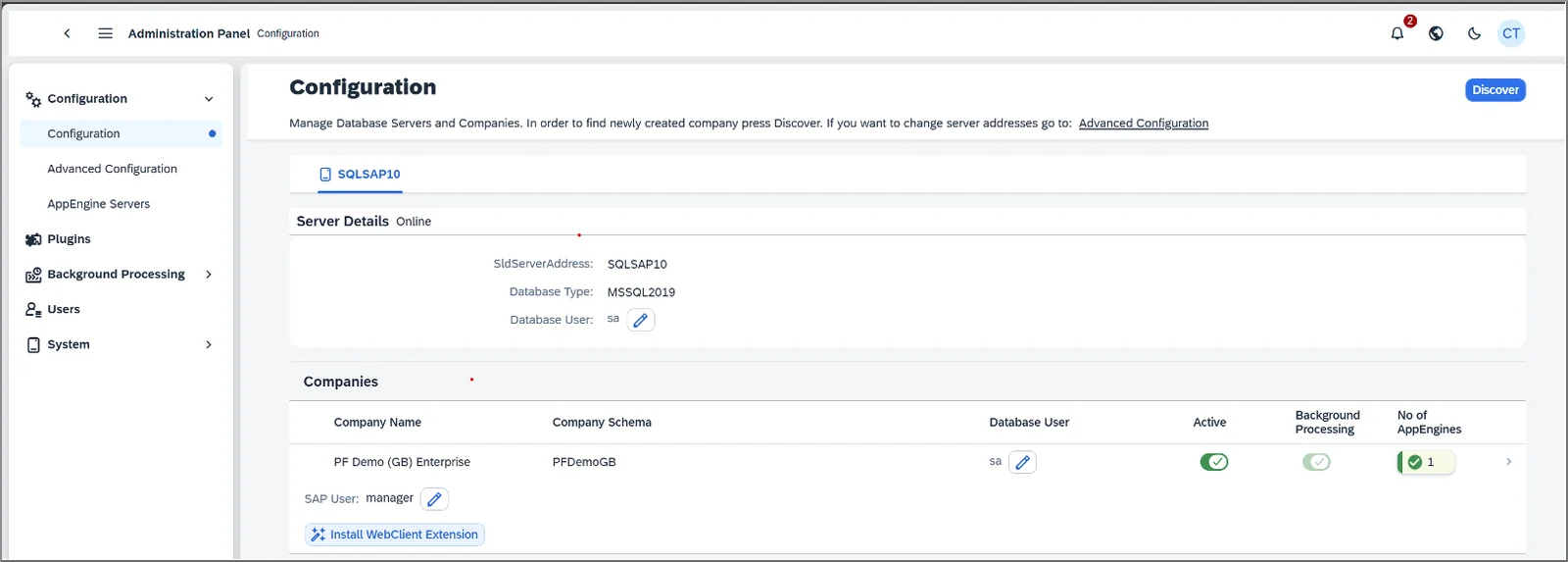
You’ve been able to use CompuTec AppEngine apps in the SAP Business One Web Client for some time, but we’ve improved how that works in CompuTec AppEngine 3.0 for a smoother user experience.
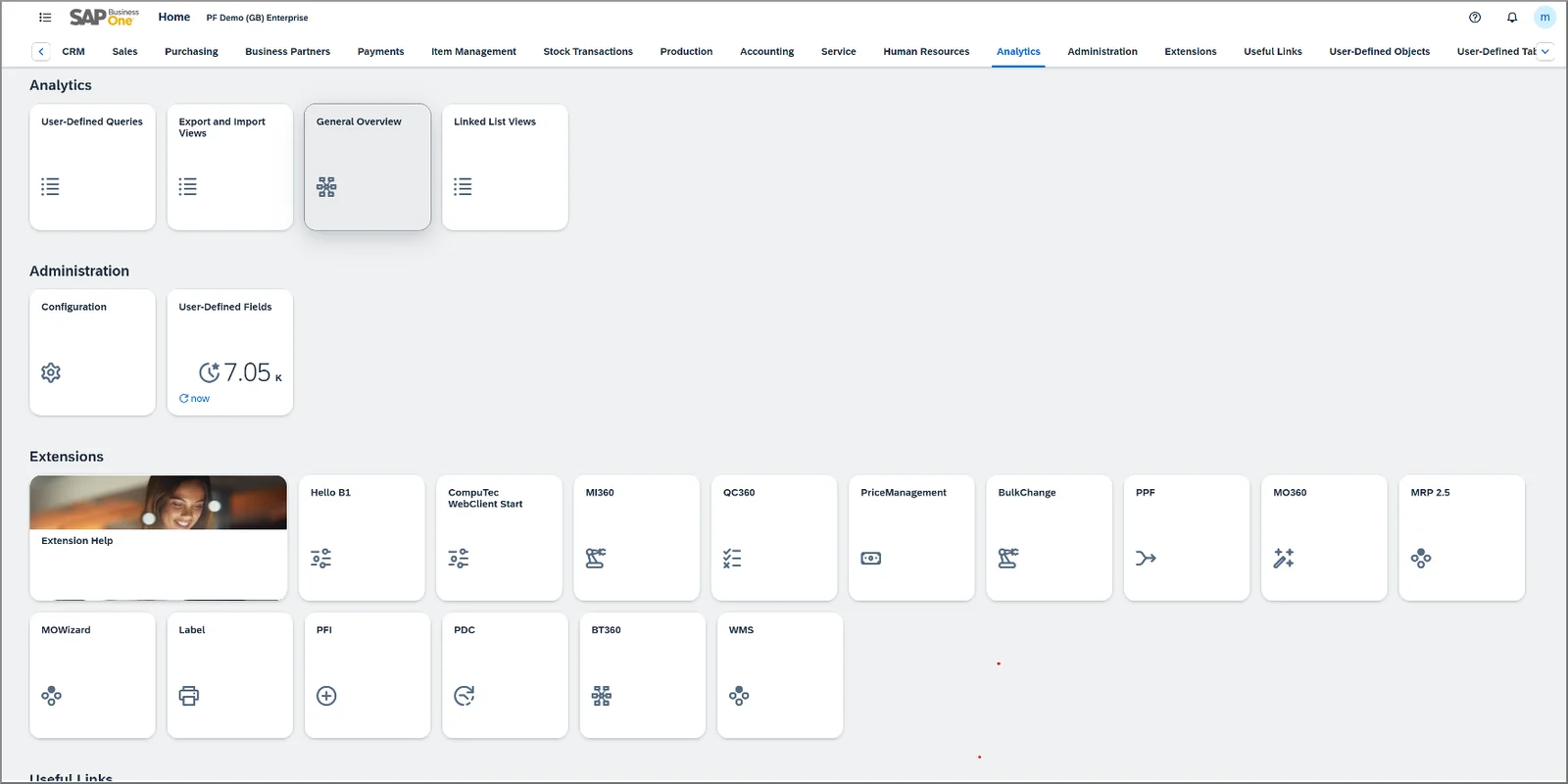
In the future, we’ll also be releasing a new app that allows you to customize the SAP Business One Web Client to suit your requirements. You’ll be able to add buttons and tiles, reorganize the layout, and much more.
7. CompuTec Start
CompuTec Start is an extension for CompuTec AppEngine that will create the appropriate menus and allow you to use CompuTec apps in the SAP Business One Client without CompuTec ProcessForce being installed.
We’ll be taking a deeper dive into all these topics and more in the coming weeks, so watch this space!