
Importing data can be a pain. One of our customers even told us that it was the most challenging part of the entire implementation process for them. So, with our latest app, CompuTec PFI (short for CompuTec ProcessForce Import), we aim to change that.
CompuTec PFI is a simple tool that helps you import data for all CompuTec ProcessForce objects without the need to use PowerShell scripts.
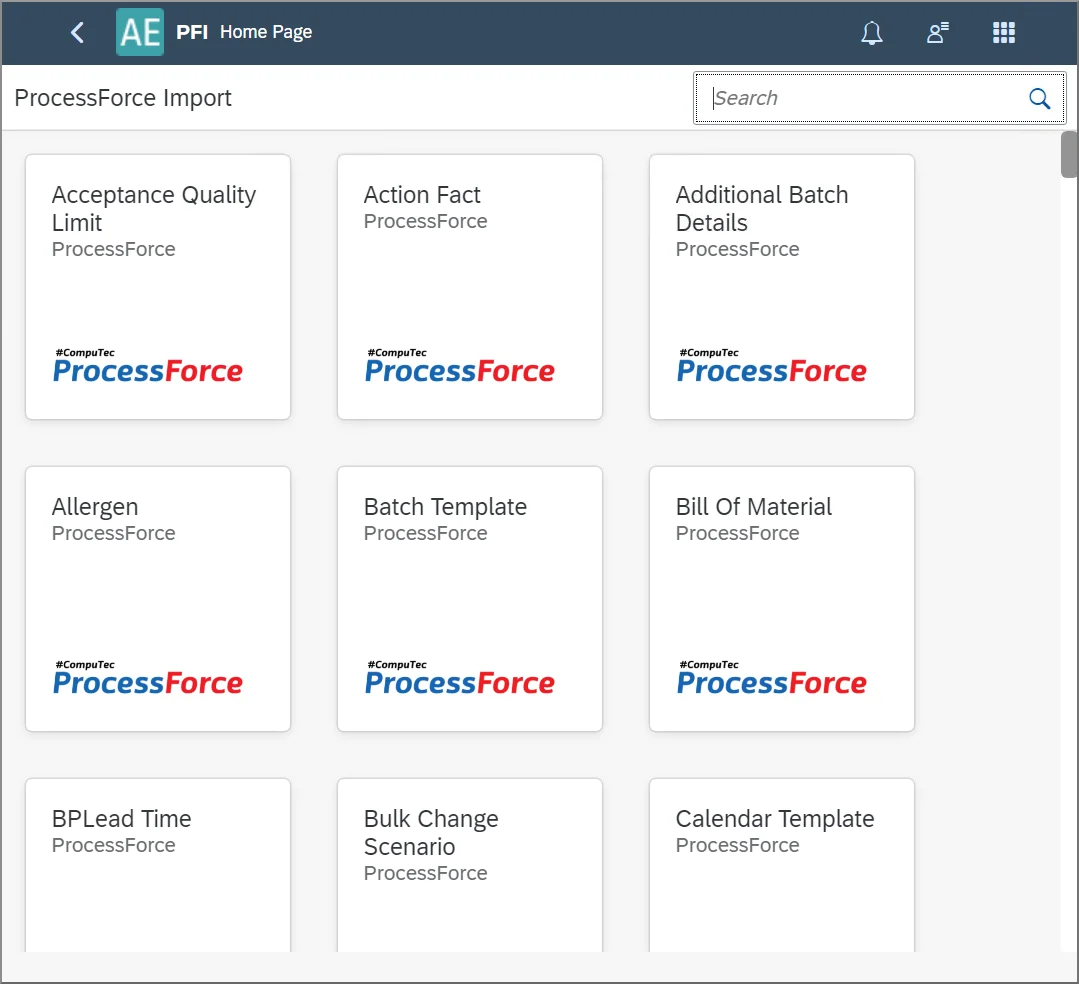
You can enter your data into the app itself manually or import the data from Excel spreadsheets. CompuTec PFI can provide you with the appropriate Excel templates (either blank or populated with data currently in the system) for you to fill in or edit. When you have prepared your spreadsheet, you simply upload the Excel file to CompuTec PFI and, from there, upload the data directly to SAP Business One.
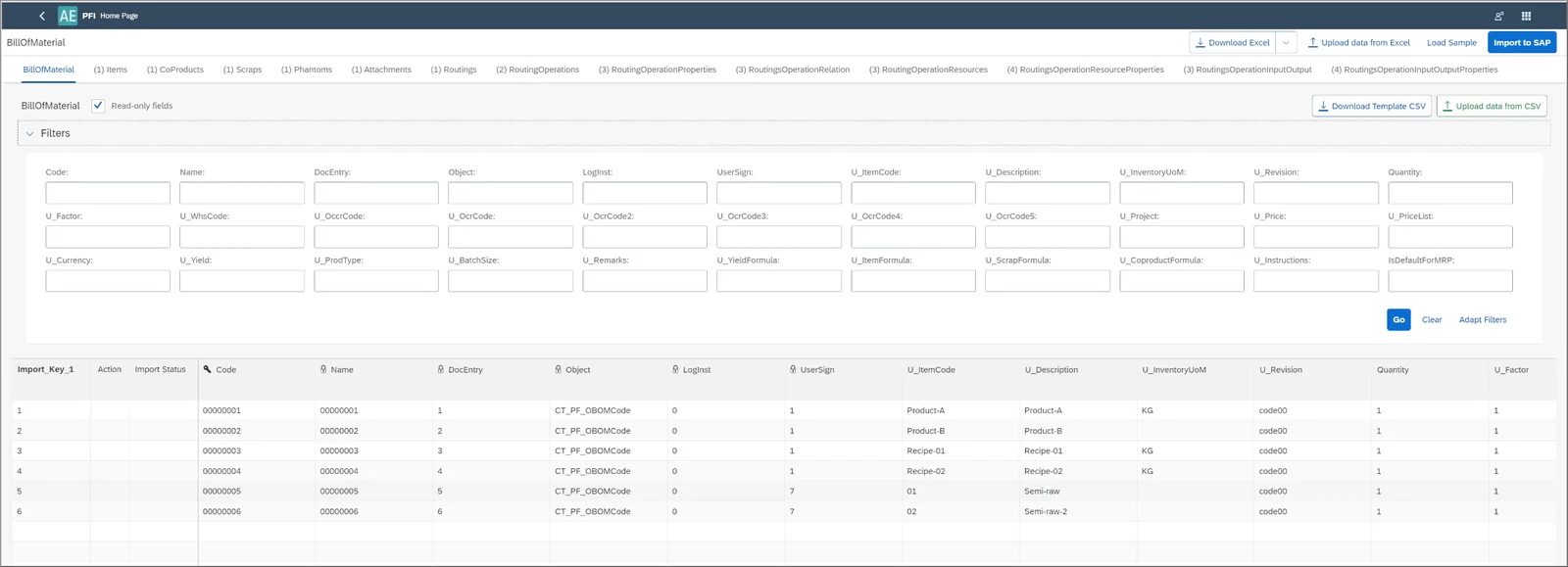
You can also use CompuTec PFI to amend existing data or indeed delete data from your system.
What’s more, the available objects for data import are built automatically based on our data model with each release of CompuTec ProcessForce. Therefore, you can be confident that you can import all CompuTec ProcessForce data.
To see CompuTec PFI in action, we recommend watching our short demonstration below. A more extensive tutorial, covering all the main features, is available in the CompuTec ProcessForce documentation.