What Is CompuTec Labels?
CompuTec Labels is a label printing management tool for SAP Business One and other CompuTec solutions. It allows you to manage all your label printers from a central location and is fully customizable, so you can label your inventory precisely according to your own specifications.
What Kind of Labels Can CompuTec Labels Print?
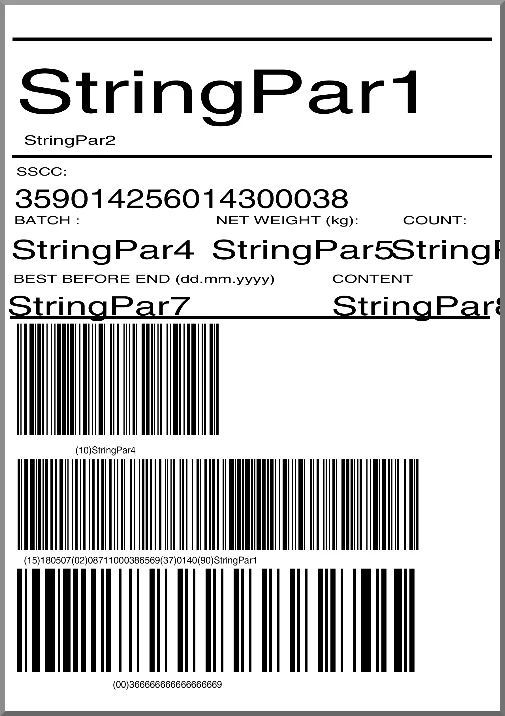
CompuTec Labels is designed to support production and logistics processes and produce labels that ensure you have detailed and accurate information about the goods and content of each storage unit. That information will also be consistent throughout your enterprise.
Precisely What Production and Logistics Processes Are We Talking About Here?
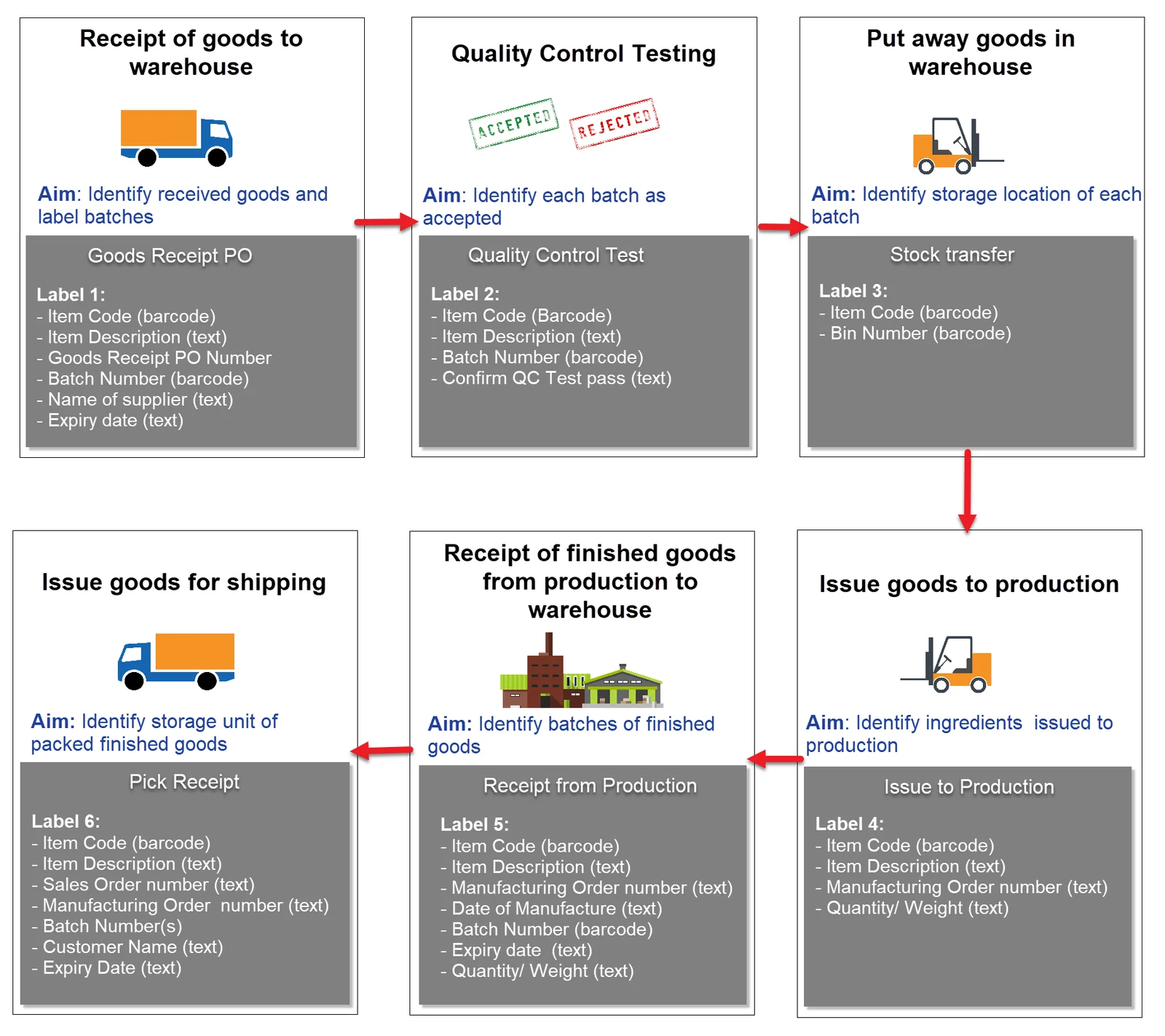
Well, that’s entirely up to you. We designed CompuTec Labels to be really flexible, so you can decide which transactions should prompt label printing. Popular points in the logistics cycle for printing labels include goods receipt, stock transfers, and goods picking. The newest versions of CompuTec Labels allow you to automate printing too, e.g. when a Goods Receipt PO is created, label printing can be configured to start automatically every time. This is also true for when you wish a single transaction to trigger the printing of several different labels simultaneously.
This diagram is just one example of what a business’s label printing scheme may look like.
You Also Mentioned Enterprise-Wide Consistency. Where Does CompuTec Labels Take Data From?
CompuTec Labels is an SAP Business One solution, and out of the box, it comes integrated with other CompuTec solutions (CompuTec ProcessForce, CompuTec PDC, and CompuTec WMS); however, there is also the option for custom integrations with other solutions. When you are running a single integrated system, CompuTec Labels pulls the latest, most up-to-date data from your company database and uses it. SAP Business One and all CompuTec solutions work in real time, so you can be sure that everything printed on your labels is current.
Can I Print Data from SAP Crystal Reports on My Labels?
Absolutely.
And What Exactly Is CompuTec Labels Capable of Printing on My Labels?
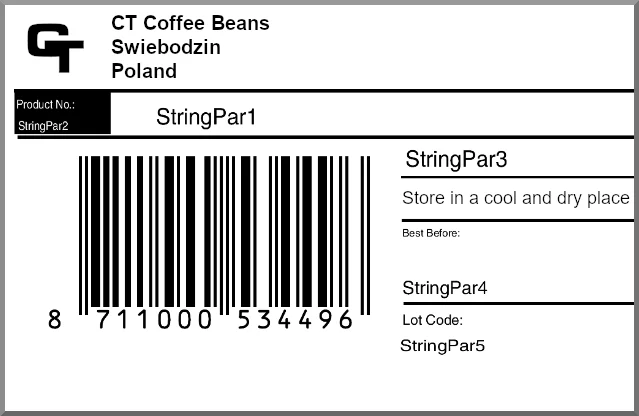
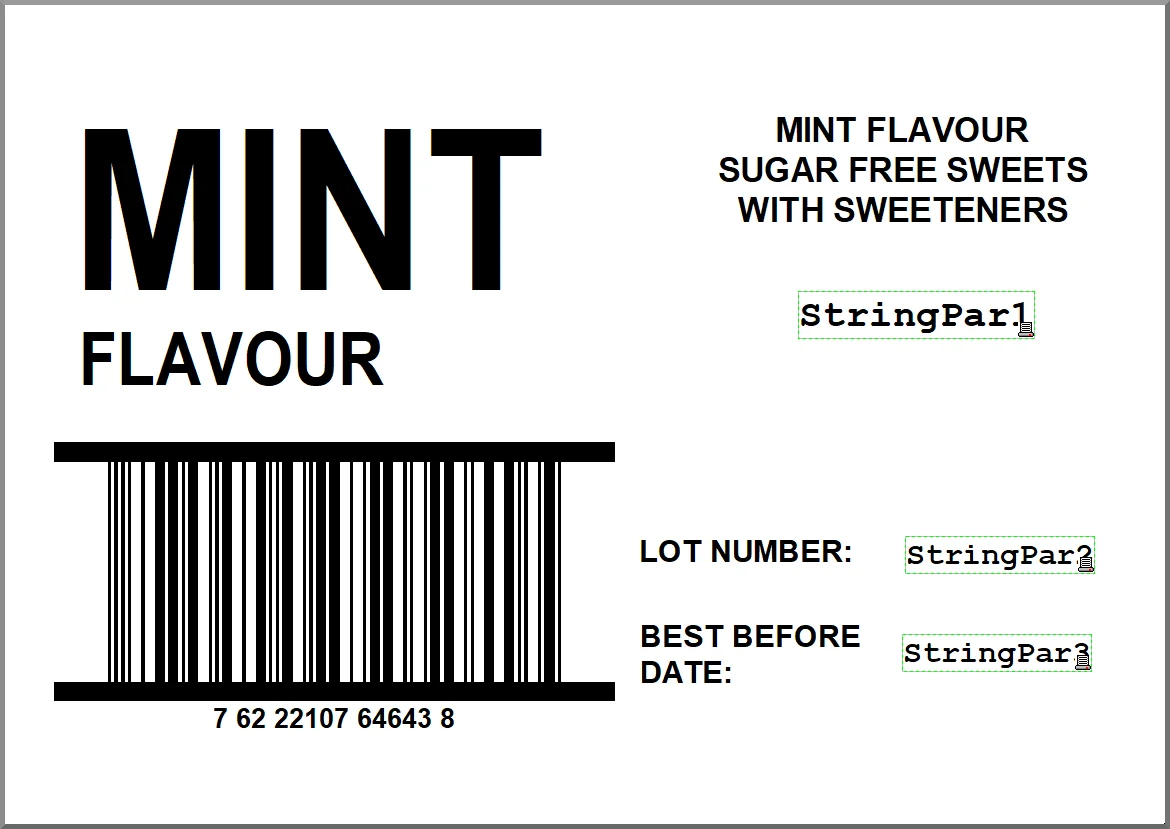
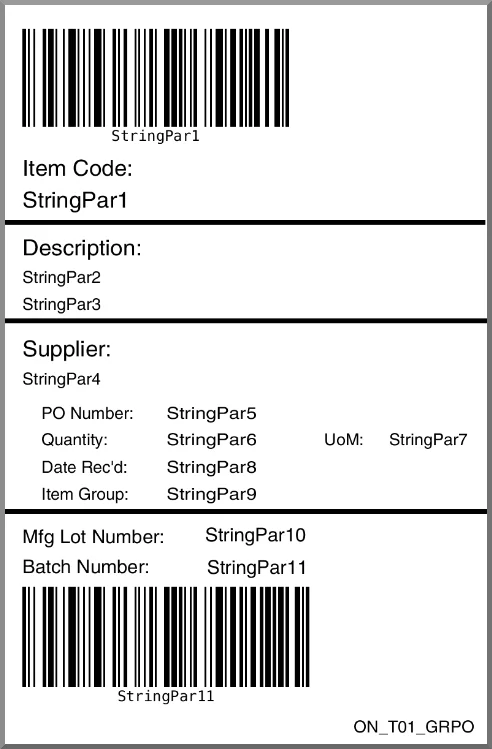
Again, this really depends on what you need to be printed. Text, barcodes, QR codes, and color-coded labels are just some of the possibilities for your label template designs.
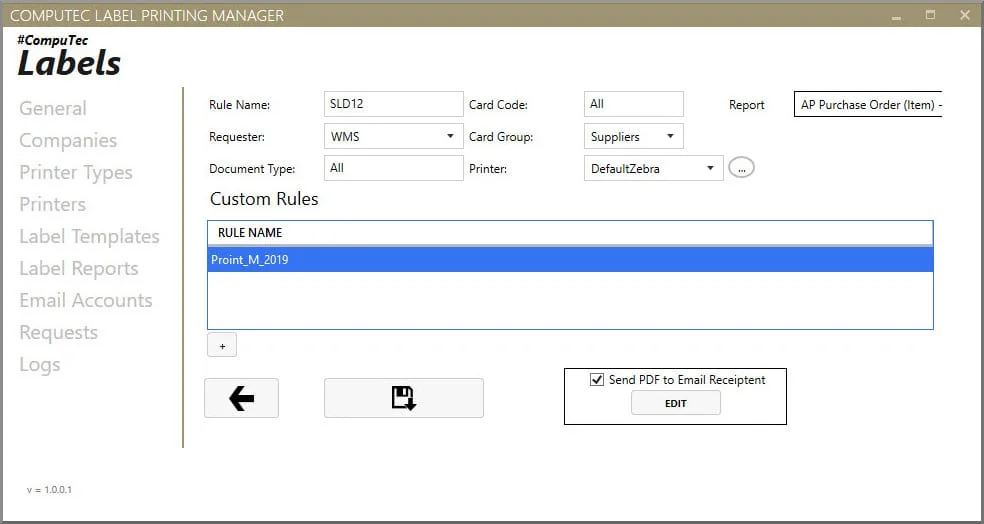
CompuTec Labels gives you complete control over your label designs, so you can consider not only your own business needs but also your customers’ demands as well as regulatory requirements. You can implement any number of special printing rules too, even on a user-by-user basis.
Is It Difficult to Set Up Label Templates?
In short, no. Your employees responsible for designing labels will, of course, receive training from your CompuTec Labels consultant, but in general, the tools for designing labels are reasonably easy to understand.
To What Extent Will I Be Able to Control When and Where Labels Are Printed?
CompuTec Labels has fairly extensive management tools of this kind. You can assign label templates by user, department, warehouse, or any other factor, so you would have quite firm control over what is being printed where. You can also decide which users can print from each printer, and, as I mentioned before, you can use any SAP Business One, CompuTec ProcessForce, CompuTec WMS, or CompuTec PDC transactions to trigger printing as suits your needs.
Can I Print Test Labels?
Yes, you can always review label parameters and print sample labels to make sure you have got it just right, to avoid starting a print run of thousands of inaccurate labels.
What If I Have a Lot of Printers? Can CompuTec Labels Handle It?
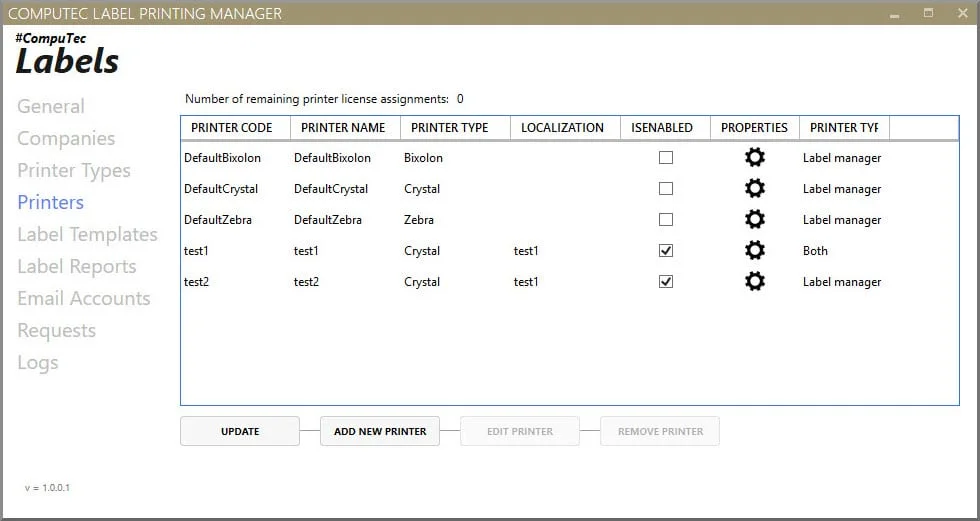
Yes, no problem. There is no limit on the number of printers you can register on CompuTec Labels, and we have tested running up to 100 simultaneous print jobs without a hitch.
I Use Several Different Kinds of Printers. Is That a Problem?
Not at all. You can configure label layouts on a printer-by-printer basis, so making sure everything you need is properly displayed isn’t an issue.
What Printing Languages Does CompuTec Labels Support?
The most popular native printer languages, ZPL for Zebra printers and SLCS for Bixolon printers, are already supported, as well as, as I mentioned previously, SAP Crystal Reports. We can offer customized support for other printer languages in many situations. Please just contact our team if you have any queries in this regard.
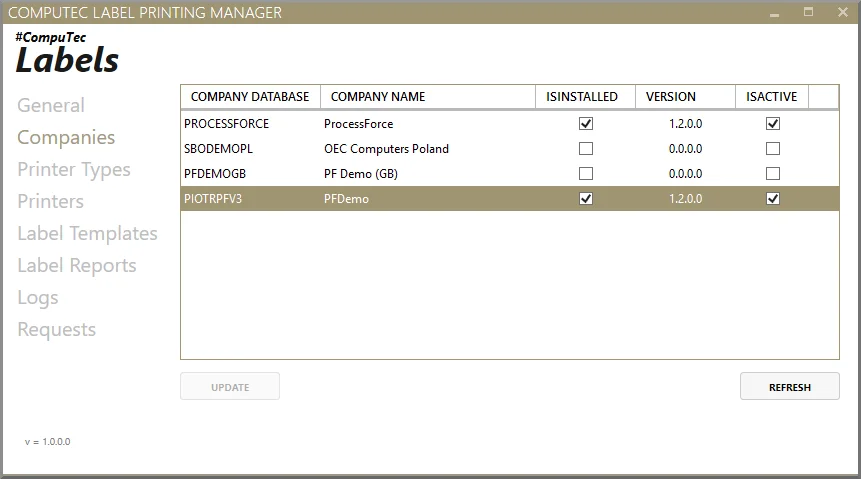
What About If I Want to Use More Than One SAP Business One Company Database to Print From?
With CompuTec Labels that is very straightforward.
Will I Be Able to See What My Operators Have Been Printing?
As transparency is extremely important to most of our customers, we do offer a number of options for this. Firstly, you will have access to a full transaction and printing history. This can be really useful when troubleshooting. Secondly, you can set up your system so that you get email reports triggered either by print runs or by the creation of certain documents. Thirdly, if your label is based on SAP Crystal Reports, you can automatically generate PDF records of each label.
Is There Anything Else I Should Know About CompuTec Labels?
One of the interesting possibilities that CompuTec Labels opens up is the possibility to print directly from SAP Business One forms which are not normally accessible to printers, e.g. Item Master Data, Bin Location Master Data, and User-Defined Objects, which can be very handy indeed.
OK, It Sounds Interesting. How Can I Find Out If CompuTec Labels Would Suit My Business for Sure?
Probably the best way is simply by getting in touch with us. We recognize every business is different, so we always offer tailored product demonstrations to potential customers. So if you would like to tell us a bit about your business and find out if CompuTec Labels is the right label printing software for you, just contact our team at your convenience and we’ll get back to you.